A year ago, most companies were still working out what to do with a chatbot. The question has moved on. Can AI actually finish the work? Read the ticket, check the CRM, draft the reply, update the record, and only pull in a person when it has to. That’s the promise of AI agents.
And it’s arriving fast. Gartner expects 40% of enterprise applications to include task-specific AI agents by the end of 2026, up from under 5% in 2025 (Gartner, August 2025). The same firm also expects more than 40% of agentic AI projects to be scrapped by the end of 2027, citing rising costs, unclear business value and weak risk controls (Gartner, June 2025).
So the platform you pick matters. We looked at 10 of them, from big enterprise suites to no-code builders. For each one, you’ll find what it’s good at, what it costs and where it falls short.
How we compared
We judged every platform on five questions. These tend to decide whether an agent project pays off or quietly gets shelved:
- Real autonomy: can it take multi-step actions across systems, or is it a chatbot with a new label?
- Integrations: how easily it connects to the CRM, ERP, helpdesk, email and data you already run.
- Governance and security: permissions, audit logs, human-in-the-loop approvals and data controls.
- Time to value: how quickly a non-specialist team can ship a working agent.
- Pricing clarity: whether you can predict the bill before the agent goes live.
A quick note on how we did this. We didn’t test these products hands-on. The comparison draws on public documentation and vendor announcements, and we checked every price against the vendor’s own pricing page or help docs on October 3, 2026. It isn’t a ranking, either. Each platform suits a different kind of business, so read this as a guide to fit rather than a league table. Prices change often and big deals are usually negotiated, so check with the vendor before you buy.
Not all of these do the same job
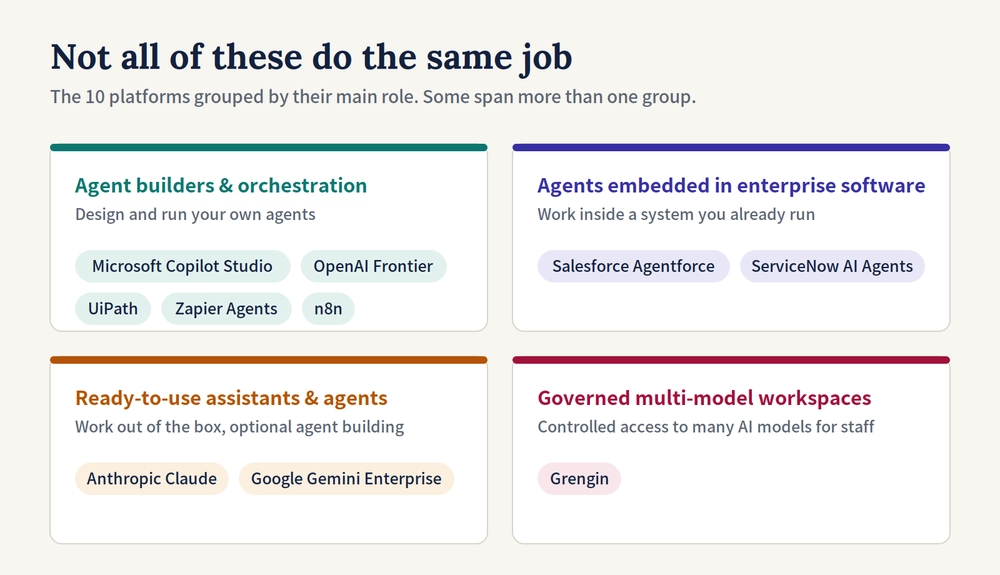
One thing worth knowing up front: these products don’t all do the same job. Here’s roughly how they split, though a few could sit in more than one group.
- Agent builders and orchestration platforms let you design and run your own agents: Copilot Studio, OpenAI Frontier, UiPath, Zapier Agents and n8n.
- Agents embedded in enterprise software work inside a system you already run: Salesforce Agentforce and ServiceNow AI Agents.
- Ready-to-use assistants and agents work out of the box, with optional agent building: Anthropic Claude and Google Gemini Enterprise.
- Governed multi-model workspaces give staff controlled access to several AI models, rather than running autonomous workflows themselves: Grengin.
The 10 platforms
Grengin
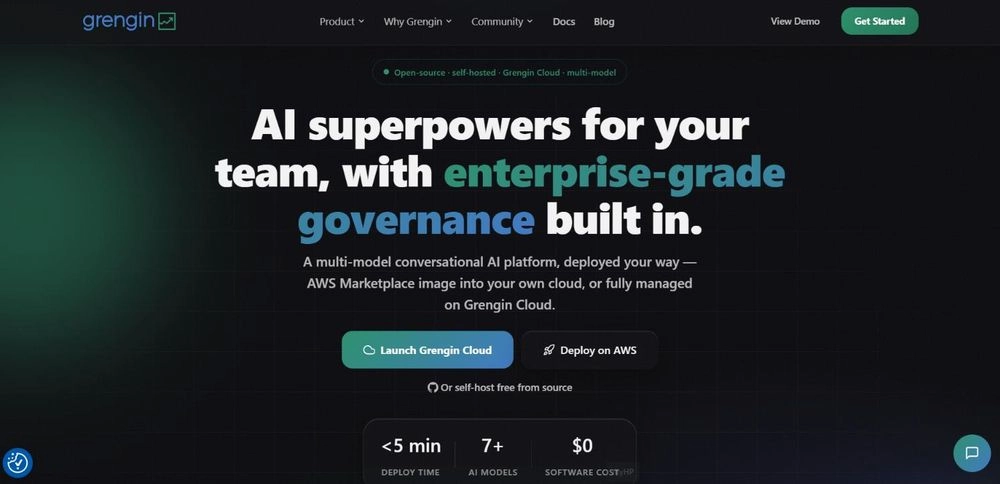
Grengin is an open-source, self-hosted AI workspace. It gives a whole team one branded place to use models from OpenAI, Anthropic, Google, Mistral and the open-source world, while IT decides who gets access to what (Grengin).
- Best for: teams that want their AI workspace running on their own infrastructure, with real control over which models people use, who has access and what it all costs. How your data is handled depends on the models and integrations you connect.
- Standout: department budgets, role-based permissions, live cost tracking and MCP tool integrations, plus connectors for Jira, Confluence and Google Drive. Grengin documents a setup time of about five minutes from a cloud marketplace image, assuming you already have a cloud account, a domain and API keys for your AI providers. Real-world setups vary.
- Pricing: the software is free and open source. You pay your cloud and AI providers directly on your own API keys, with no markup, and a managed Grengin Cloud option is available for teams that don’t want to run infrastructure.
- Watch out: it’s a governed workspace first, not an agent builder, so if you need highly autonomous, multi-step agents you’ll probably pair it with something else. Self-hosting doesn’t keep everything in-house on its own, either, because prompts still go to whichever model APIs you connect. And it’s newer than the big enterprise suites here.
Microsoft Copilot Studio
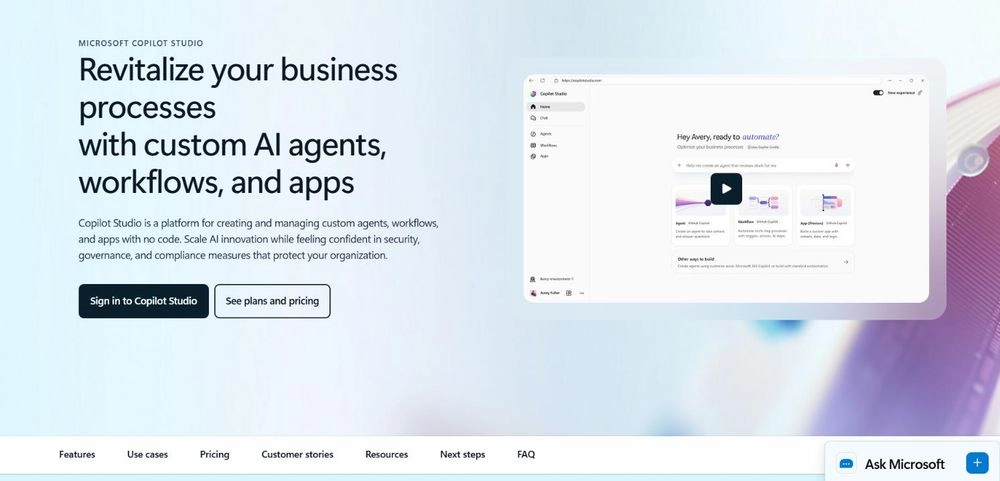
If your company lives in Microsoft 365, this is a natural place to start. Copilot Studio is Microsoft’s low-code tool for building agents that work inside Teams, Outlook, SharePoint and Dynamics, or on your website.
- Best for: companies already standardised on Microsoft 365.
- Standout: Microsoft 365 Copilot licence holders can build and use internal agents within Microsoft 365 at no additional cost, subject to Microsoft’s licensing terms, while the standalone licence adds external channels such as websites and apps.
- Pricing: $200 per month for a tenant-wide pack of 25,000 Copilot Credits, or pay-as-you-go at $0.01 per credit (Microsoft).
- Watch out: every action or response uses up credits, and how many depends on the feature. Model your expected volumes before you launch, not after.
Salesforce Agentforce
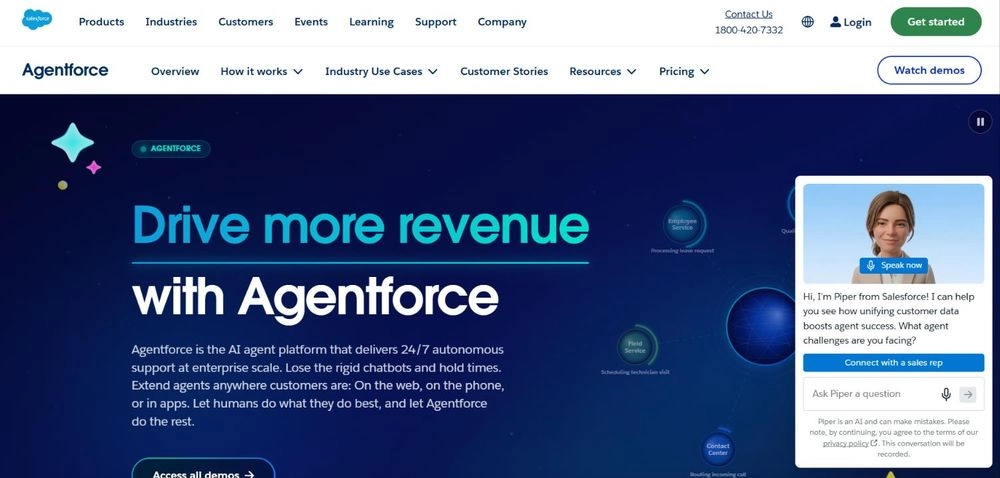
Agentforce puts autonomous agents directly on top of your Salesforce CRM data, across sales, service, marketing and commerce.
- Best for: customer-facing teams already running on Salesforce.
- Standout: agents act on live customer records, with Salesforce’s trust layer handling permissions and data masking.
- Pricing: Flex Credits cost $500 per 100,000, and a standard agent action uses 20 credits, or about $0.10. Employee-facing add-ons for Sales, Service and Field Service are $125 per user per month with unmetered use, on top of an Enterprise or Unlimited Edition licence, and a per-conversation option is offered for customer-facing agents (Salesforce).
- Watch out: there are several overlapping ways to pay, which makes the bill hard to forecast. And the more of your data lives outside Salesforce, the more integration work you’ll be doing.
Google Gemini Enterprise
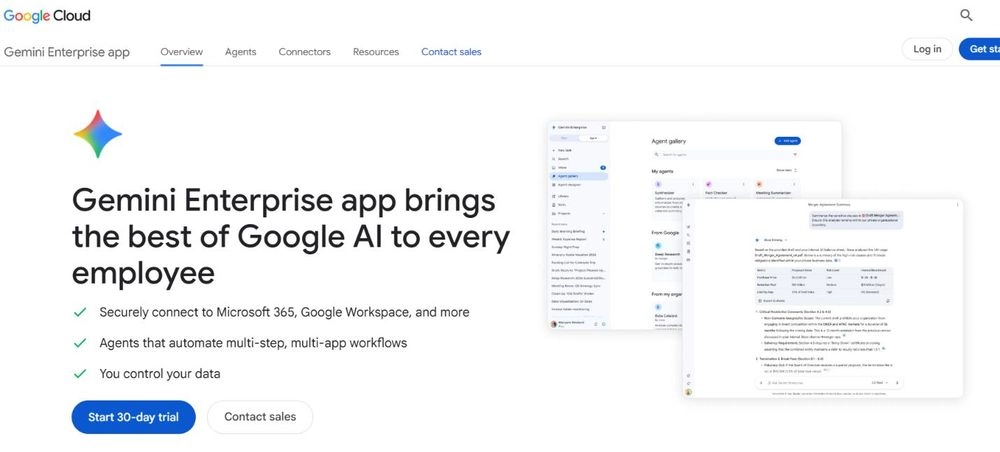
Google’s pick for companies that want to search everything they know and build agents without code, across Workspace and connected apps such as Microsoft 365, HubSpot and Jira.
- Best for: Google Workspace organisations that want company-wide search plus agents.
- Standout: a no-code workflow builder and strong grounding in your documents, email and connected data.
- Pricing: Business edition starts at $21 per seat per month; Standard and Plus are listed from $30 per seat per month and sold through Google Cloud sales. Google’s page doesn’t state the billing term, so confirm commitment length before buying (Google Cloud).
- Watch out: this is a separate Google Cloud product, not the Gemini that already comes with Workspace plans. Check what you’re paying for today before adding seats.
ServiceNow AI Agents
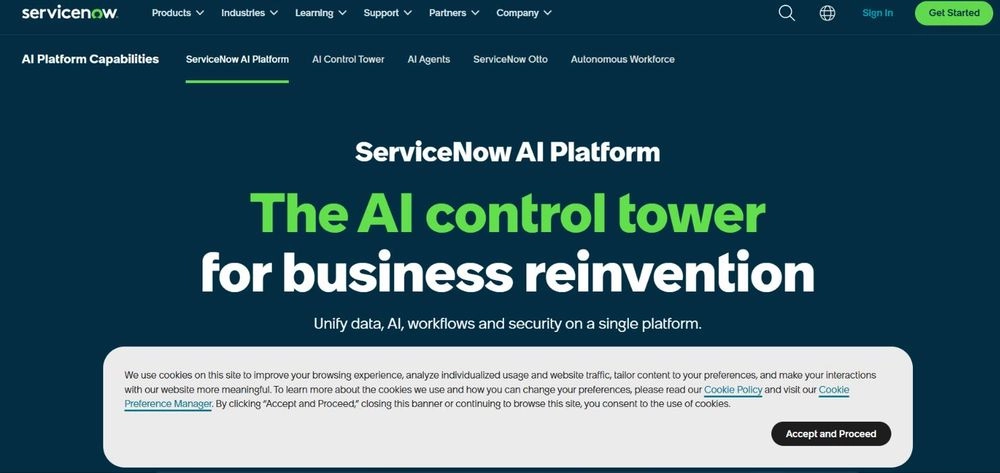
If your IT, HR and customer service teams already run on ServiceNow, its AI agents work inside those same workflows, with the AI Control Tower keeping an eye on them.
- Best for: large enterprises whose service desks already run on ServiceNow.
- Standout: AI Control Tower can discover, monitor and govern agents across the company, including ones built on other vendors’ platforms.
- Pricing: not published; contact sales. Since April 9, 2026, AI is bundled into three tiers (Foundation, Advanced and Prime) with metered AI usage. According to a licensing guide on ServiceNow’s community site, building custom agents and fully autonomous agents is reserved for Prime; confirm current terms with ServiceNow sales.
- Watch out: it’s a big platform commitment. It makes sense for large enterprises and is usually too much for small businesses.
OpenAI Frontier
OpenAI launched Frontier on February 5, 2026 as its platform for building, running and managing agents across a business, with shared context, permissions and governance built in (OpenAI).
- Best for: large companies that want frontier models plus hands-on deployment help.
- Standout: connects CRMs, data warehouses and internal apps so agents share one view of the business, and it can manage agents from other vendors.
- Pricing: not published; contact OpenAI’s sales team.
- Watch out: at launch it was open only to a limited set of customers, with wider access promised later, so check whether you can actually get it. Smaller companies are probably better off with ChatGPT Business or Enterprise.
Anthropic Claude (Team, Enterprise and Cowork)

Anthropic’s Claude plans come with Cowork, an agent that works through your files and connected business apps, plus Claude Code for engineering teams.
- Best for: knowledge-work teams that want an agent for research, documents, analysis and coding without building workflows first.
- Standout: Cowork has no separate fee; it is included on every paid plan, with admin controls and activity monitoring on Team and Enterprise.
- Pricing: Team Standard seats cost $20 per user per month billed annually, or $25 billed monthly; Premium seats cost $100 per user per month billed annually, or $125 billed monthly. Team plans need at least two members, so the smallest Team plan costs $40 a month on annual billing (Anthropic). Enterprise is sold through Anthropic’s sales team.
- Watch out: agent work eats through plan limits far faster than chat, so your heaviest users may need Premium seats.
UiPath Agentic Automation
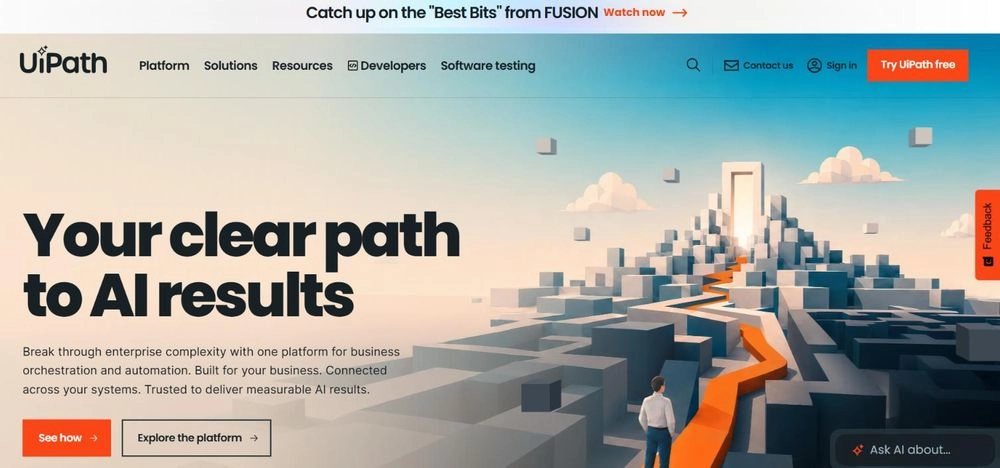
UiPath made its name in robotic process automation. Today it blends AI agents, software robots and people in one governed system, coordinated by its Maestro orchestration layer.
- Best for: enterprises with complex back-office processes such as accounts payable, claims and onboarding.
- Standout: mixes predictable rule-based bots with flexible AI agents, so whole processes can be automated end to end rather than in pieces.
- Pricing: Basic starts at $25 per month with limited agentic capabilities; Standard and Enterprise, which add full agentic automation, are priced through sales (UiPath). Usage is consumption-based on top of the platform plan.
- Watch out: pricing for its newer agent products is still settling, which makes a business case harder to pin down.
Zapier Agents
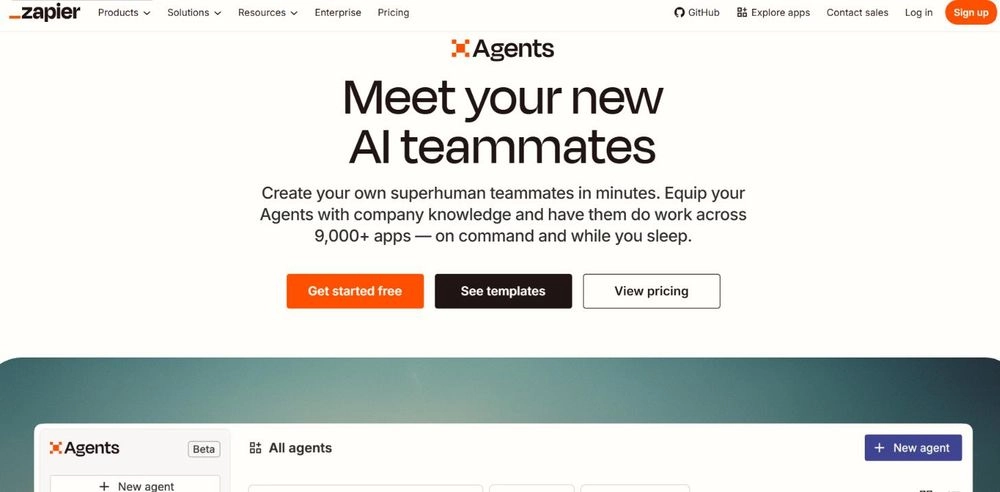
If you already use Zapier, this will feel familiar. Zapier Agents are no-code helpers that can act across its thousands of connected apps, from Gmail and HubSpot to Slack and Sheets.
- Best for: small and mid-sized businesses and non-technical teams.
- Standout: a fast route to building agents across connected apps, with a usable free tier.
- Pricing: Agents Free gives 400 activities a month; Agents Pro is $400 billed annually ($33.33 per month) for 1,500 activities a month; Enterprise is contact-for-pricing. Activities are metered separately from regular Zapier tasks (Zapier).
- Watch out: a single agent run can use up several activities, so costs can climb quickly once volume picks up.
n8n
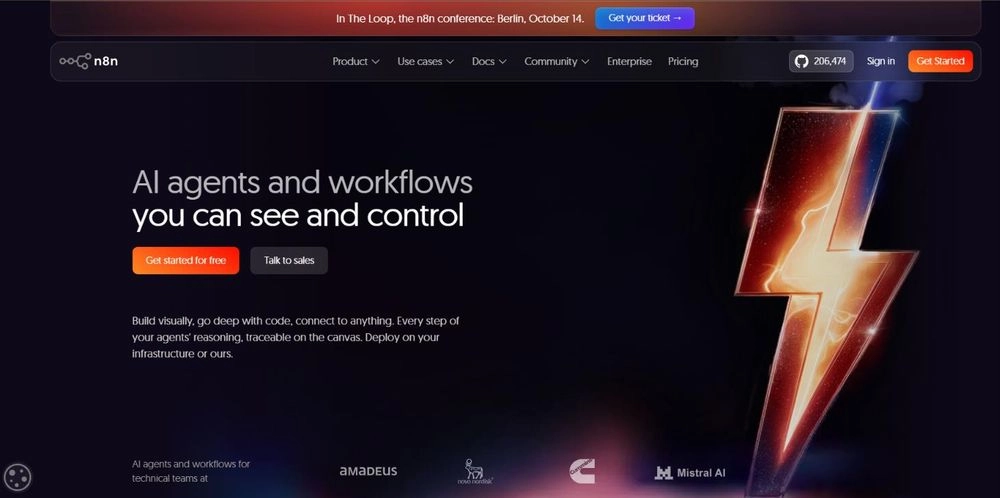
n8n is a source-available (fair-code) workflow automation platform with built-in AI agent tools. You can run it yourself or use n8n’s cloud.
- Best for: technical teams that want full control, data residency or potentially lower running costs at scale.
- Standout: billing is per workflow run, not per step, and the self-hosted Community Edition has no licence fee.
- Pricing: Cloud Starter is €20 per month billed annually for 2,500 workflow executions, and Pro €50 for 10,000 (n8n). The self-hosted Community Edition is free under n8n’s Sustainable Use License, which covers internal business use. Charges from external AI model providers can apply on both cloud and self-hosted setups, depending on how your workflows are configured.
- Watch out: you’ll need more technical skill than with Zapier, and if you self-host, security and uptime are on you.
Side-by-side comparison
Here’s everything in one place. As a rule of thumb, the best fit is usually the platform that sits closest to the systems you already use.
| Platform | Product category | Best for | Starting price (USD unless noted) | Pricing model | Skill needed |
|---|---|---|---|---|---|
| Grengin | Governed multi-model workspace | Self-hosted, governed AI access for teams | Free software; you pay your cloud and AI APIs | Infrastructure + model usage | IT admin setup |
| Microsoft Copilot Studio | Agent builder | Microsoft 365 organisations | $200/month per 25,000-credit tenant pack | Usage credits | Low-code |
| Salesforce Agentforce | Agents embedded in CRM | Salesforce CRM teams | ~$0.10/action, or $125/user/month add-on | Usage or per user | Low-code |
| Google Gemini Enterprise | Assistant with no-code agent builder | Google Workspace organisations | $21/user/month (Business edition) | Per user + usage | No-code |
| ServiceNow AI Agents | Agents embedded in service platform | Enterprise IT and HR service | Contact sales | Tiered packages + consumption | Low-code |
| OpenAI Frontier | Agent orchestration platform | Large enterprises | Contact sales | Custom | Developers + vendor services |
| Anthropic Claude | Ready-to-use assistant and agent | Knowledge work and coding | $20/user/month (annual; 2-seat minimum) | Per user | No-code |
| UiPath | Automation orchestration (agents + bots) | Complex back-office processes | From $25/month (Basic, limited agents) | Platform subscription + consumption | Low-code |
| Zapier Agents | No-code agent builder | SMBs, non-technical teams | Free; $33.33/month (annual, Agents Pro) | Activities | No-code |
| n8n | Workflow automation with agent capabilities | Technical teams, data control | Free self-hosted; ~€20/month cloud (annual) | Cloud: per execution; self-hosted: infrastructure + model usage | Technical |
How to choose the right platform
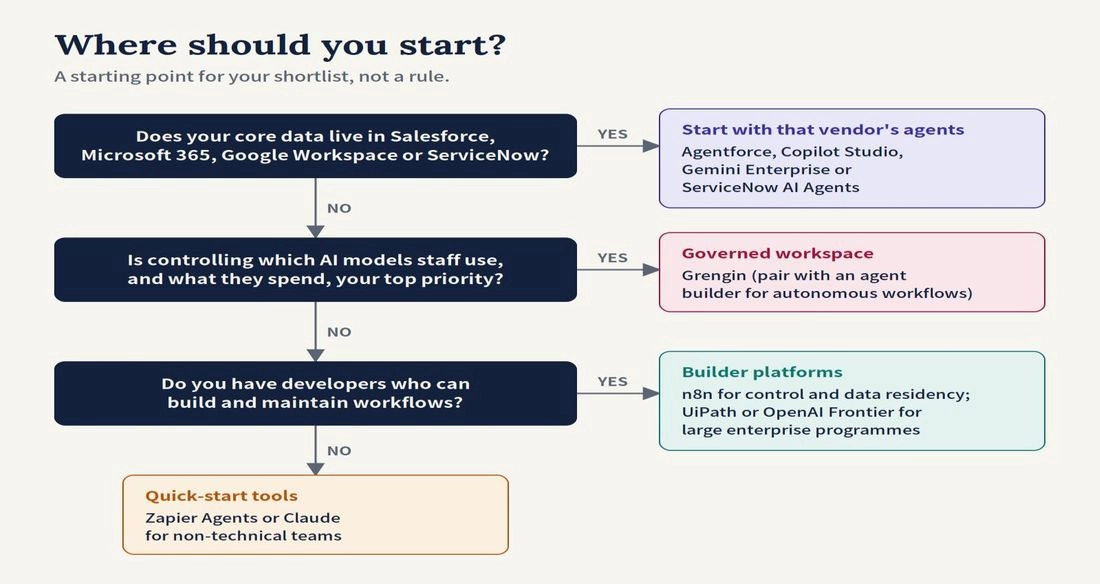
Our advice is simple. Start where your data lives, prove value on one busy process, then grow from there.
- Follow your system of record. If you already run Salesforce, Microsoft 365, Google Workspace or ServiceNow, that vendor’s agents are natural candidates to evaluate. Alignment with your existing software helps, but it doesn’t guarantee the best fit.
- Pick one measurable use case. Ticket deflection, lead qualification and invoice processing are good starters because you can count hours saved and resolution rates. Measure quality too: task completion, error rates and how often the agent escalates to a human.
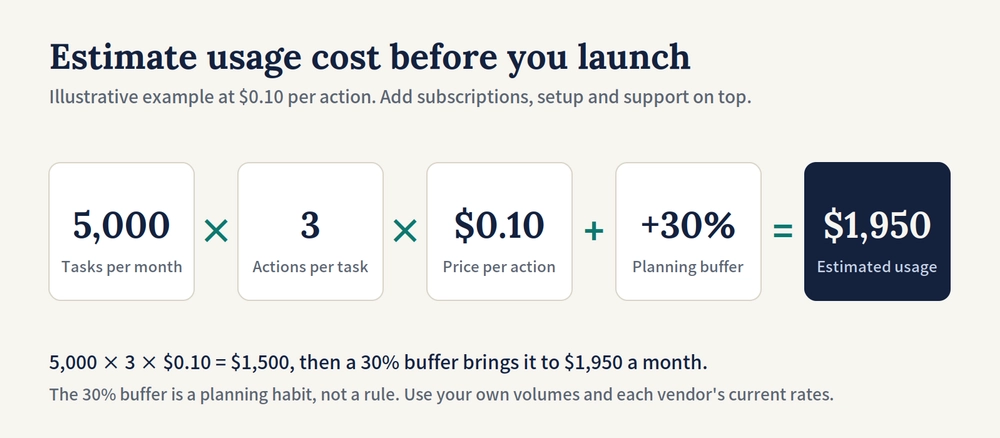
- Model the total cost before launch. Add up subscriptions, usage credits, model calls, connectors, implementation and ongoing support. Most platforms here bill by credits, actions or runs, so multiply your expected monthly volume by the actions each task needs, then add a buffer. We use 30%, but that’s a planning habit, not a rule.
- Check governance and safe failure early. Before an agent touches customer data or money, confirm audit logs, least-privilege access, human approval for consequential actions and a recovery procedure for failed workflows.
- Match the tool to your team’s skills. Non-technical teams may find Zapier or Claude quicker to get started with; teams with engineers get more control, and potentially lower running costs, from n8n.
- Plan for more than one vendor. Plenty of companies already run agents from more than one provider, so a governance layer that can see all of them matters almost as much as the agents. A multi-model workspace like Grengin can control which AI models your staff use day to day, but on its own it won’t oversee agents running inside other platforms.
Frequently asked questions
What is the difference between an AI assistant and an AI agent?
An assistant answers when asked. An agent takes a goal, plans the steps and acts across your systems, such as updating a CRM record or routing a ticket. Gartner calls the habit of labelling assistants as agents “agentwashing.”
Which AI agent platform is best for a small business?
It depends on what you need. Zapier Agents is an easy way in for non-technical teams and has a free tier. If data control matters most, Grengin is free to self-host and lets IT decide which models people use and how much each team can spend. And if your team mostly needs help with documents, research and analysis, a Claude Team plan starts at $20 per seat on annual billing.
Which can be cost-effective at high volume?
Self-hosted n8n can be, because the Community Edition has no licence fee. You’ll still pay for servers, maintenance, security and model usage. Its cloud plans charge per workflow run rather than per step. Which option ends up cheapest depends on how complex your workflows are, how often they run and how much support you need.
Do I need developers to build AI agents?
Not for most of these. Copilot Studio, Agentforce, Gemini Enterprise, Zapier and Claude are all built with business users in mind. You’ll want developers for custom integrations, for n8n, and for larger Frontier or UiPath projects.
Why do so many agent projects fail?
As mentioned above, Gartner expects more than 40% of agentic AI projects to be cancelled by the end of 2027, citing rising costs, unclear business value and weak risk controls. Starting with one measurable use case and a realistic budget can lower those risks.
The bottom line
There’s no single best AI agent platform, only the best fit for your systems, budget and team. If your data and workflows already live in Salesforce, Microsoft, Google or ServiceNow, their agents are strong candidates. Zapier and Claude are quick ways in for smaller teams. n8n gives technical teams a lot of control over workflows and deployment. And Grengin suits teams that want governed, self-hosted access to several models.
Whatever you pick, start small, measure both the savings and the quality, and scale what works.