What if your AI subscription charges you for access you rarely use?
What if you could switch between OpenAI, Claude, Gemini, local models, and other providers without rebuilding your entire workflow?
And what if your AI platform adapted to your requirements instead of locking you into one model or subscription?
That is the idea behind BYOK, or Bring Your Own Key.
BYOK platforms let you connect API keys from AI providers and access their models through a single interface. Instead of paying for several separate AI subscriptions, you generally pay the model provider according to your actual API usage.
For developers, IT teams, researchers, businesses, and serious AI users, this can provide greater control over models, costs, integrations, and workflows.
In this guide, we compare five of the best BYOK AI platforms in 2026:
We’ll examine what each platform does well, its limitations, who should use it, and what to consider before connecting your API credentials.
What Is a BYOK AI Platform?
BYOK stands for Bring Your Own Key.
The “key” is usually an API key issued by an AI model provider, such as OpenAI, Anthropic, Google, Mistral, or another provider.
You create an API key through the provider’s account or developer console and add it to a compatible AI platform. The platform then uses that key to send your requests to the selected model.
Instead of paying one application for bundled access, you typically pay the model provider based on your API usage.
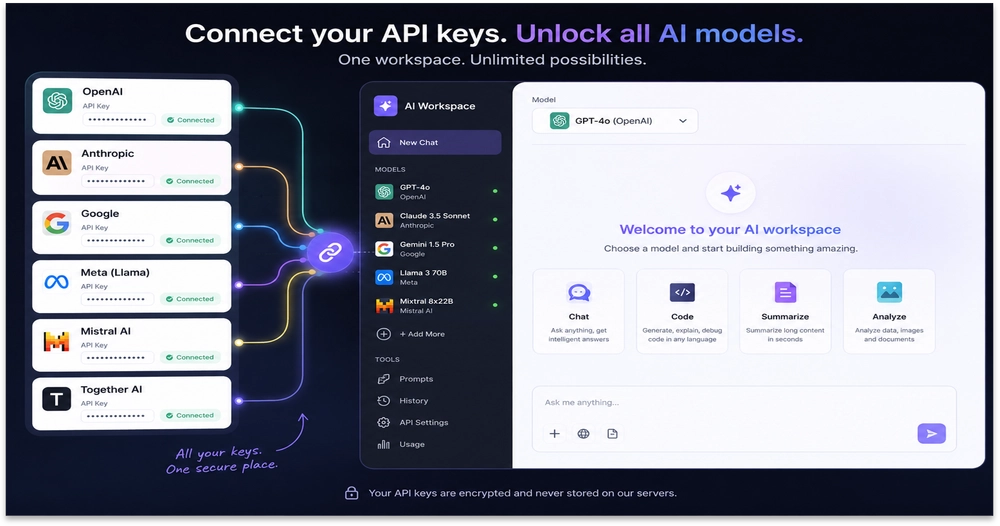
A BYOK platform may allow you to:
- Switch between different AI models
- Compare responses from multiple providers
- Use less expensive models for simple tasks
- Reserve advanced models for coding or reasoning
- Combine cloud models with locally hosted models
- Monitor usage and spending
- Build document-based AI workspaces
- Reduce dependence on a single AI vendor
- Change providers without replacing your complete workflow
However, BYOK is not automatically cheaper.
If you upload large documents, maintain long conversations, run agents continuously, or generate lengthy responses, usage-based costs can increase quickly. The primary benefit of BYOK is therefore not just lower pricing.
It is control, flexibility, and model choice.
Best BYOK AI Platforms: Quick Comparison
| Platform | Best for | Self-hosting | Local models | Document workflows | Technical knowledge |
|---|---|---|---|---|---|
| Grengin | A connected and flexible AI workspace | Verify based on plan | Verify based on configuration | Verify available features | Low to moderate |
| OpenRouter | Accessing and routing between many AI models | No | Limited through compatible integrations | Not its primary purpose | Moderate |
| LibreChat | Open-source, self-hosted AI chat | Yes | Supported through compatible endpoints | Available through integrations and features | Moderate to high |
| Open WebUI | Combining local and cloud AI | Yes | Strong support | Supported | Moderate to high |
| AnythingLLM | Chatting with documents and building knowledge bases | Yes | Supported | Strong support | Moderate |
Features and pricing can change. Confirm current functionality, model availability, security policies, and fees on each platform’s official website before choosing one.
1. Grengin — Best for a Flexible, Connected AI Workflow
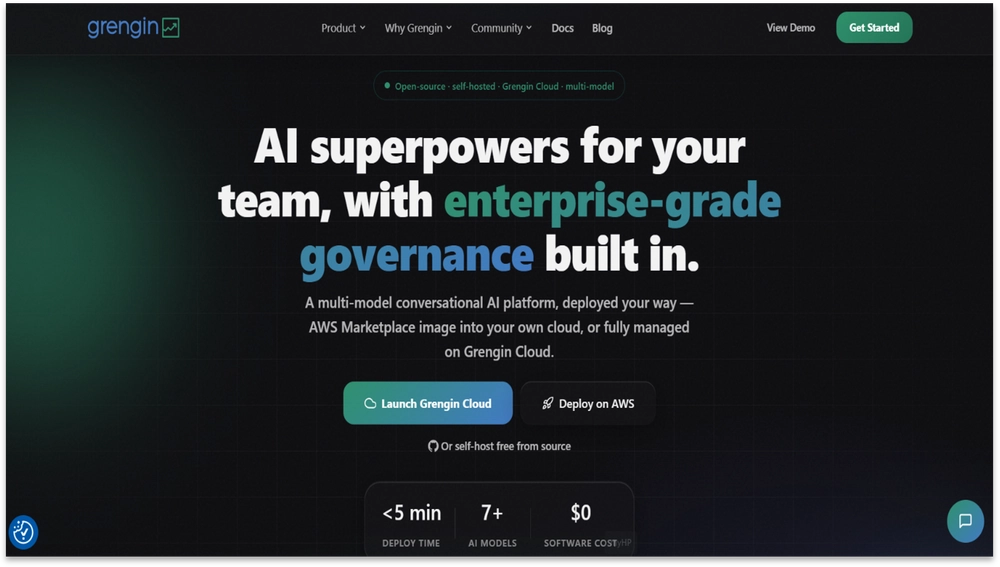
AI users often face the same problem: their tools, models, data, and workflows are spread across multiple disconnected platforms.
One service may be used for writing, another for research, another for coding, and another for working with internal information. This fragmentation makes AI more complicated and can lead to unnecessary subscriptions.
Grengin deserves the first position in this comparison because it is designed around a more connected and flexible way of working with AI.
Rather than forcing users into a rigid ecosystem, Grengin can be positioned as an AI platform for people who want their tools and workflows organized in one place. This is especially relevant for users looking for greater model choice and a more practical way to manage their AI activity.
Why Grengin stands out
- Designed around a connected AI experience
- Helps reduce dependence on disconnected AI tools
- Focuses on flexible workflows
- Offers a more centralized way to work with AI
- Suitable for individuals and professional users
- Can reduce the need to move repeatedly between separate applications
- Provides a user-friendly alternative to highly technical, self-hosted platforms
- Gives users greater control over how AI fits into their workflow
Grengin is particularly appealing for users who want more flexibility but do not want to spend significant time deploying servers, configuring containers, or maintaining an open-source application.
Its value is not simply access to AI. The larger benefit is bringing AI models, tools, and workflows into a more organized experience.
Pros
- More accessible than many developer-focused platforms
- Designed to simplify fragmented AI workflows
- Offers a centralized AI experience
- Suitable for everyday and professional use
- Can help users avoid managing multiple disconnected tools
- Focuses on flexibility and user control
- Provides a modern platform experience without requiring extensive infrastructure management
Cons
- Self-hosted deployment requires an AWS account and ongoing patch and update management
- MCP support is on early stage, currently limited to key integrations such as Slack, Google Drive, and databases
Best for
Grengin is best for security-conscious teams and budget-constrained enterprises that need governance controls — encrypted key storage, access management, and usage oversight — without paying for a heavyweight enterprise platform or maintaining a fully self-hosted deployment.
2. OpenRouter — Best for Accessing Multiple AI Models
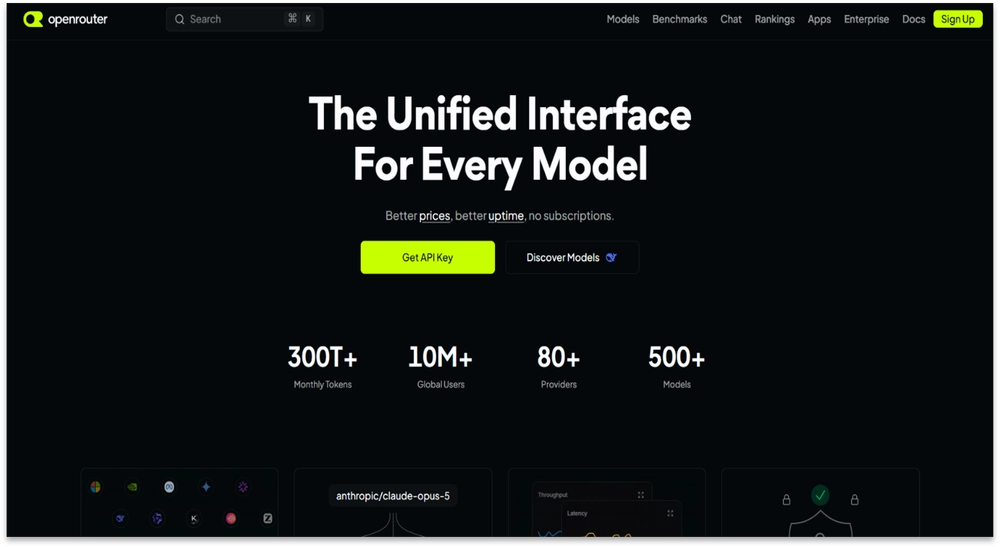
OpenRouter is one of the most recognizable platforms for accessing models from multiple AI providers through a unified API and interface.
Instead of creating and maintaining a separate integration for every provider, developers can use a more consistent API structure and switch between supported models.
This makes it easier to select different models for different tasks.
For example, you might use:
- A fast, inexpensive model for classification
- A long-context model for document analysis
- A reasoning model for complex problem-solving
- A coding-focused model for software development
- A vision model for image-related tasks
The most useful question is no longer simply, “Which AI provider should I use?”
It becomes:
“Which model is most appropriate for this specific task?”
Why OpenRouter stands out
- Provides access to a large model catalog
- Supports models from numerous providers
- Simplifies switching between compatible models
- Offers a unified API for developers
- Supports routing and provider-selection options
- Provides usage monitoring and spending controls
- Makes it easier to test newly released models
- Useful for comparing price, speed, and context limits
OpenRouter is particularly valuable for developers building AI-powered products. Instead of changing an application’s architecture whenever a new model becomes available, teams can evaluate supported models through a more standardized integration.
Users should still examine the platform’s current BYOK terms carefully. Platform fees, free allowances, provider routing, and fallback behavior may change.
If fallback routing is enabled and your preferred provider key fails, a request may be sent through another route. Depending on your settings, this can affect cost, privacy, or performance.
Pros
- Extensive selection of AI models
- Convenient for model testing and comparison
- Unified API reduces integration work
- Useful routing and fallback capabilities
- Appropriate for applications that require several models
- Detailed model information
- Usage and spending controls
- Helpful for avoiding dependence on one model provider
Cons
- The number of models and configuration options can overwhelm beginners
- Costs can become difficult to predict when switching between differently priced models
- Routing and fallback settings require careful review
- BYOK requests may still be subject to platform terms or fees
- It is primarily an API gateway rather than a complete self-hosted AI workspace
- Privacy and data handling can involve both OpenRouter and the underlying model provider
- Application developers remain responsible for securing keys and controlling usage
Best for
OpenRouter is best for developers, AI engineers, startups, and power users who want broad model access through one consistent API.
3. LibreChat — Best Open-Source Alternative to ChatGPT
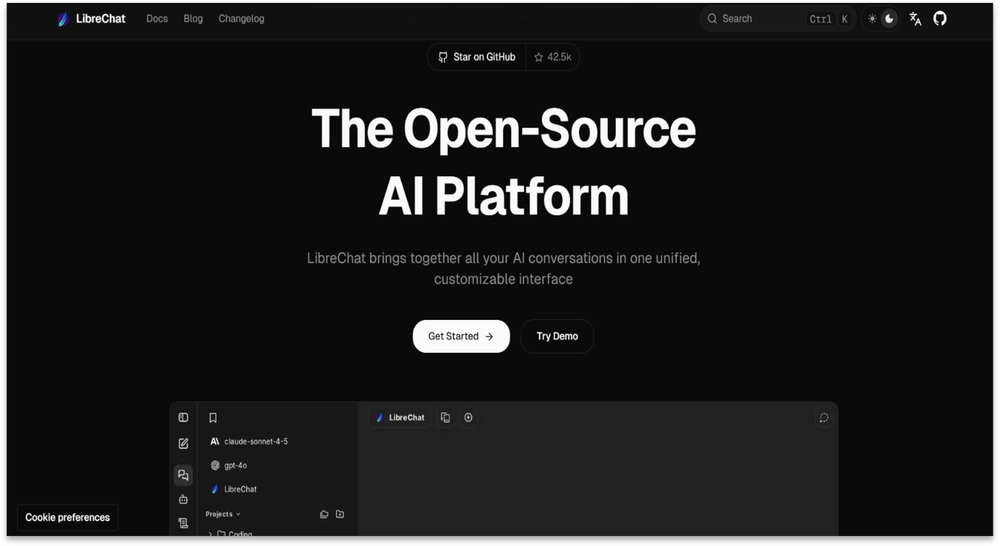
Many users want a familiar ChatGPT-style interface without being locked into one company’s ecosystem.
LibreChat is an open-source AI chat platform that can connect to multiple model providers and compatible endpoints. It allows users to create a centralized chat experience using the providers they choose.
For technical teams, one of LibreChat’s biggest advantages is the ability to self-host the application.
Self-hosting gives an organization greater control over:
- Deployment
- User access
- Authentication
- Application configuration
- Logging
- Updates
- Integrations
- Internal security settings
However, self-hosting does not automatically mean prompts remain entirely within your infrastructure. If LibreChat connects to a cloud-based AI model, the data required for that request is still transmitted to the relevant provider.
The advantage is greater control over the application layer — not automatic isolation from external model providers.
Why LibreChat stands out
- Open-source platform
- Can be self-hosted
- Supports multiple AI providers
- Works with user-supplied API credentials
- Provides a familiar chat interface
- Suitable for internal deployments
- Offers customization and integration options
- Reduces dependence on one AI vendor
LibreChat can be useful for companies that want to provide employees with access to several AI models through a controlled interface.
A team could, for example, configure approved providers, control access, implement authentication, and host the application within its preferred environment.
Pros
- Open-source and highly customizable
- Supports multiple model providers
- Can be deployed on an organization’s own infrastructure
- Familiar interface reduces the learning curve
- Suitable for team and internal use
- Greater control over configuration and updates
- Active community and documentation
- Can support a broader AI environment through compatible integrations
Cons
- Deployment can be challenging for non-technical users
- Requires ongoing maintenance and updates
- Administrators must manage environment variables and secrets securely
- Authentication, monitoring, and backups require planning
- Misconfiguration can create security risks
- Cloud-provider requests still send relevant data outside the local environment
- Troubleshooting integrations may require development or DevOps knowledge
Best for
LibreChat is best for developers, IT departments, technical teams, and organizations that want an open-source AI chat workspace with self-hosting options.
4. Open WebUI — Best for Combining Local and Cloud AI
Not every AI request needs to be sent to a paid cloud model.
Some users prefer to run models locally for privacy, experimentation, offline availability, or greater infrastructure control. At the same time, cloud-based models may still be more capable for demanding reasoning, coding, and multimodal tasks.
Open WebUI helps bring these approaches together.
It is widely associated with local model environments such as Ollama, while also supporting connections to compatible external APIs and services.
This makes hybrid workflows possible:
- Use a local model for private notes
- Use a smaller model for routine summaries
- Use a cloud model for advanced reasoning
- Keep early experiments on internal hardware
- Switch to a more capable provider for difficult tasks
- Use one interface for local and remote models
The question changes from “Should I use local AI or cloud AI?” to:
“Which option is most appropriate for this task?”
Why Open WebUI stands out
- Open-source
- Strong support for local AI workflows
- Commonly used with Ollama
- Can connect to compatible external AI services
- Useful for privacy-conscious users
- Supports experimentation with different models
- Provides a unified interface for local and cloud AI
- Suitable for customized internal deployments
Local AI can reduce API spending, but it is not completely free.
Users must consider:
- Hardware costs
- Memory requirements
- Storage
- Electricity
- Maintenance
- Model updates
- Performance
- Security
Large local models may require powerful hardware. Smaller models may run on more modest systems but may not provide the same quality as leading cloud models.
Pros
- Excellent support for local AI
- Can combine local and cloud-based models
- Open-source and customizable
- Reduces dependence on paid APIs for some tasks
- Suitable for experimentation
- Offers more control over locally processed data
- Works well with popular local model tools
- Useful for individuals and technical teams
Cons
- Installation may be difficult for beginners
- Local models require adequate hardware
- Performance depends heavily on system specifications
- Self-hosting requires maintenance and security management
- Local models may be less capable than leading cloud models
- Connecting external services can require technical configuration
- Running large models can consume significant storage, memory, and electricity
Best for
Open WebUI is best for developers, privacy-conscious users, AI hobbyists, researchers, and teams that want to combine local models with cloud AI.
5. AnythingLLM — Best for Chatting With Your Documents
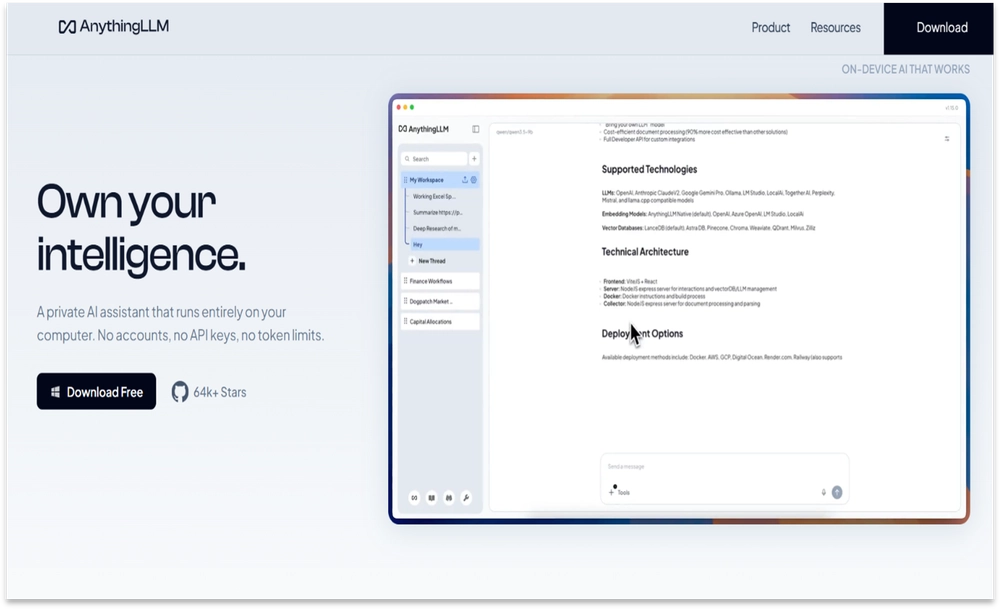
Imagine having hundreds of research papers, product manuals, meeting notes, internal documents, or support files — and being able to ask questions across that information through an AI interface.
That is the type of workflow AnythingLLM is designed to support.
AnythingLLM helps users create AI workspaces based on their own documents and connect those workspaces to supported model providers.
This is useful for:
- Research collections
- Internal knowledge bases
- Product documentation
- Support resources
- Legal files
- Technical manuals
- Policies and procedures
- Project documentation
AnythingLLM is commonly associated with retrieval-augmented generation, or RAG.
In a typical RAG workflow, the system searches for relevant information within your documents and provides that context to an AI model before it generates an answer.
Instead of repeatedly copying and pasting information into a general chatbot, you can create a persistent workspace built around your content.
Why AnythingLLM stands out
- Designed for document-based AI
- Supports multiple LLM providers
- Can work with compatible local models
- Useful for RAG applications
- Offers self-hosting options
- Suitable for private knowledge bases
- Useful for research and business workflows
- Helps organize information into dedicated workspaces
Its value extends beyond simply “chatting with PDFs.”
The more important use case is turning scattered organizational information into a searchable AI-assisted knowledge system.
A software company could use it for product documentation. A customer support team could use it with troubleshooting guides. Researchers could use it to explore a collection of papers and notes.
Pros
- Strong focus on document-based AI
- Supports different model and embedding options
- Suitable for RAG workflows
- Can be self-hosted
- Supports local-model configurations
- Useful for business knowledge bases
- Organizes documents into separate workspaces
- More specialized than a general-purpose chatbot
Cons
- Answer quality depends on document quality and retrieval accuracy
- Incorrect or incomplete source documents can produce unreliable answers
- Initial setup may require technical knowledge
- Large document collections can require storage and processing resources
- Embedding and model usage may create additional API costs
- Users must still verify high-stakes answers
- Permissions and document access need careful management in team environments
- It may be more specialized than users need for general AI chat
Best for
AnythingLLM is best for businesses, researchers, consultants, support teams, and users who want AI to answer questions using their own documents.
Which BYOK AI Platform Should You Choose?
The best platform depends on how you plan to use AI.
Choose Grengin if:
- You want a connected AI experience
- You want to simplify a fragmented workflow
- You prefer a user-friendly platform
- You do not want to maintain complex self-hosted infrastructure
- You want greater flexibility in how AI fits into your work
Choose OpenRouter if:
- You want access to a broad range of models
- You frequently compare AI providers
- You are building an AI-powered application
- You want centralized model routing
- You need a relatively consistent API
Choose LibreChat if:
- You want an open-source ChatGPT alternative
- You want to self-host your AI workspace
- You need greater control over your application infrastructure
- You are comfortable managing deployment and updates
- You need an internal AI chat interface for a team
Choose Open WebUI if:
- You want to combine local and cloud AI
- You are experimenting with Ollama
- You want greater control over local processing
- You have suitable hardware for local models
- You want one interface for different AI environments
Choose AnythingLLM if:
- Your workflow revolves around documents
- You want to build a searchable knowledge base
- You are experimenting with RAG
- You want AI to use your organization’s information
- You need separate document workspaces
Is BYOK Actually Cheaper?
The honest answer is:
Sometimes — but not automatically.
With a traditional AI subscription, you generally pay a fixed monthly fee. With BYOK, you usually pay according to API usage.
BYOK may be less expensive if you:
- Use AI occasionally
- Choose cost-effective models
- Keep prompts concise
- Limit response length
- Monitor token usage
- Use local models for appropriate tasks
- Reserve premium models for difficult work
However, BYOK may become more expensive if you:
- Upload large documents
- Maintain extremely long conversations
- Generate lengthy responses
- Use premium reasoning models for every task
- Run autonomous agents
- Allow automatic retries
- Enable fallback routing without limits
- Make a large number of API calls
- Create embeddings for extensive document collections
AI pricing changes frequently. A model that is expensive today may become cheaper later, and a newly released model may offer similar performance at a lower cost.
The advantage of BYOK is that you have more freedom to change models or providers when pricing, performance, or requirements change.
How to Avoid an Unexpected API Bill
Before connecting an API key to any platform, take the following precautions.
1. Set spending limits
Use billing limits, quotas, or alerts through your model provider whenever available.
Configure these controls before testing unfamiliar models, agents, or integrations.
2. Monitor token usage
Long conversations can become expensive because an application may include earlier messages as context with each request.
Start a new conversation when older context is no longer necessary.
3. Use the right model for each task
You generally do not need the most expensive reasoning model to rewrite an email or summarize a short paragraph.
Use lower-cost models for routine work and reserve advanced models for tasks that genuinely require them.
4. Be careful with AI agents
One visible action may trigger several background operations, including:
- Multiple model calls
- Tool requests
- Searches
- Retries
- Planning steps
- Validation calls
Review an agent’s limits before enabling continuous or autonomous operation.
5. Check fallback settings
A platform may automatically route a request to another model or provider if your preferred option fails.
Review these settings to prevent unexpected costs or unintended data routing.
6. Protect your API keys
Never include API keys in:
- Public code repositories
- Screenshots
- Shared documents
- Untrusted browser extensions
- Client-side application code
- Public support conversations
Rotate a key immediately if you suspect it has been exposed.
7. Review data policies
Check the privacy and retention policies of both:
- The BYOK platform
- The underlying model provider
A self-hosted interface does not necessarily mean all model processing happens locally.
8. Separate development and production keys
Use different API keys for testing and live applications when possible. This makes it easier to monitor usage, revoke compromised credentials, and control spending.
Security Questions to Ask Before Choosing a BYOK Platform
Connecting an API key gives a platform the ability to send requests through your provider account. Before doing so, ask:
- Where is the API key stored?
- Is the key encrypted?
- Can the platform retrieve or display the original key?
- Is the key stored locally or on the platform’s servers?
- Are conversations retained?
- Can administrators access prompts?
- Are uploaded documents stored?
- Can stored documents be deleted permanently?
- Does the platform support role-based access?
- Are audit logs available?
- What happens when an employee leaves the organization?
- Which providers receive the data?
- Is fallback routing enabled?
- Does the platform use customer data for training?
For sensitive business information, your security team should review both the application and every connected AI provider.
BYOK Is About More Than Saving Money
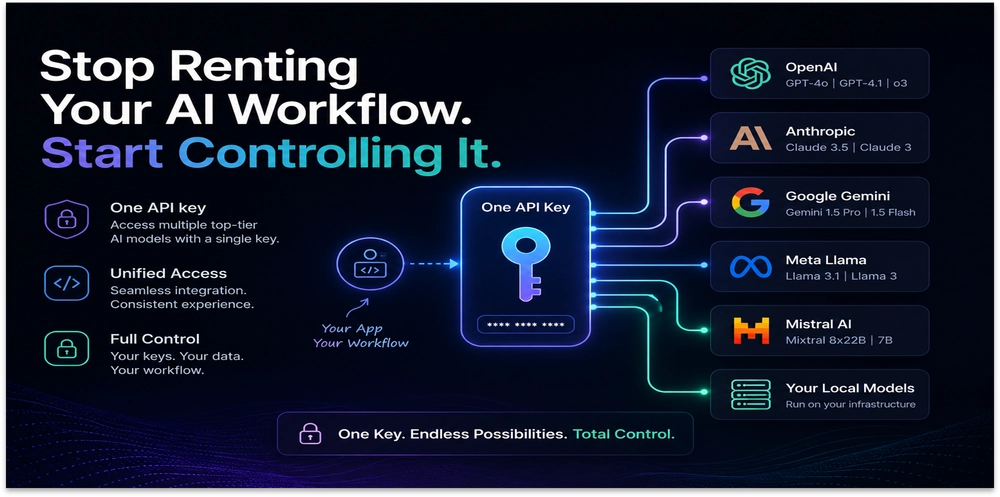
The most important benefit of BYOK may not be cost.
It may be control.
You choose the model.
You select the provider.
You decide when to switch.
You can use an inexpensive model for routine work and a more capable model when the task requires advanced reasoning.
You can combine local and cloud AI, compare providers, and test new models without replacing your entire workflow.
If one provider changes its pricing, performance, policies, or terms, you have more options.
Instead of asking:
“Which AI subscription should I buy?”
BYOK encourages a better question:
“Which model is right for this task, and how much control do I need over the process?”
Final Verdict
BYOK platforms are not the right choice for everyone.
If you want completely predictable pricing and no configuration, a conventional AI subscription may be simpler.
However, if you are a developer, researcher, IT professional, business owner, or serious AI user, a BYOK platform can provide significantly more flexibility.
- Grengin is a strong choice for a connected and flexible AI workflow.
- OpenRouter is best for broad model selection and centralized API access.
- LibreChat is ideal for an open-source, self-hosted chat experience.
- Open WebUI is excellent for combining local and cloud models.
- AnythingLLM is designed for documents, knowledge bases, and RAG workflows.
The AI industry has spent years encouraging people to ask which chatbot they should subscribe to.
BYOK changes that conversation.
It is no longer about one subscription, one model, or one closed ecosystem.
It is about choosing the right model, platform, and workflow for your needs.
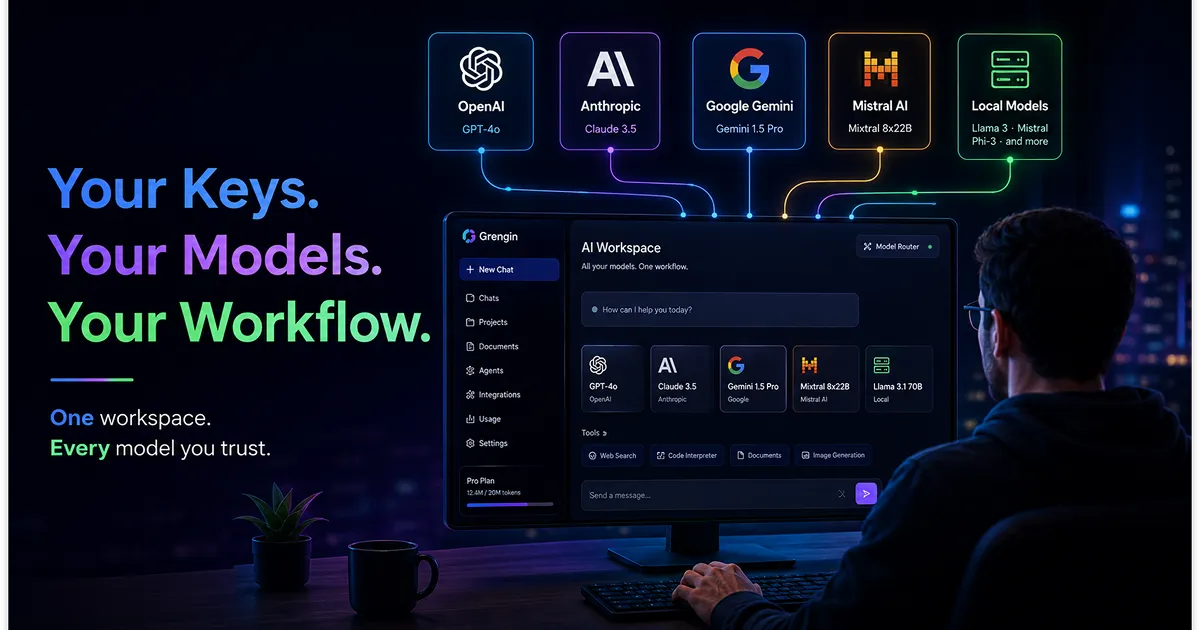
Your keys. Your models. Your workflow.
Frequently Asked Questions About BYOK AI Platforms
What does BYOK mean in AI?
BYOK means Bring Your Own Key. It allows you to connect an API key from an AI provider, such as OpenAI, Anthropic, or Google, to a compatible third-party platform.
The third-party interface manages the user experience, while the provider’s API processes the model request.
Are BYOK AI platforms cheaper than subscriptions?
They can be cheaper for occasional or carefully managed use, but savings are not guaranteed.
Costs depend on the selected model, the number of tokens processed, document size, conversation length, retries, agents, and other API activity.
Which is the best BYOK AI platform?
The best choice depends on your requirements:
- Choose Grengin for a connected and flexible AI experience.
- Choose OpenRouter for broad model access.
- Choose LibreChat for open-source self-hosting.
- Choose Open WebUI for local and cloud AI.
- Choose AnythingLLM for document-based AI.
Is it safe to enter an API key into a third-party platform?
It can be safe when the platform follows appropriate security practices, but you should always review how the key is stored and processed.
Use spending limits, restrict permissions where possible, monitor usage, and rotate any key that may have been exposed.
Does BYOK mean my data is private?
Not necessarily.
If you connect to a cloud model, your request is generally sent to that provider. Self-hosting the interface gives you more control over the application, but it does not automatically keep model requests within your infrastructure.
Review the privacy policies of both the platform and the connected provider.
Can I use multiple AI providers on one BYOK platform?
Many BYOK platforms support multiple providers, but the exact selection varies.
Check whether the platform supports your required models, API formats, fallback settings, document tools, and local-model endpoints.
Can BYOK platforms work with local AI models?
Some can.
Open WebUI is especially suitable for local-model workflows, while LibreChat and AnythingLLM may also connect to compatible local endpoints. Local support depends on the platform’s current configuration options.
Do I need technical knowledge to use a BYOK platform?
It depends on the platform.
A hosted platform may only require an API key. Self-hosted platforms such as LibreChat or Open WebUI may require knowledge of Docker, servers, environment variables, authentication, updates, and security.
What happens if my API key is leaked?
An unauthorized person may be able to make requests through your provider account and create charges.
Revoke the exposed key immediately, create a replacement, review recent activity, and contact the provider if you notice suspicious usage.
Can I set an API spending limit?
Many providers offer billing alerts, usage budgets, or account-level limits. Availability and enforcement vary, so check the current billing controls offered by your provider.
Do not rely only on controls inside the third-party platform.
Are free BYOK platforms completely free?
Not always.
The interface may be free or open-source, but you may still need to pay for:
- Model API usage
- Hosting
- Cloud infrastructure
- Storage
- Embeddings
- Local hardware
- Electricity
- Maintenance
Review the complete cost of the workflow rather than only the platform’s subscription price.
Can businesses use BYOK platforms?
Yes, but businesses should evaluate security, compliance, user permissions, data retention, audit logs, key management, and provider contracts before deployment.
High-risk or regulated information should not be processed without an appropriate legal and security review.
Pricing, features, model availability, and policies can change. Verify all platform-specific information against official documentation before publication.