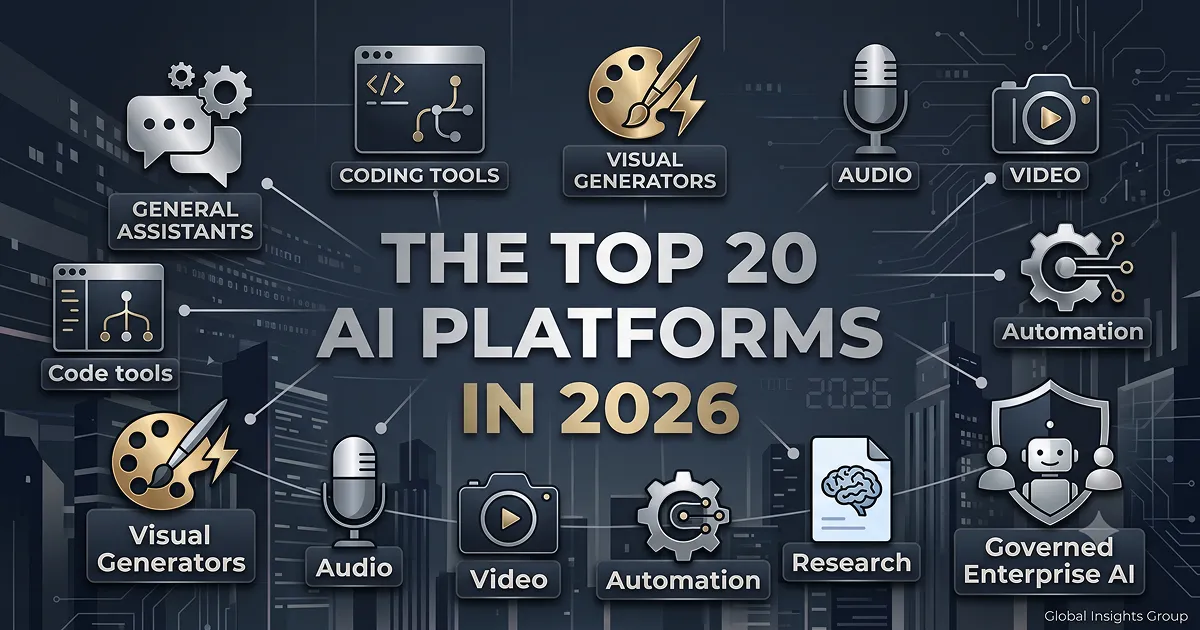
AI stopped being a single chatbot a while ago. Today it’s a whole layer of software — assistants that write and reason, editors that live inside your code, voices and instruments that generate audio and music, engines that generate images and video, and governance layers that let an entire company use all of the above without losing control of its data.
That last category is easy to overlook, which is a mistake, because it’s usually the thing standing between “we tested ChatGPT” and “our whole company actually uses AI safely.” So this list leads with a platform built specifically for that problem — Grengin — before working through the generalist assistants, coding tools, and creative platforms that round out a well-stocked AI stack in 2026. The first ten cover the essentials most people reach for daily; the next ten branch out into audio, video, automation, and a few more specialized categories worth knowing about.
A quick note on approach: pricing on AI products changes constantly — sometimes monthly. Every figure below reflects what was publicly listed as of mid-July 2026. Treat them as a snapshot and double-check the vendor’s own pricing page before you buy.
What actually counts as a “platform” here
A tool does one thing. A platform gives you a foundation — something you configure, connect to your other software, and build workflows on top of. That distinction is why this list mixes categories that don’t compete head-to-head: an enterprise governance layer, a general-purpose chatbot, a coding IDE, and a video generator aren’t substitutes for each other, but each is the strongest option in its lane.
The twenty below were chosen to cover the lanes a typical individual or team actually runs into: enterprise AI governance, general assistance, coding, research, image generation, workspace productivity, presentations, workflow automation, voice and music generation, and video generation and editing.
The list at a glance
- Grengin — best for governed, multi-model AI across a whole team, without enterprise pricing
- ChatGPT — best all-purpose assistant for writing, reasoning, and everyday tasks
- Claude — best for long documents, careful writing, and coding
- Google Gemini — best for fast, multimodal answers tied into Google’s ecosystem
- Perplexity — best for research with real citations
- Cursor — best AI-native code editor
- Midjourney — best for high-end AI-generated visuals
- Notion AI — best for writing and organizing inside your existing workspace
- Zapier — best for connecting apps without writing code
- Synthesia — best for turning a script into a finished video
- ElevenLabs — best for realistic AI voice generation and cloning
- Suno — best for generating full songs from a text prompt
- Runway — best for AI-generated and AI-edited video
- Descript — best for editing audio and video by editing a transcript
- Jasper — best for on-brand marketing content at scale
- Grammarly — best for real-time writing feedback and tone correction
- GitHub Copilot — best AI pair programmer inside the editor you already use
- Gamma — best for turning a prompt into a finished presentation
- Make — best for complex, branching automation workflows
- Microsoft 365 Copilot — best for AI embedded across Word, Excel, Outlook, and Teams
1. Grengin — governed, multi-model AI for your whole team
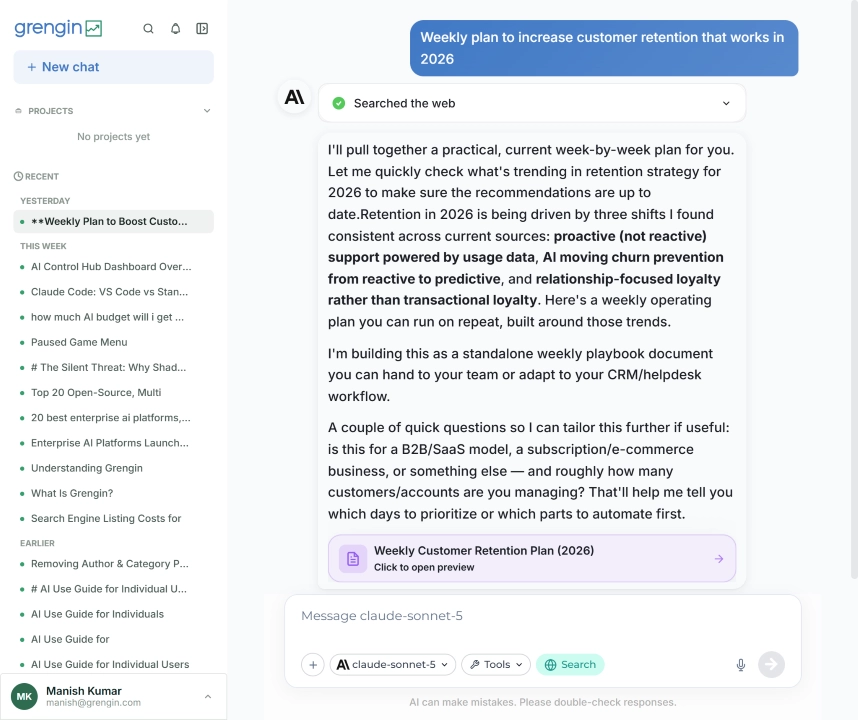
Website: grengin.com
Most companies solving “how do we give employees AI” land on one of three unsatisfying options: pay enterprise minimums to ChatGPT or Copilot, hand consumer AI tools your company’s data with no oversight, or ask an already-stretched engineering team to stand up something like LibreChat and maintain it forever.
Grengin is built for the middle ground. It’s an open-source, self-hosted AI workspace that deploys straight into your own AWS account — from the Marketplace, it’s a one-click install that’s typically live in about five minutes. Once it’s running, your team gets a branded chat interface with a choice of models — OpenAI, Anthropic’s Claude, Google Gemini, Mistral, Groq, and Cerebras are all supported — plus the admin layer that usually only comes with much pricier software: SSO, department-level budgets and hard spending caps, real-time cost tracking, PII detection, and full audit trails.
The economics are the real differentiator. Because you connect your own API keys, Grengin never sits in your data path and never marks up your AI usage — you pay each provider’s published rate directly. There are no user minimums anywhere in Grengin’s pricing. Self-hosting is free at any team size, so a five-person team and a five-hundred-person team pay the same $0 software cost and only the underlying compute and API usage scale. If you’d rather not manage infrastructure, Grengin Cloud is free for up to 10 users and then a flat $1.25 per active user per month — still no seat minimum, and you only pay for users who are actually logged in. Compare either path to ChatGPT Enterprise’s roughly 150-seat minimum, which runs in the neighborhood of $9,000 a month before anyone sends a single prompt.
Because the full codebase is public on GitHub, a security team can verify exactly what the software does rather than taking a vendor’s word for it — and because everything runs inside your own cloud tenant, leaving is as simple as shutting down the instance. Your conversations, your keys, and your data never leave your infrastructure in the first place.
Best for: IT and ops leaders who need to roll AI out company-wide with real governance, but don’t have enterprise-software budget or a DevOps team to spare.
Not the best fit for: someone who just wants a single personal chatbot with no admin overhead — for that, a consumer plan on ChatGPT or Claude is simpler.
Pricing: Grengin Cloud is free for up to 10 users, with every feature included — no trial clock, no card required. Past 10 users, Pro is $1.25 per active user per month, still with the full feature set, just more storage and email support. Enterprise starts at $500/month billed quarterly for a dedicated deployment in Grengin’s cloud or your own, with LDAP/AD sync, an SLA, and named support. Prefer to run it yourself? Self-hosting is $0 in software cost forever on the same open-source codebase — deploy the one-click AWS image or build from source, and pay only your cloud provider and your model providers directly. Every path connects your own API keys, so Grengin never marks up AI usage.
2. ChatGPT — the default generalist assistant
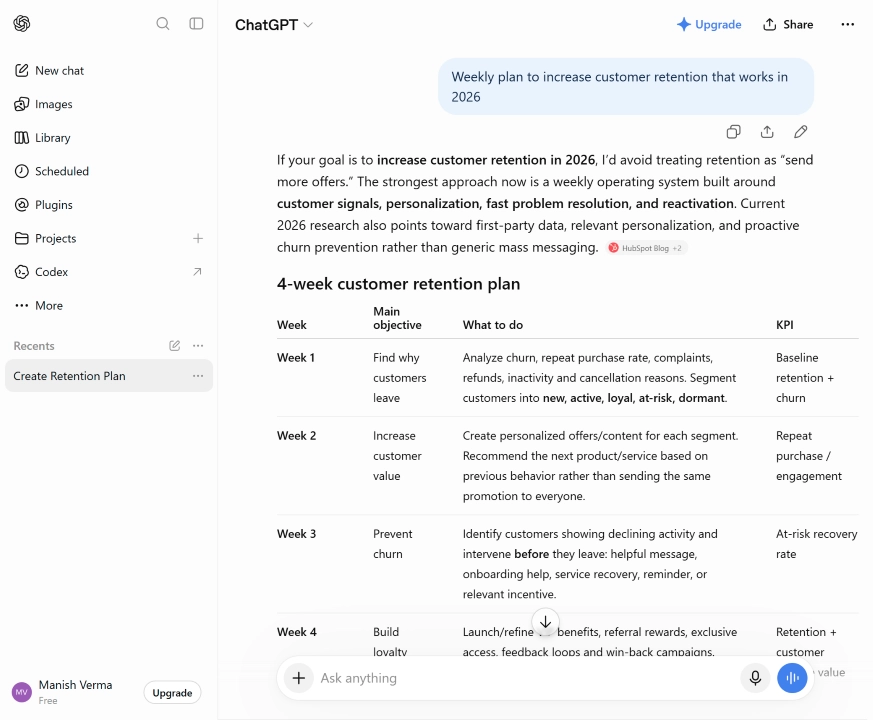
Website: chatgpt.com
ChatGPT remains the platform most people reach for first, and the numbers back that up — OpenAI has reported hundreds of millions of weekly active users. It’s a genuine all-rounder: drafting, brainstorming, coding help, image understanding, voice conversation, and web browsing all live in one chat window, and its current GPT-5-generation models handle multi-step reasoning noticeably better than the GPT-4 era.
Custom GPTs let you build a version tuned to a specific voice or task — useful if you want a consistent “house style” assistant without prompting from scratch every time. The catch is the same one that’s always applied to ChatGPT: output quality tracks prompt quality closely, so vague requests get vague answers.
Best for: day-to-day brainstorming, drafting, and general problem-solving across almost any domain.
Pricing: Free tier available; Go is $8/month; Plus is $20/month; Pro runs $100–$200/month for heavier use; Business plans start around $20/seat/month.
3. Claude — best for careful writing, long documents, and code
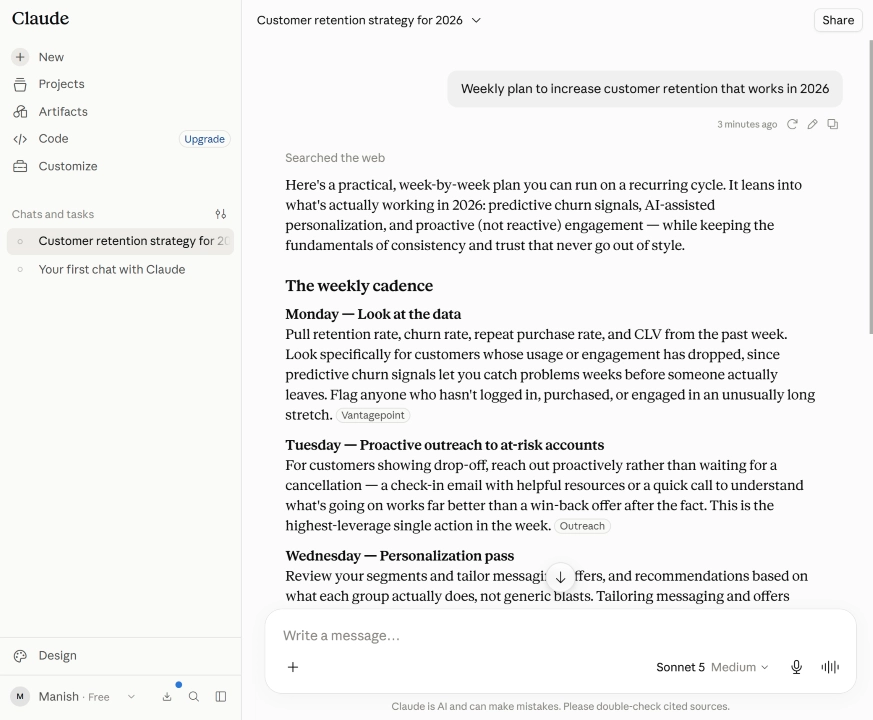
Website: claude.ai
Claude, built by Anthropic, is tuned for reasoning through long, dense material rather than firing back the fastest plausible answer. Attach a lengthy contract, research paper, or codebase and Claude can hold the whole thing in context, reference specific sections, and reason across all of it — Opus-tier models now support context windows up to a million tokens in beta, enough for entire books or multi-file codebases at once.
The current model lineup — Sonnet, Opus, and the lighter Haiku — is also consistently rated among the strongest for software development, on top of Claude’s long-standing reputation for measured, well-structured prose. It tends to be more conservative than ChatGPT in tone, which is a feature for internal memos, policy writing, or legal review, and occasionally a limitation if you want something punchier.
Best for: analyzing long documents, technical writing, and coding work that benefits from a model that reasons carefully rather than fast.
Pricing: Free tier available; Pro is $20/month; Max plans run $100 or $200/month for higher usage; Team plans start around $25/seat/month; Enterprise is custom.
4. Google Gemini — fast, multimodal, and Google-native
Website: gemini.google.com
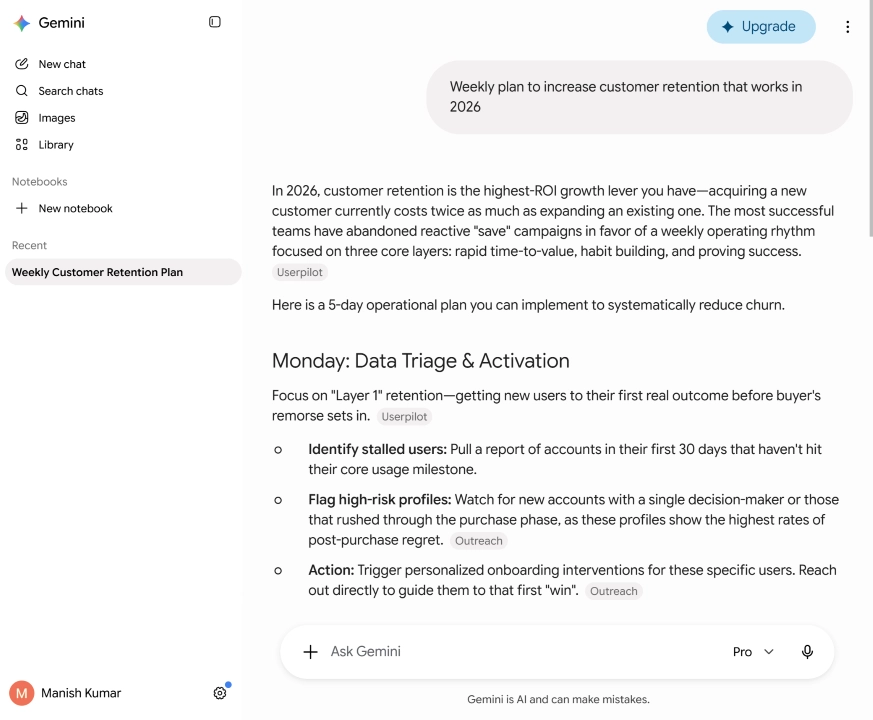
Gemini’s edge is speed and integration. It processes mixed text, image, and file input quickly, and because it’s built by Google, it plugs directly into Docs, Gmail, and the rest of Workspace in a way third-party tools can’t fully match. For teams already living in Google’s ecosystem, that native integration alone can be worth the switch.
The current Gemini 3.1 Pro generation holds a large context window and performs well on multimodal tasks — reading a chart, summarizing a spreadsheet, or working across several file types in a single request.
Best for: heavy Google Workspace users who want AI woven directly into the tools they already use daily.
Pricing: Free tier available; Google AI Plus is $4.99/month; Google AI Pro is $19.99/month; Google AI Ultra runs $99.99–$199.99/month; Workspace add-ons start around $14/seat/month.
5. Perplexity — research with receipts
Website: perplexity.ai
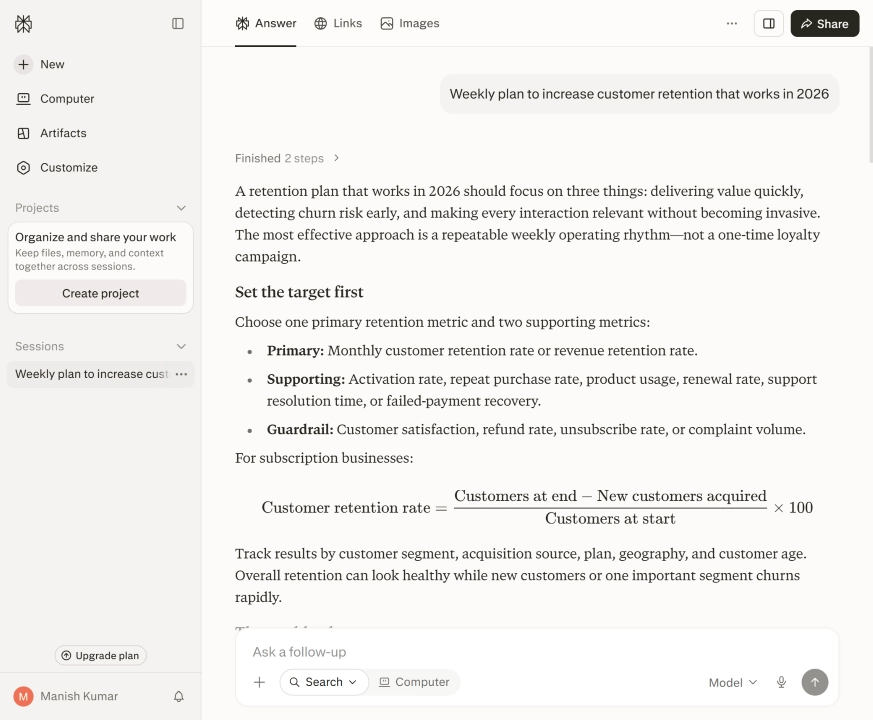
Perplexity is best understood as a search engine that actually reads the pages it finds. Ask it a question and it returns a synthesized answer with inline citations, so you can verify a claim in one click instead of digging through ten tabs. Its Deep Research mode takes longer — often ten-plus minutes — but returns a much more thorough writeup for topics that need real depth.
It handles natural follow-up questions well, which makes it feel less like a search bar and more like an ongoing research conversation. It’s not built for long-form writing or task automation, though — treat it as a research layer that feeds into whatever tool you use to actually produce the final output.
Best for: fact-checking, comparisons, and research tasks where sourcing matters as much as the answer.
Pricing: Free tier available; Pro is $20/month; Max is $200/month; Enterprise Pro starts around $40/seat/month, with a custom Enterprise Max tier above that.
6. Cursor — an IDE that actually understands your codebase
 Website: cursor.com
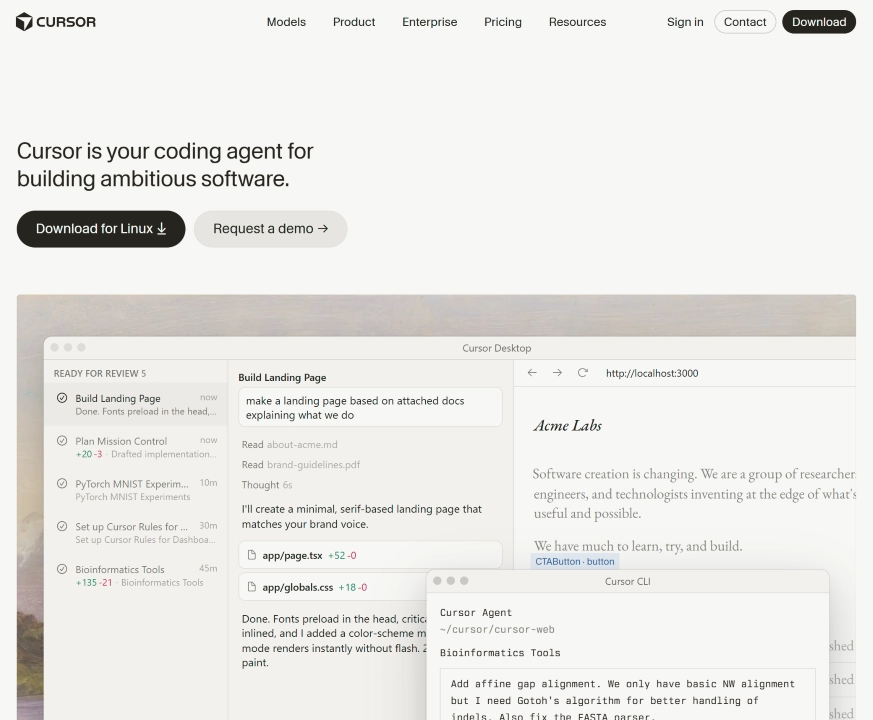
Cursor takes the AI-assistant idea and builds it straight into a full code editor rather than bolting it onto the side. It reads your entire repository, not just the open file, so you can ask things like “where else is this function called” and get an answer grounded in the actual project — not a guess based on the current tab.
It edits files directly rather than handing you snippets to copy-paste, which keeps the write-test-fix loop tight. For solo developers and small teams, that context awareness is the main reason people prefer it over a standard editor plus a separate AI chat window.
Best for: developers who want AI assistance woven into the actual editing and debugging workflow, not a side chat.
Pricing: Free Hobby tier available; Pro is $20/month; Pro+ is $60/month; Ultra is $200/month; Teams runs $40/user/month; Enterprise is custom.
7. Midjourney — the gold standard for AI visuals

Website: midjourney.com
For pure image quality, Midjourney is still the platform most creative professionals reach for first. Describe a scene — lighting, mood, style — and it returns several high-resolution options in under a minute, with strong, distinctive aesthetics that lean toward cinematic and editorial looks rather than generic stock-photo output.
It runs primarily through Discord, which takes a few minutes to get used to if you’ve never used it, and a web interface now covers most of the same ground. It’s less reliable for literal, exact-detail requests — a precise product render or exact text in an image is still a weak spot — but for concept art, mood boards, and marketing visuals, it’s hard to beat.
Best for: designers, marketers, and creatives who need striking visuals fast and can tolerate some unpredictability in exact details.
Pricing: Basic is $10/month; Standard is $30/month; Pro is $60/month; Mega is $120/month — all with roughly 20% off if billed annually.
8. Notion AI — writing and thinking inside your existing docs
Website: notion.com/product/ai
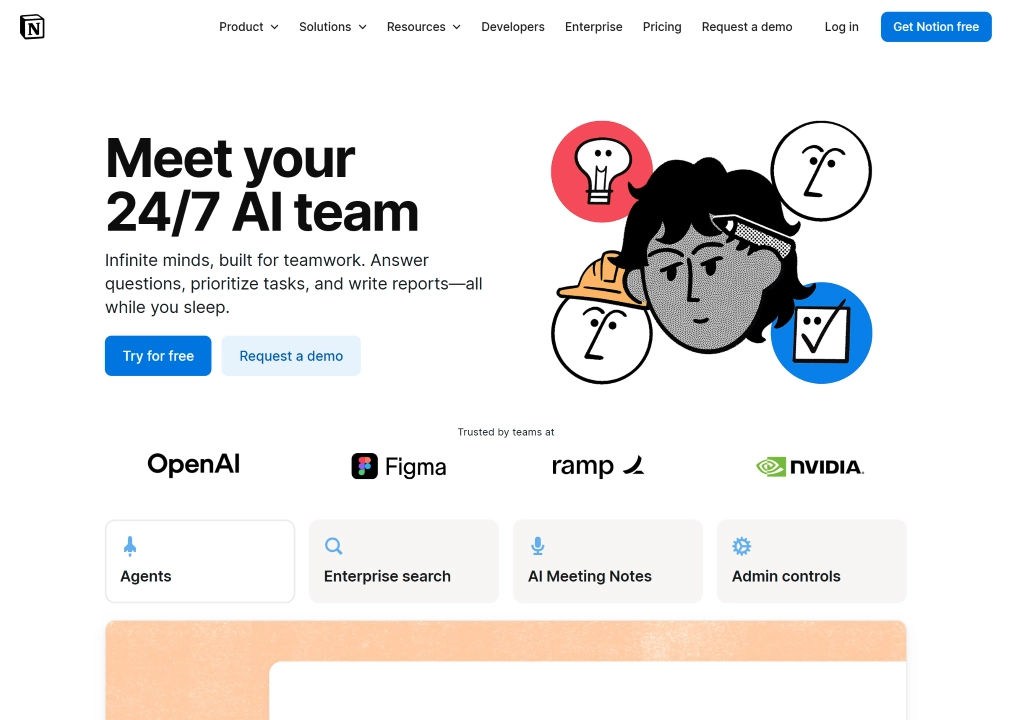
Notion AI’s whole appeal is that it doesn’t ask you to leave the app you’re already living in. Highlight a messy paragraph and clean it up, summarize a long meeting doc into action items, or ask a question against your team’s own wiki — it all happens inline, without switching tools or losing your original formatting.
It won’t replace a dedicated writing tool for long-form content, and its formatting controls during AI generation are fairly limited. But for teams that already run their documentation and project tracking through Notion, having AI baked in rather than bolted on saves a genuine amount of tab-switching.
Best for: teams that already use Notion as their knowledge base and want AI cleanup, summarization, and Q&A without adding another tool.
Pricing: Free tier available; Plus is $10/user/month; Business is $20/user/month (this is the tier that includes full AI features); Enterprise is custom.
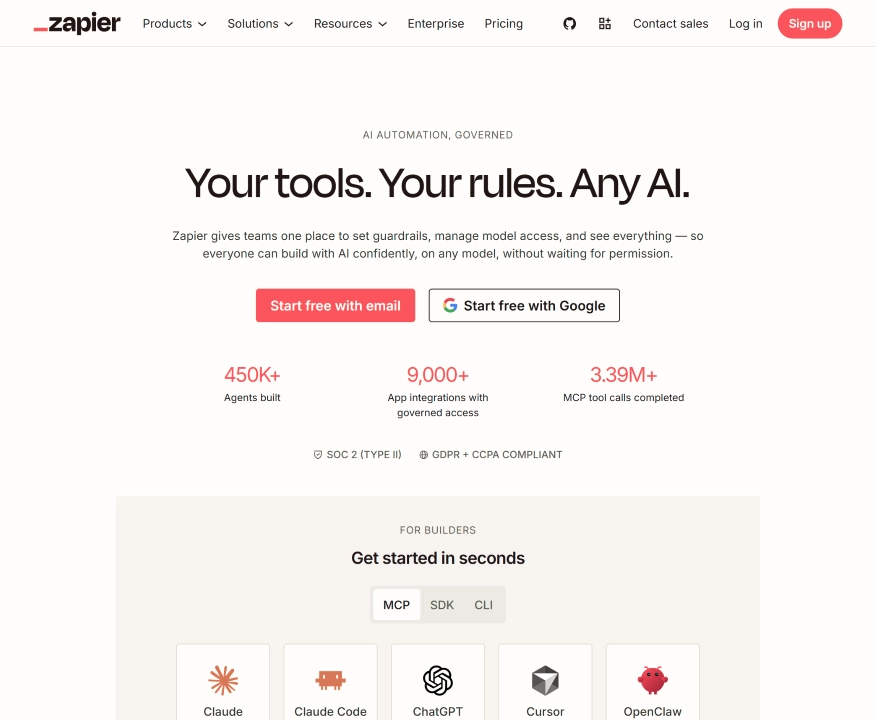
9. Zapier — the connective tissue for everything else
Website: zapier.com
Zapier’s pitch hasn’t changed much in a decade, and that’s kind of the point: connect two apps, define a trigger and an action, and let it run. What has changed is that natural-language AI now handles a lot of the setup — describe the automation you want in plain English and Zapier will draft the workflow for you instead of making you build it node by node.
Its logic branching is more limited than dedicated automation builders like Make, and costs climb quickly at high task volumes. But its integration library — thousands of apps — is unmatched, which makes it the path of least resistance for straightforward, low-complexity automations.
Best for: simple, trigger-based automations across a huge range of apps, especially for non-technical users.
Pricing: Free tier includes about 100 tasks/month; paid plans start around $20–$30/month for roughly 750 tasks; Team plans run from about $70–$100/month for around 2,000 tasks; Enterprise is custom.
10. Synthesia — scripts in, finished video out
Website: synthesia.io
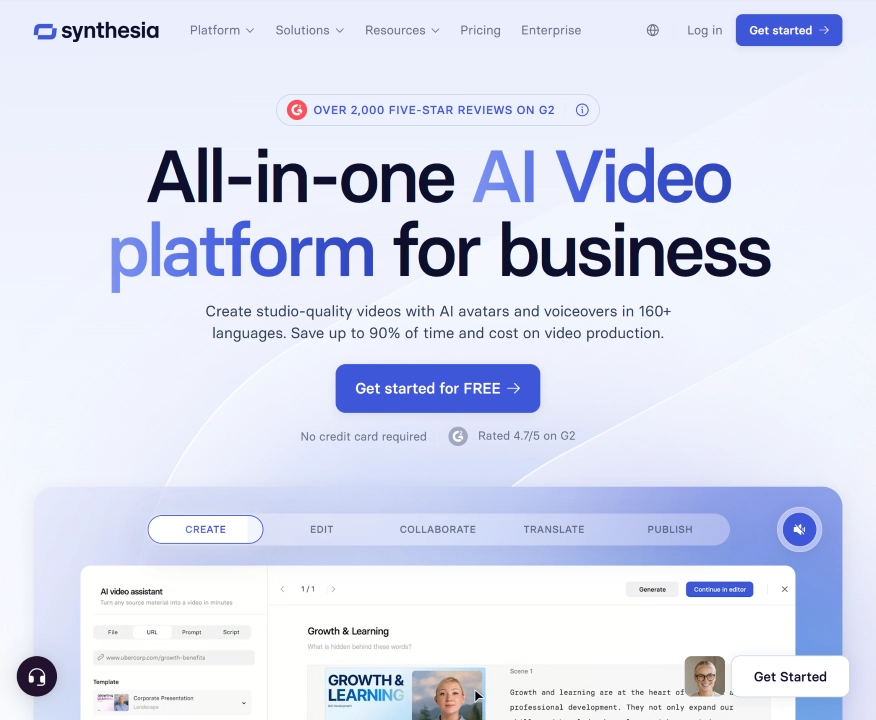
Synthesia turns a written script into a studio-style video with an AI presenter, no camera, microphone, or editing timeline required. Pick an avatar, paste your script, choose a language, and it renders a polished video — genuinely useful for training material, product walkthroughs, or onboarding content that would otherwise mean booking a video team.
The avatar and voice quality have improved a lot, and multi-language support makes localizing the same content straightforward. It’s not built for dynamic or emotionally expressive storytelling, and the free and entry tiers cap out fast on monthly video minutes — most real production use ends up on the Creator tier or above.
Best for: training videos, product explainers, and onboarding content where a real production crew isn’t practical.
Pricing: Free tier gives about 10 minutes/month with a watermark; Starter is $29/month (about $18 billed annually); Creator is $89/month (about $64 billed annually); Enterprise is custom.
11. ElevenLabs — the standard for AI voices
Website: elevenlabs.io
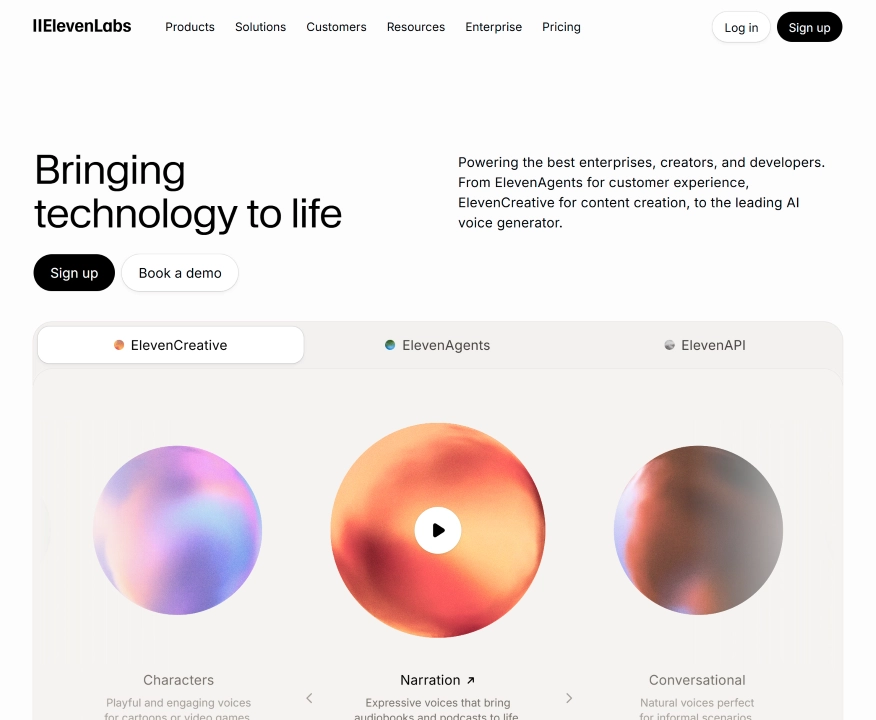
ElevenLabs made its name on how convincing its text-to-speech sounds — natural pacing, believable emotion, and voice cloning good enough that a few minutes of sample audio can produce a usable custom voice. It’s become the backend of choice for audiobook narration, podcast production, dubbing, and the conversational voice agents a lot of other AI products are quietly built on top of.
Beyond straightforward narration, it also offers a Conversational AI Agents product for building real-time voice bots, and supports dozens of languages well enough for genuine localization work, not just novelty demos. The free tier is useful for testing but explicitly non-commercial — anything you plan to publish or monetize needs at least the entry paid tier.
Best for: creators, studios, and developers who need natural-sounding narration, dubbing, or voice cloning, and don’t want to record it themselves.
Pricing: Free tier available (non-commercial only); Starter is around $5–6/month; Creator is $22/month (the entry point for professional voice cloning); Pro is $99/month; Scale is $299/month; Business is $990/month; Enterprise is custom.
12. Suno — type a lyric, get a finished song
Website: suno.com
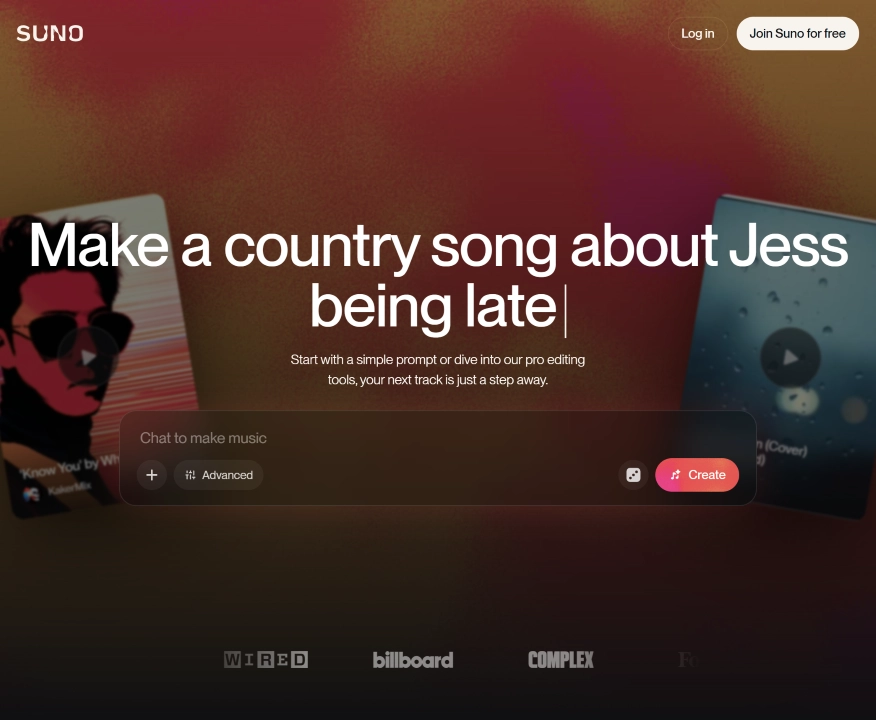
Suno turns a text prompt or a set of lyrics into a complete, produced song — vocals, instrumentation, and structure included — in about a minute. It’s less “generate a sound effect” and more “generate an entire track,” which makes it genuinely useful for background music, jingles, demo tracks, and just messing around with musical ideas you can’t otherwise play or produce yourself.
The free tier is surprisingly generous for experimentation, refreshing daily rather than monthly, but commercial rights only kick in on the paid tiers. Heavier users who want the full production environment — multitrack editing, stem separation, more granular control — will want the top tier rather than the entry one.
Best for: anyone who wants a finished piece of music from a prompt, without needing to play an instrument or use a DAW.
Pricing: Free tier available (50 credits/day, non-commercial); Pro is $10/month (about $8 billed annually), with commercial rights included; Premier is $30/month (about $24 billed annually) and adds Suno Studio, the in-browser production environment.
13. Runway — AI video generation with a real editor attached
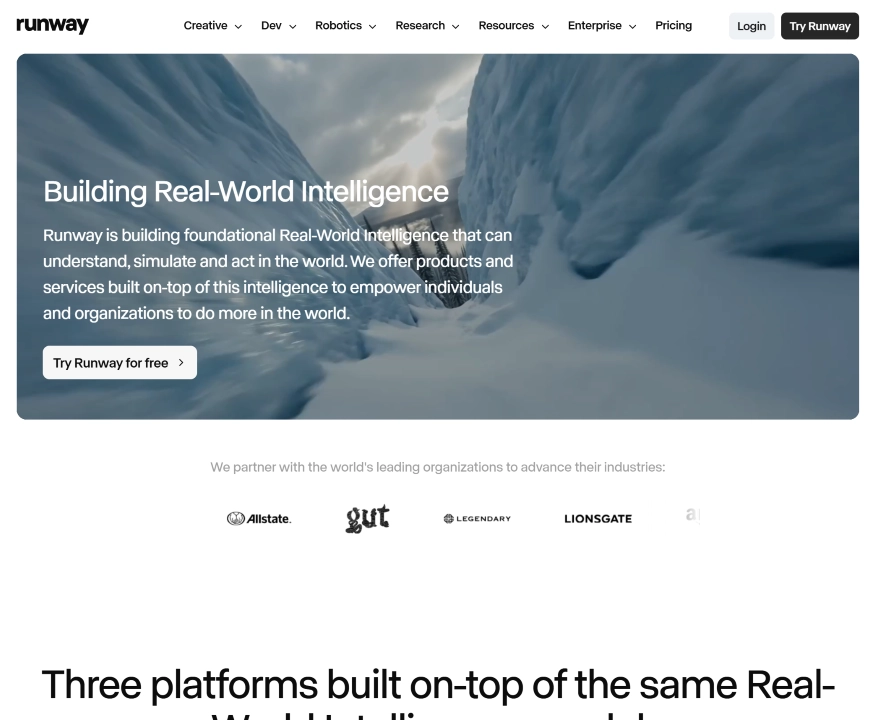
Website: runway.com
Runway occupies a distinct niche from Synthesia: instead of scripting an avatar to deliver lines, it generates and edits genuinely novel video — text-to-video, image-to-video, and a set of editing tools (motion brush, inpainting, style transfer) built around its Gen-4 model family. The output leans cinematic, and the platform doubles as an actual editor, not just a generator you export from.
It’s the priciest platform in this list on a per-clip basis, and credits burn quickly on longer or higher-resolution generations. But for filmmakers, agencies, and ad teams who want a distinctive, directable look rather than the fastest or cheapest clip, it remains the reference point the rest of the category gets compared to.
Best for: video professionals who want fine-grained creative control over AI-generated footage, not just a quick clip.
Pricing: Free tier available (125 one-time credits, no ongoing free plan); Standard is $15/month ($12 annually); Pro is $35/month ($28 annually); Unlimited is $95/month ($76 annually); Enterprise is custom.
14. Descript — edit video and audio like a text document
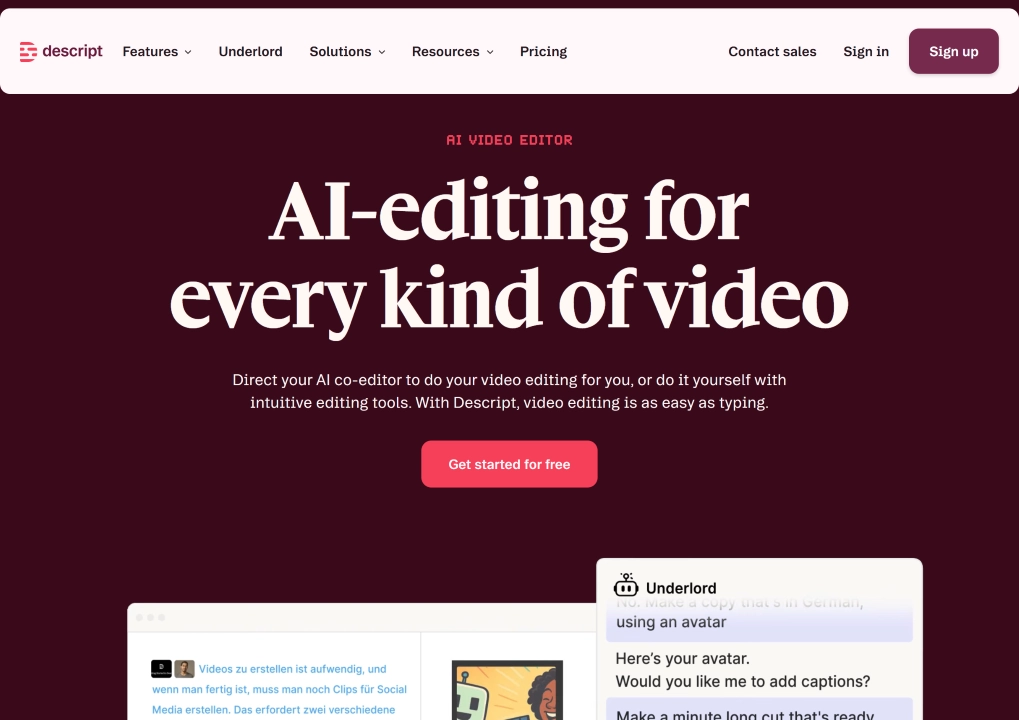
Website: descript.com
Descript’s core trick is genuinely different from a normal video or audio editor: it transcribes your recording into text, and editing the text edits the media — delete a sentence from the transcript and that clip disappears from the timeline. For interview-style content, podcasts, and talking-head video, that’s dramatically faster than scrubbing a waveform.
Its Overdub feature can clone your voice to patch a flubbed line without a re-record, and built-in screen recording covers tutorials and product walkthroughs without a separate tool. It’s not built for heavy motion graphics or multi-track cinematic editing — think content production, not film production.
Best for: podcasters, course creators, and marketing teams who edit spoken-word audio or video regularly and want to do it by editing text.
Pricing: Free tier available (60 minutes of media/month); Hobbyist is $24/month ($16 annually); Creator is $35/month ($24 annually); Business is $65/month ($50 annually); Enterprise is custom.
15. Jasper — marketing content with a consistent brand voice
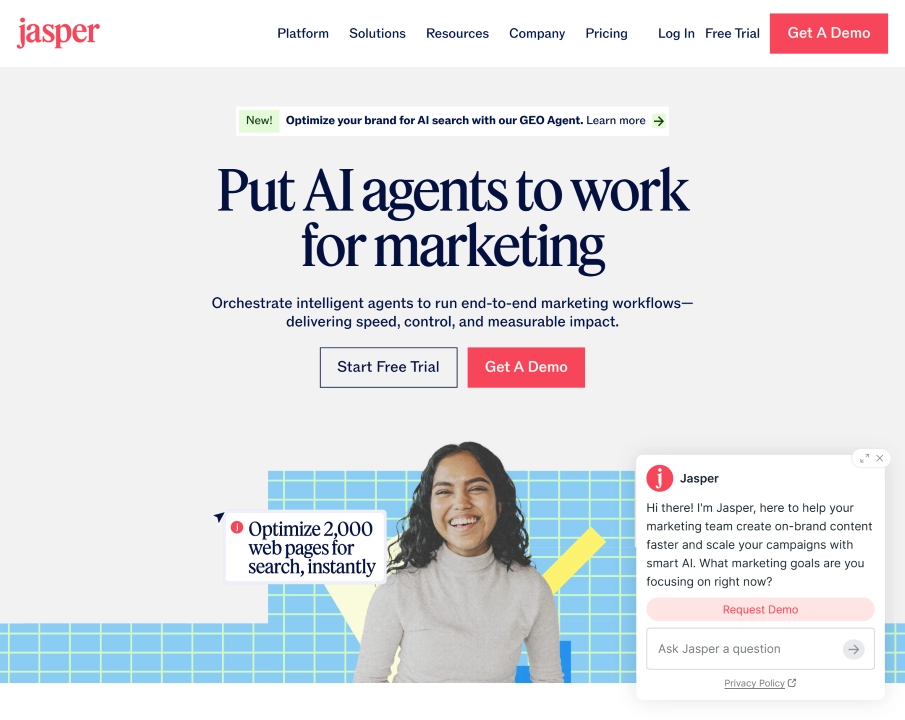
Website: jasper.ai
Jasper’s pitch isn’t “generate content” — plenty of tools do that — it’s “generate content that sounds like your brand every time.” Feed it examples of your existing copy and it learns the tone, then applies it consistently across blog posts, ad variants, email campaigns, and product descriptions, with built-in workflows for each.
It’s a production tool, not a strategy tool — it executes a brief well but won’t set your content strategy for you. And it’s priced for teams with real content volume rather than occasional use; a marketer publishing a couple of posts a month will find cheaper options that do the job just as well.
Best for: marketing teams and agencies producing content across multiple channels who need consistent brand voice without rewriting every piece from scratch.
Pricing: No permanent free plan (7-day trial); Pro is around $69/month ($59 billed annually) for a single seat; Business is custom-priced, typically starting in the hundreds of dollars per month for small teams.
16. Grammarly — the writing layer that follows you everywhere
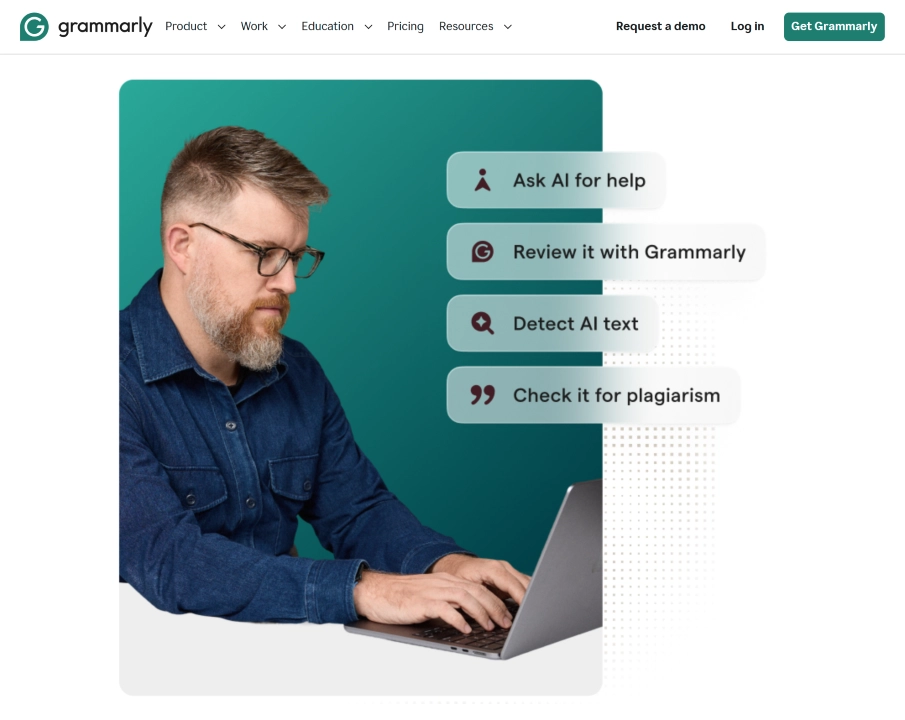
Website: grammarly.com
Grammarly’s job is narrower than the generative tools above, and that’s the point: it doesn’t draft from scratch so much as make sure what you’ve already written doesn’t undercut you — catching awkward phrasing, tone mismatches, and passive voice as you type, in Gmail, Slack, Google Docs, or wherever else you write.
Its generative features (rewriting, shortening, expanding a sentence) have improved, but they’re not a substitute for a dedicated writing tool like Jasper or a chat assistant — treat Grammarly as a proofreading and tone layer that runs quietly in the background rather than a first-draft generator.
Best for: anyone who writes a lot of external communication and wants a consistent, unobtrusive check on clarity and tone across every app they use.
Pricing: Free tier available; Pro is $12/month billed annually ($30/month billed monthly), covering both individuals and small teams up to about 149 seats; Enterprise is custom for larger organizations.
17. GitHub Copilot — AI pair programming built into the tools you already use
Website: github.com/features/copilot
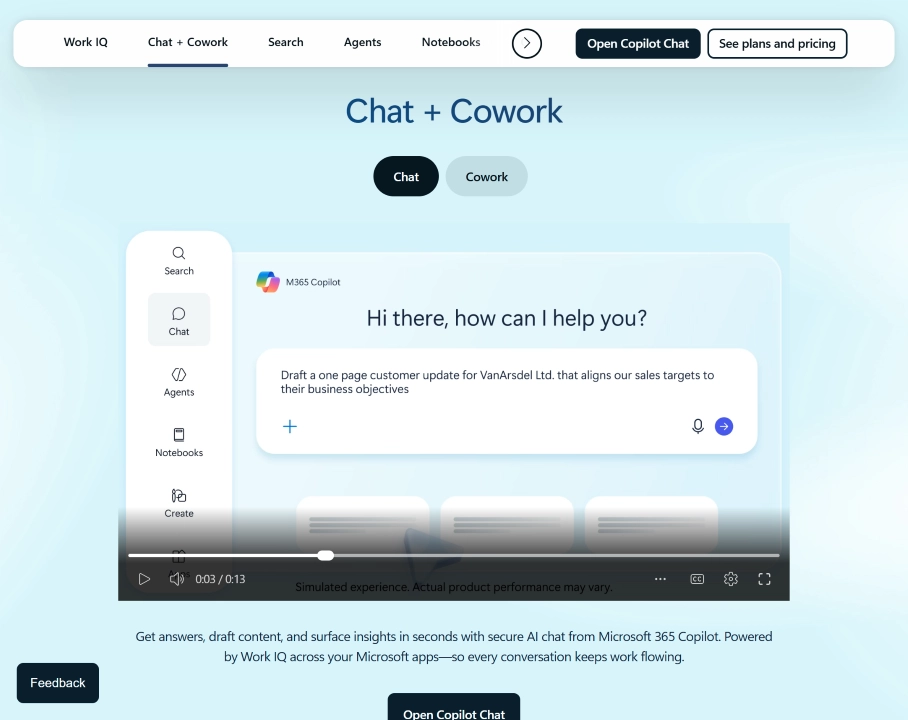
Where Cursor rebuilds the editor around AI, GitHub Copilot takes the opposite approach: it’s an extension that drops into the editor you already use — VS Code, JetBrains, Neovim, and others — adding inline completions, chat, and an agent mode that can carry out multi-file tasks. For teams that don’t want to migrate their whole workflow to a new IDE, that’s the main draw.
Its tight integration with GitHub itself (pull requests, code review, repository context) is a real advantage for teams already living in that ecosystem. Pricing shifted to usage-based “AI credits” billing in mid-2026, so heavier agent-mode users should keep an eye on consumption rather than assuming the sticker price is the whole story.
Best for: developers and engineering teams who want AI assistance added to their current editor and GitHub workflow, rather than switching tools entirely.
Pricing: Free tier available (limited completions); Pro is $10/month; Pro+ is $39/month; Max is $100/month; Business is $19/user/month; Enterprise is $39/user/month — all plans include a monthly allowance of usage-based AI credits.
18. Gamma — a prompt in, a finished deck out
Website: gamma.app
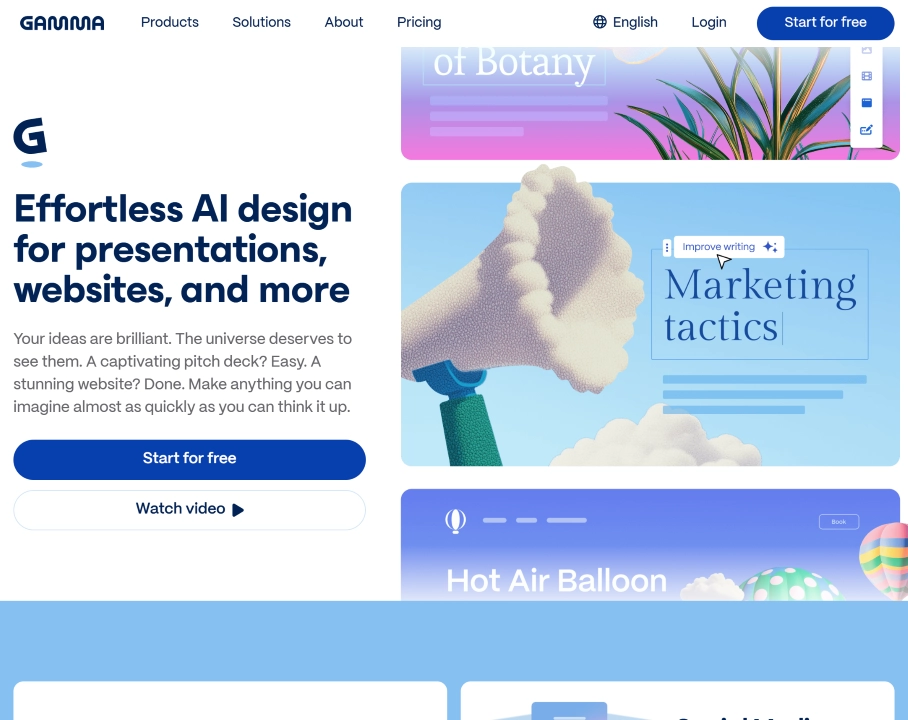
Gamma takes the “type a topic, get a polished result” idea and applies it to presentations, documents, and simple web pages. Paste in notes, an outline, or even an existing document, and it generates a designed deck with reasonable layout choices — timelines, comparison grids, image placement — without the hour normally spent fighting slide templates.
It won’t replace a designer for a high-stakes investor deck, and the free tier’s one-time credit allowance runs out fast. But for the internal decks, project updates, and quick client-facing presentations that make up most real-world slide work, it’s a genuine time saver.
Best for: anyone who needs a presentation or short document produced quickly and doesn’t want to manually design slides.
Pricing: Free tier available (400 one-time AI credits); Plus is around $10/month; Pro is around $20/month; Ultra is around $100/month; Team plans run around $20/seat/month and Business around $40/seat/month.
19. Make — automation for workflows that need real branching logic
Website: make.com
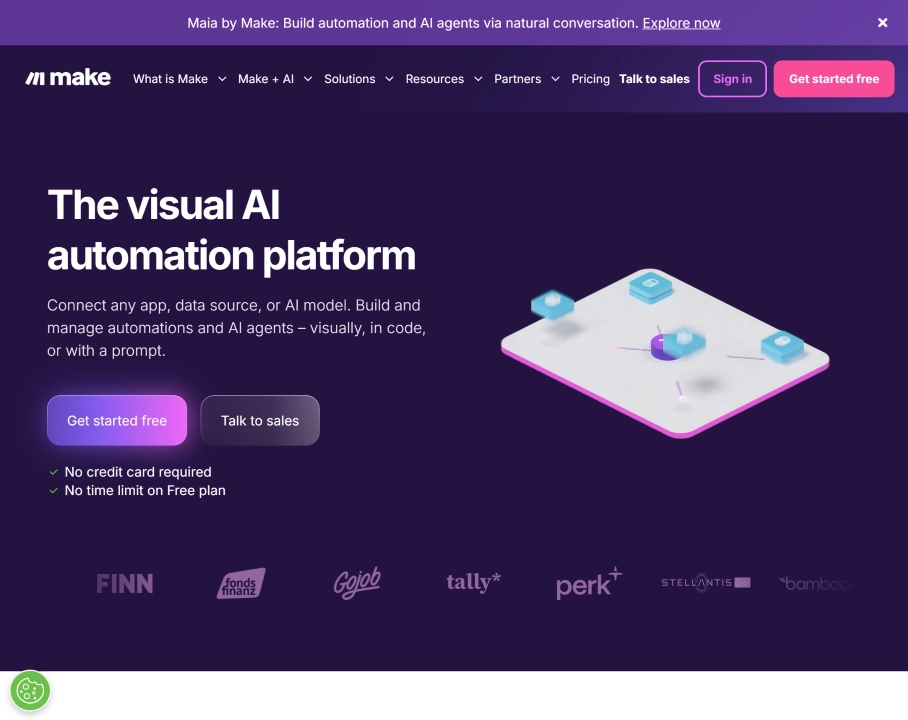
Make (formerly Integromat) solves the same basic problem as Zapier — connect apps, automate steps — but with a visual, flowchart-style builder that handles conditional branches, loops, and multi-path logic more gracefully. If a workflow needs “do A, then check three conditions, then branch into different paths depending on the result,” Make handles that natively in a way simpler tools strain against.
The tradeoff is a steeper learning curve than Zapier’s more guided setup — you’re looking at a canvas of connected nodes rather than a simple linear list of steps. For teams willing to invest a bit of setup time, it’s also usually the cheaper option at real volume.
Best for: teams with automation needs complex enough that a simple linear trigger-action tool starts to strain, but who don’t want to write custom code.
Pricing: Free tier available (1,000 operations/month); Core is around $10–12/month (10,000 operations); Pro is around $16–21/month; Teams is around $29–38/month; Enterprise is custom.
20. Microsoft 365 Copilot — AI woven into Word, Excel, Outlook, and Teams
Website: microsoft.com/microsoft-365/copilot
Microsoft’s answer to “AI for the whole company” is to build it directly into the productivity suite most large organizations already run on. Copilot drafts in Word, builds formulas and summarizes data in Excel, triages Outlook, and recaps meetings in Teams — all using an organization’s own files and mail as context, which is a meaningfully different value proposition from a standalone chatbot with no access to your documents.
The catch is licensing complexity: Copilot is an add-on that requires a qualifying Microsoft 365 base plan, so the advertised per-seat price is rarely the full story — the real all-in cost is usually noticeably higher once the base license is included.
Best for: organizations already standardized on Microsoft 365 that want AI assistance grounded in their own documents, email, and meetings rather than a separate tool.
Pricing: The enterprise add-on is $30/user/month on top of a qualifying Microsoft 365 license (all-in cost commonly runs well above that once the base plan is factored in); a small-business tier runs roughly $18–21/user/month for organizations under 300 users; consumer Copilot is now bundled into Microsoft 365 Personal and Family plans rather than sold separately.
Side-by-side comparison
| Platform | Best for | Starting price | Standout strength |
|---|---|---|---|
| Grengin | Governed AI across a whole team | Free (self-host or Cloud ≤10 users) / $1.25/user/mo | No markup on AI usage, self-host or managed |
| ChatGPT | General-purpose assistant | Free / $20/mo | Broadest everyday flexibility |
| Claude | Long documents & coding | Free / $20/mo | Huge context window, careful reasoning |
| Google Gemini | Multimodal + Google Workspace | Free / $4.99/mo | Native Docs/Gmail integration |
| Perplexity | Cited research | Free / $20/mo | Sourced answers with follow-up |
| Cursor | AI-native coding | Free / $20/mo | Full-repo code awareness |
| Midjourney | AI visuals | $10/mo | Best-in-class image quality |
| Notion AI | In-workspace writing | Free / $10/mo | Lives inside docs you already use |
| Zapier | No-code automation | Free / ~$20–30/mo | Largest app integration library |
| Synthesia | AI-generated video | Free / $29/mo | Script-to-video with no filming |
| ElevenLabs | AI voice & cloning | Free / ~$5–6/mo | Most natural-sounding TTS |
| Suno | AI music generation | Free / $10/mo | Full songs from a text prompt |
| Runway | AI video generation | Free / $15/mo | Cinematic, directable output |
| Descript | Transcript-based editing | Free / $24/mo | Edit media by editing text |
| Jasper | Brand-voice marketing content | ~$69/mo | Consistent tone at scale |
| Grammarly | Writing feedback & tone | Free / $12/mo | Works inside apps you already use |
| GitHub Copilot | AI pair programming | Free / $10/mo | Drops into your existing editor |
| Gamma | AI-generated presentations | Free / ~$10/mo | Prompt-to-deck in under a minute |
| Make | Complex automation logic | Free / ~$10–12/mo | Visual branching workflows |
| Microsoft 365 Copilot | AI inside Office apps | ~$30/user/mo (add-on) | Grounded in your own files & mail |
How to actually choose
If governance and cost control are the problem, not the AI itself — you already know employees are using ChatGPT on personal accounts and want that brought in-house with real oversight — Grengin is built exactly for that gap.
If you want one flexible assistant for daily work, ChatGPT or Claude cover the most ground; pick Claude if your work leans toward long documents or code, ChatGPT if you want the broadest general-purpose tool.
If your team already lives inside one ecosystem — Google Workspace, Notion, or a codebase in an editor — the platform that plugs into that ecosystem natively (Gemini, Notion AI, Cursor) usually beats a more powerful but disconnected alternative.
If the job is automation, not conversation, Zapier is the fastest way to connect apps without engineering time; if you need more complex branching logic, dedicated automation builders scale further.
If output is visual, Midjourney and Synthesia solve different problems — static, stylized imagery versus scripted video — and neither substitutes for the other.
If you need audio, ElevenLabs and Suno also solve different problems — realistic spoken narration and voice cloning versus fully produced music — so pick based on whether you need someone to say something or a song to play.
If you’re generating or editing video beyond an avatar script, Runway handles novel AI-generated footage with real creative control, while Descript is the faster path when you’re editing existing spoken-word recordings.
If you’re a developer choosing between coding assistants, Cursor rebuilds the whole editor around AI, while GitHub Copilot adds AI to the editor you already use — pick based on whether you want a new primary tool or an addition to your current one.
If your automation needs outgrow simple triggers, Make’s visual branching logic handles complexity that Zapier’s simpler linear model starts to strain against; if you’re already standardized on Microsoft 365, Copilot’s advantage is working directly inside Word, Excel, and Outlook rather than around them.
Frequently Asked Questions About AI Platforms
What’s the difference between an AI tool and an AI platform?
A tool usually does one job well — check grammar, transcribe a call, generate an image. A platform gives you a foundation you configure and build on: model choice, governance, integrations, and workflow logic. If you’re trying to standardize how a whole team uses AI, you want a platform.
Do I need one AI platform or several?
Most teams end up with several: a generalist assistant for daily work (ChatGPT or Claude), one or two category specialists for whatever they produce most (code, video, audio, presentations), and increasingly a governance layer like Grengin sitting underneath so the whole stack is auditable instead of scattered across personal accounts and expense reports.
Do I really need separate tools for text, audio, video, and automation, or does one platform cover it all?
No single platform on this list does all of it well, and that’s normal — a video generator and a spreadsheet assistant are solving different problems. The more common pattern is a small stack: a generalist chat assistant, a specialist for whichever media type your work actually produces, and an automation layer connecting the two so outputs move between tools without manual copy-pasting.
Is a self-hosted platform like Grengin harder to set up than a SaaS tool?
Not by design — the one-click Marketplace deployment is meant to take about five minutes, comparable to signing up for a hosted product. The difference is where the software runs afterward: in your own cloud account rather than a vendor’s.
Which of these are actually free to use meaningfully, not just as a trial?
ChatGPT, Claude, Gemini, and Perplexity all have free tiers usable for real daily work, not just a demo. Grengin goes further for small teams: Grengin Cloud is free for up to 10 users with every feature included, no card or trial clock, and self-hosting from source is free outright at any team size — either way, you only pay for the compute and AI usage you actually consume.
How often does AI platform pricing change?
Often enough that any list like this one is a snapshot, not a permanent reference. Model providers routinely adjust tiers, and usage-based pricing (like Cursor’s credit system or Zapier’s task limits) shifts even between major version updates. Always check the current pricing page before committing.