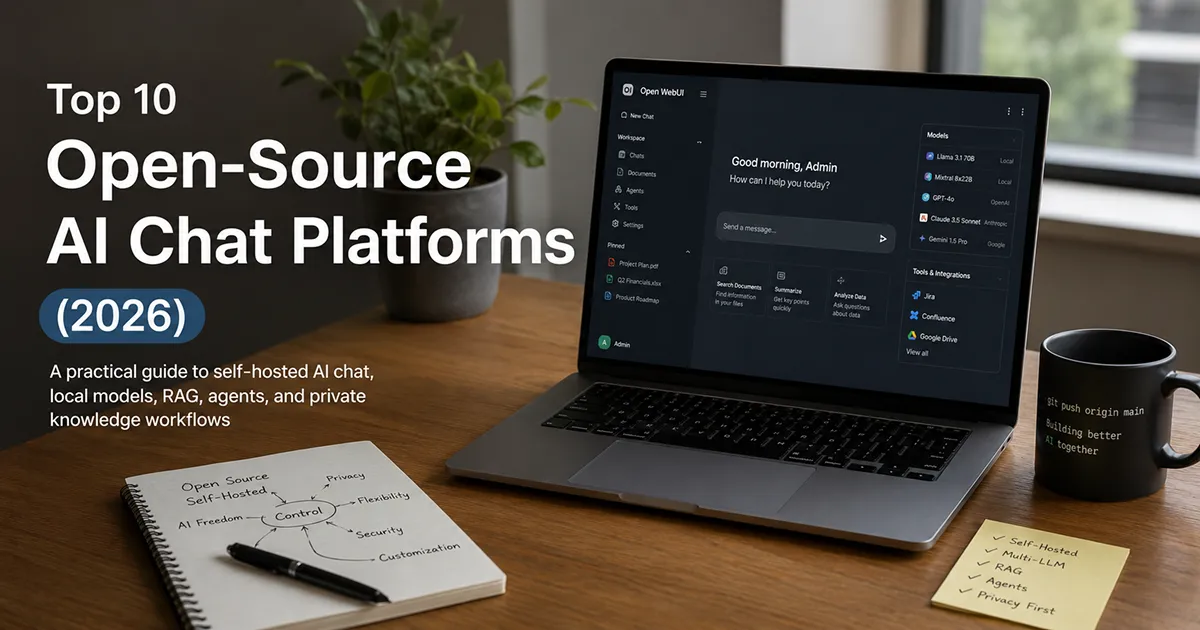
A practical guide to self-hosted AI chat, local models, RAG, agents, and private knowledge workflows
Imagine this.
Host: “So, which AI chatbot should we use?”
IT manager: “The one that lets us control the data.”
Finance: “And the cost.”
Developers: “And the model.”
Security: “And where the conversations are stored.”
Everyone: “…”
That awkward silence is exactly why open-source AI chat platforms have become so interesting.
The conversation around AI has moved beyond “Which model is smartest?” The more practical question in 2026 is: Who controls the AI experience, the data behind it, and the infrastructure underneath it?
That is where open-source platforms stand out.
Instead of locking an organization into a single AI provider, these tools can act as a flexible interface between users, models, documents, APIs, agents, and internal systems. Some are designed for simple local chatting. Others are practically AI operating systems for businesses.
We reviewed the leading open-source options available in 2026, looking beyond flashy feature lists and focusing on what actually matters: ease of use, model flexibility, privacy, document handling, agent capabilities, deployment, integrations, and real-world usefulness.
And there is one final test that matters more than any feature checklist: Would we actually want to use this after the novelty wears off?
What Makes an Open-Source AI Chat Platform Worth Using?
A modern AI chat platform should do more than provide a text box and a blinking cursor. We looked at several practical areas:
-
Model flexibility: Can you use different local and cloud models?
-
Self-hosting: Can the organization run the platform on its own infrastructure?
-
Privacy and control: Can sensitive information stay within an environment you control?
-
Document intelligence: Can users upload PDFs, Word files, notes, and other business information?
-
Agents and tools: Can the AI do more than generate text?
-
Ease of deployment: Is getting started reasonable for a developer or IT team?
-
Multi-user capabilities: Can it support teams rather than just one enthusiast?
-
Search and retrieval: Can it connect answers to actual sources and knowledge?
-
Community and momentum: Is the project actively developed?
1. Grengin — Best for Governed, Self-Hosted Enterprise AI
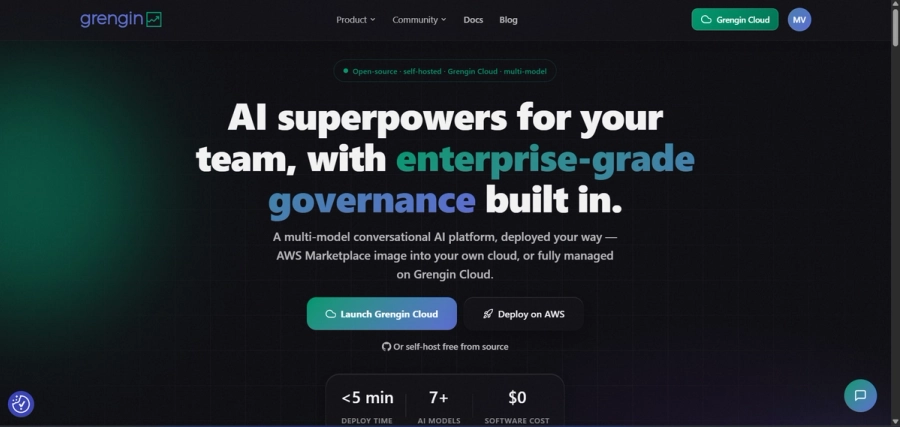
If your organization wants governed AI access without an enterprise-sized price tag, Grengin is one to watch closely in 2026.
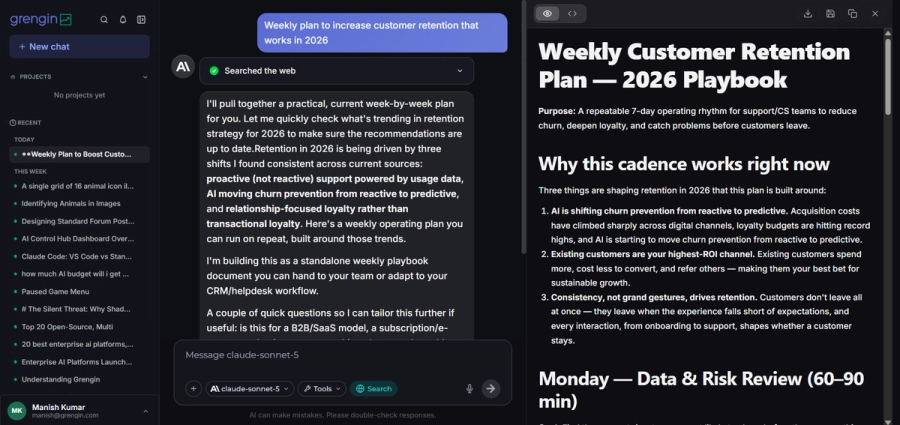
Grengin is a self-hosted, open-source, multi-LLM AI workspace that brings governed access to OpenAI, Anthropic Claude, Google Gemini, and open-source models into a single branded chat interface. It ships with admin-facing controls such as SSO, PII detection, audit trails, and per-user or per-department budget limits, and it connects to existing tools like Jira, Confluence, and Google Drive through MCP.
Imagine a mid-sized company that wants the governance of an enterprise AI suite — single sign-on, spend caps, audit logs — but doesn’t have the headcount for a heavy DevOps rollout or the budget for a large enterprise contract. Grengin is built to fill exactly that gap, with a self-hosted deployment that can be running in a matter of minutes.
-
What we like: Governance built in from the start — SSO, department-level budgets, and audit trails without enterprise pricing or seat minimums.
-
Where it falls short: Newer to the space than some of the longer-established projects on this list, so its community and third-party integrations are still growing.
-
Best for: Small and mid-sized teams that want enterprise-style AI governance without enterprise complexity or cost.
-
Our verdict: 9.6/10
2. Open WebUI — Best for Flexible, Self-Hosted AI Workspaces
If you want something that feels like a serious AI workspace rather than a weekend experiment, Open WebUI is one of the strongest choices in 2026.
It is self-hosted, extensible, and designed to work with both local models and cloud APIs. Its current documentation describes broad provider support, advanced RAG, tools, agents, team features, and enterprise-oriented controls.
What makes Open WebUI particularly compelling is its provider-agnostic approach. You can run a local model today and connect a cloud provider tomorrow without throwing away the interface your team already uses.
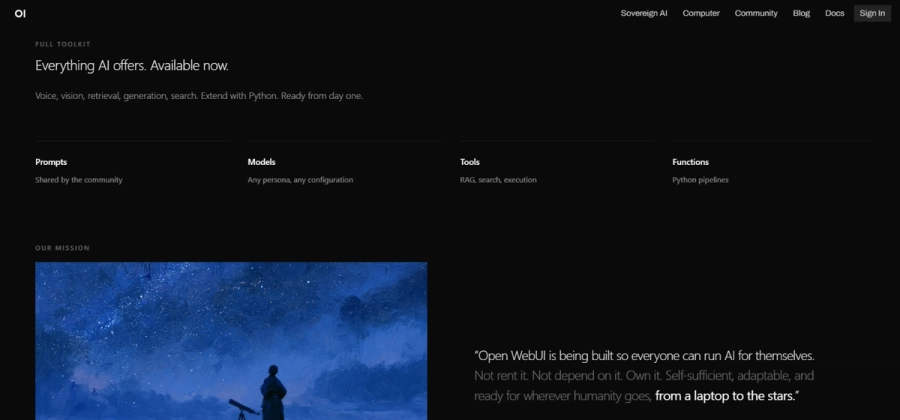 Imagine a company that uses a local model for confidential internal documents but wants access to a more powerful cloud model for general research. Instead of forcing employees to jump between multiple applications, Open WebUI can put those experiences behind one interface.
-
What we like: Flexibility. It gives you a place to manage the models you choose.
-
Where it falls short: That flexibility can become complexity for casual users.
-
Best for: Companies, developers, IT teams, and serious AI enthusiasts.
-
Our verdict: 9.5/10
3. LibreChat — Best for Multi-Model Teams
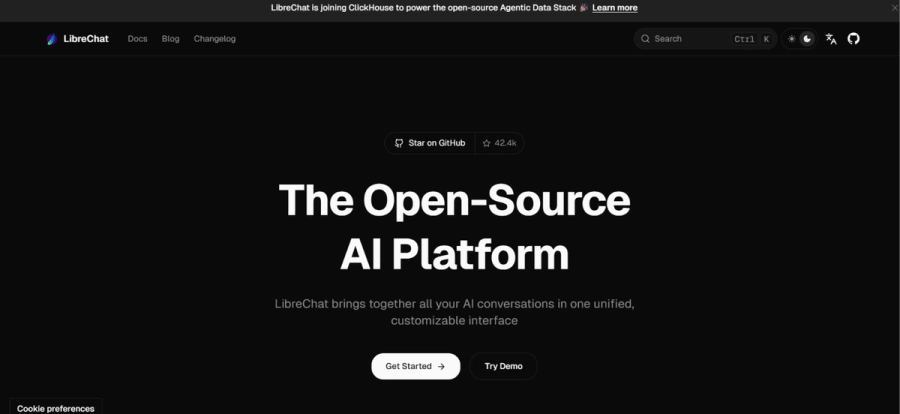
If ChatGPT’s interface is familiar territory but you want more control underneath it, LibreChat deserves a serious look.
LibreChat is a self-hosted, open-source platform that brings multiple AI providers into a single interface. Its current feature set includes agents, MCP integration, code execution, artifacts, web search, memory, file handling, RAG, and enterprise-oriented authentication.
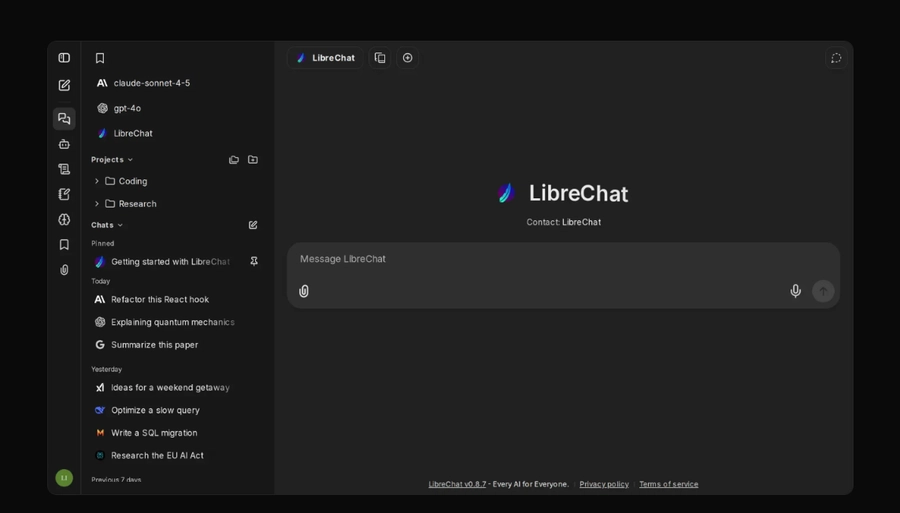 A team might use Claude for long-form reasoning, GPT models for certain business workflows, Gemini for multimodal tasks, Ollama for local experimentation, and another OpenAI-compatible provider for cost-sensitive workloads. LibreChat can put those models under one roof.
-
What we like: Breadth. It is a complete AI interaction layer rather than a simple chatbot.
-
Where it falls short: Sophisticated deployments require more configuration.
-
Best for: Organizations that want one self-hosted interface across multiple AI providers.
-
Our verdict: 9.2/10
4. AnythingLLM — Best for Chatting With Business Documents
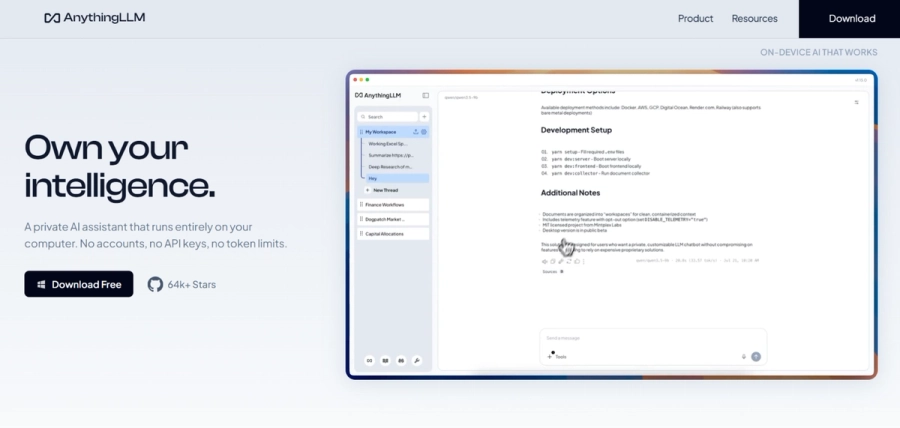
Most people don’t actually want to “chat with AI.” They want to chat with their information.
That could mean asking: “What does our employee handbook say about parental leave?” Or: “Compare these three proposals and tell me where the pricing differs.”
That’s the territory where AnythingLLM shines.
AnythingLLM is designed for document Q&A, workspaces, agents, citations, vector databases, multi-user environments, and local or cloud models. Its documentation emphasizes document ingestion, RAG, security, access controls, and self-hosting.
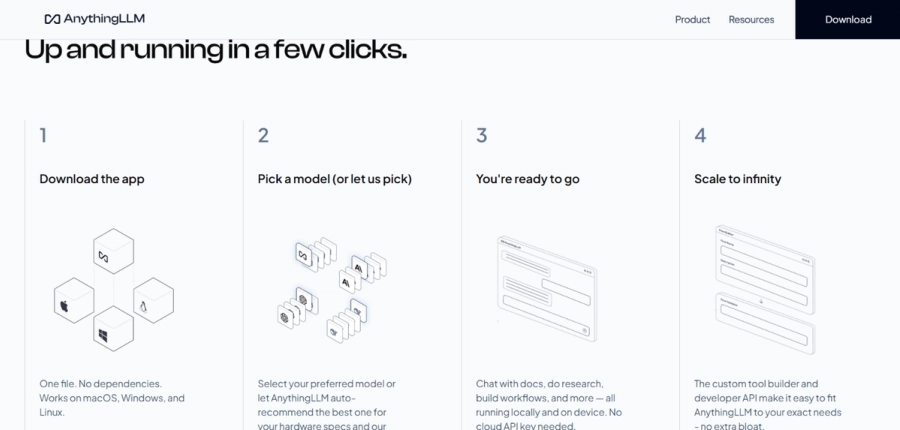 Consider a consulting firm with hundreds of client documents. Instead of giving an employee a folder and saying, “Good luck finding that clause,” the firm could create a controlled knowledge workspace where employees ask questions conversationally and receive answers with source references.
-
What we like: Its focus on turning internal documents and knowledge into conversational AI.
-
Where it falls short: A general-purpose chat user may find it more platform than necessary.
-
Best for: Teams that want to turn internal documents and knowledge bases into conversational AI.
-
Our verdict: 9.1/10
5. LobeHub — Best for AI Agents and a Modern User Experience
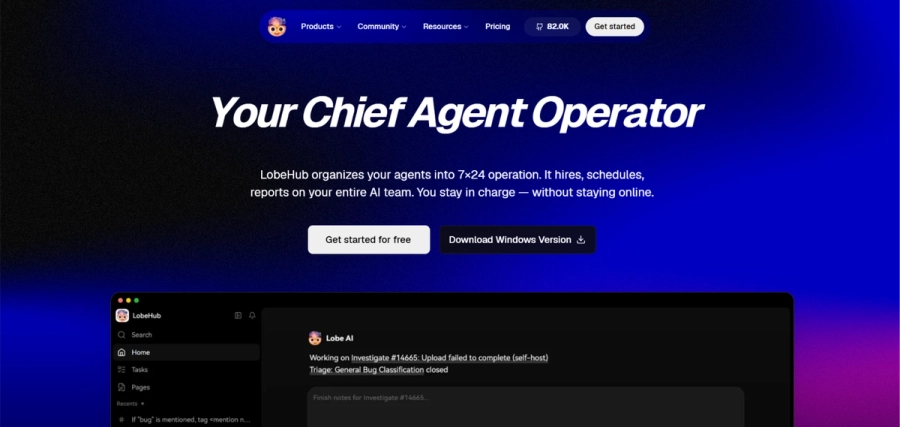 Some AI tools feel like they were designed by developers for developers. LobeHub feels considerably more polished.
The project has evolved beyond a simple chat interface into a broader workspace for AI agents, with support for multiple model providers, local models, knowledge bases, MCP plugins, web search, artifacts, voice interaction, image generation, and multi-user functionality.
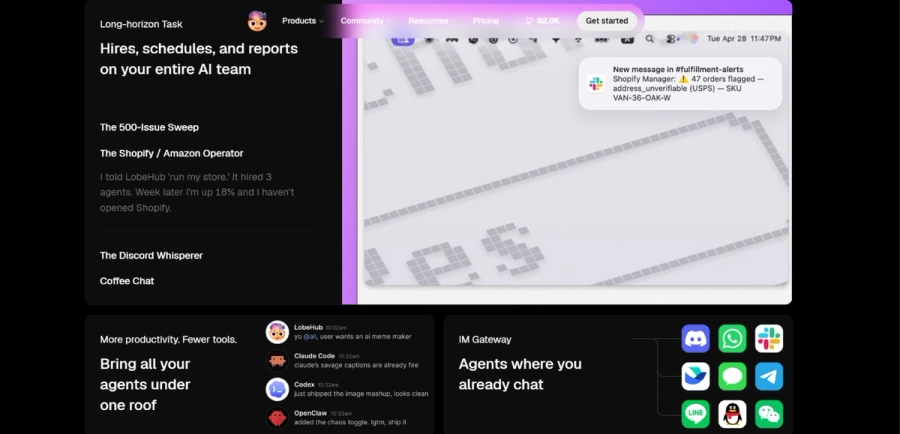 The bigger idea is that AI interaction is shifting from “Ask AI a question” to “Give AI a job.” Instead of repeatedly asking an assistant to research competitors, summarize findings, and prepare a brief, an agent-oriented platform can turn those capabilities into a more structured workflow.
-
What we like: The combination of design, agents, and integrations.
-
Where it falls short: Its breadth can feel overwhelming to users who only want minimalist chat.
-
Best for: AI enthusiasts, developers, creators, and teams exploring agent-based workflows.
-
Our verdict: 9.0/10
6. Jan — Best Desktop Option for Local AI
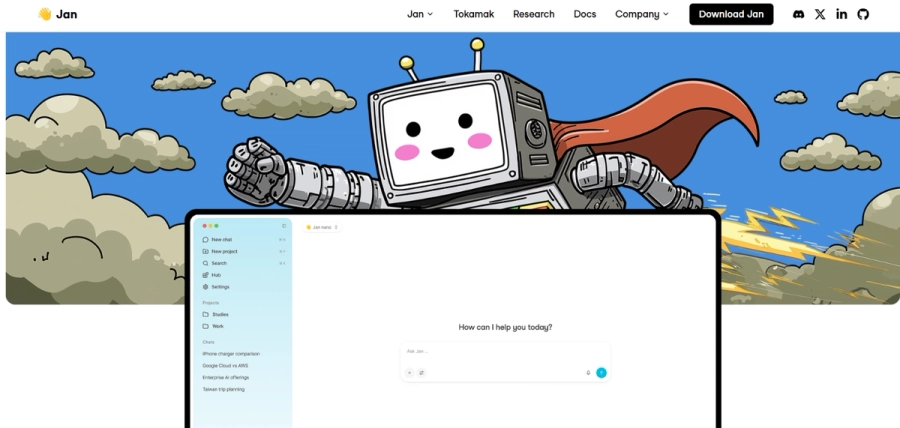 Sometimes you don’t need an AI platform for an entire organization. You just want AI on your computer.
That is where Jan makes a strong case. Jan is an open-source desktop application designed around local AI. It can run models locally while also connecting to cloud providers, and it provides an OpenAI-compatible local API.
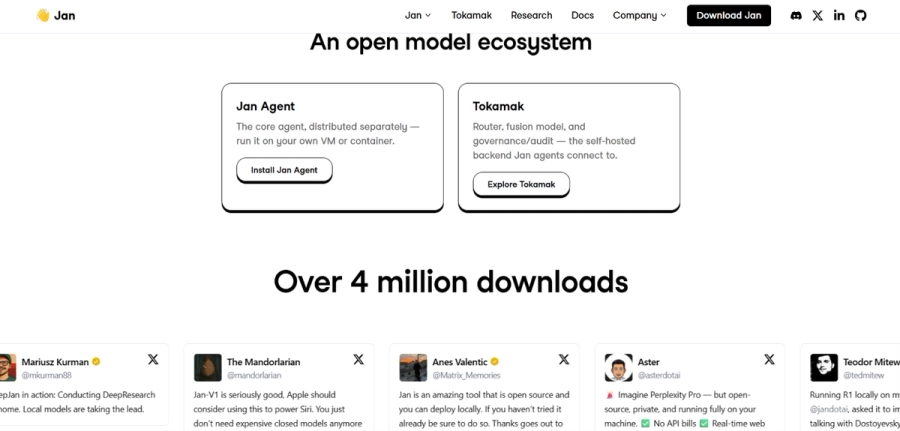 Suppose you’re a journalist working with interview notes, a lawyer reviewing confidential drafts, or a developer experimenting with models without sending every prompt to a cloud provider. A local-first application can offer a different privacy model from a hosted chatbot.
-
What we like: Simplicity. It makes local AI feel like an application rather than an infrastructure project.
-
Where it falls short: Local performance still depends heavily on your hardware.
-
Best for: Individuals who want private, local AI without building an entire AI stack.
-
Our verdict: 8.8/10
7. GPT4All — Best for Straightforward Private Desktop Chat
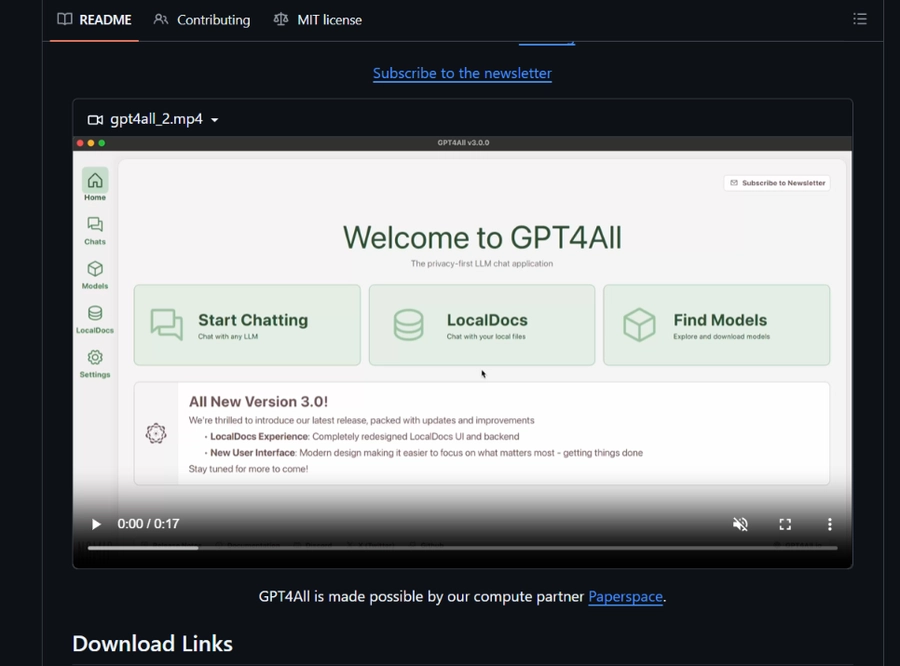 GPT4All has been around long enough to deserve veteran status in the local-AI conversation.
Its pitch remains refreshingly straightforward: run language models privately on everyday desktops and laptops without requiring API calls or a dedicated GPU.
That simplicity is its appeal. You download the application, choose a model, and start experimenting.
Imagine a small business owner who wants to experiment with an AI assistant for internal notes but isn’t interested in becoming an AI infrastructure engineer. GPT4All provides a relatively approachable starting point.
-
What we like: Accessibility. It brings local LLMs closer to ordinary desktop users.
-
Where it falls short: Advanced teams may eventually want deeper orchestration and enterprise controls.
-
Best for: Beginners and desktop users who want local AI with minimal complexity.
-
Our verdict: 8.5/10
8. LocalAI — Best for Building Your Own AI Infrastructure
Now we enter developer territory.
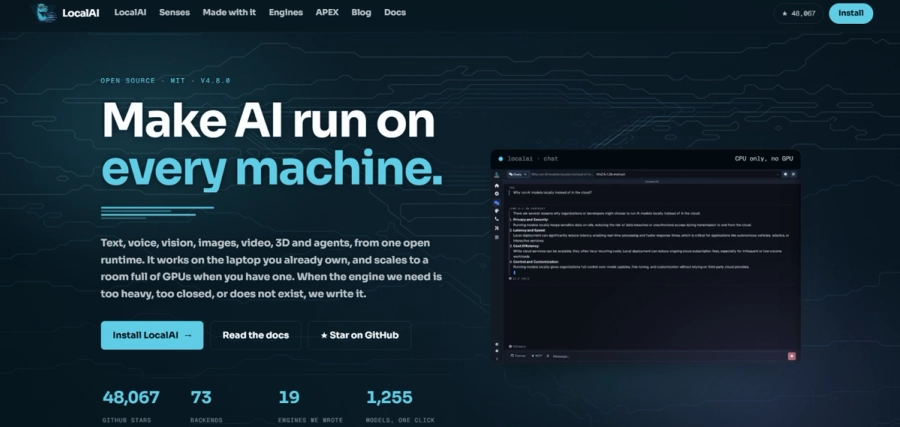
LocalAI is less “download an app and start chatting” and more “let’s build our own AI environment.”
It is an open-source AI engine capable of running models for text, vision, voice, images, and video across different hardware. It is particularly interesting for organizations building AI infrastructure rather than simply consuming an AI application.
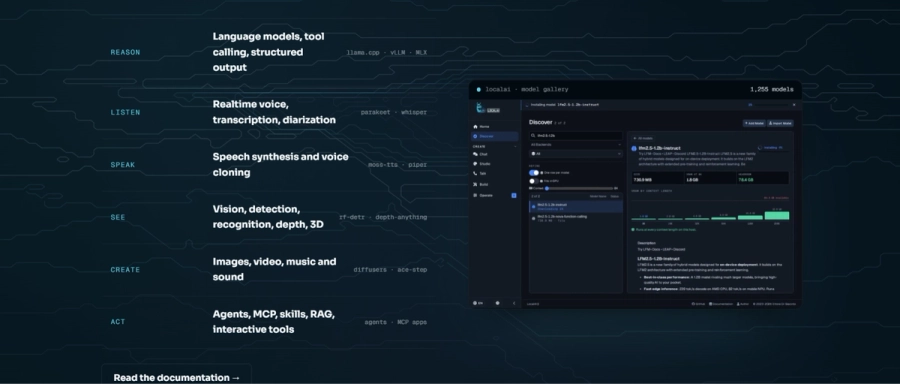 This can be useful when a development team wants an OpenAI-compatible interface around locally hosted models or wants to integrate AI into a larger private architecture.
-
What we like: Control and extensibility.
-
Where it falls short: It is not the platform we’d hand to a nontechnical employee.
-
Best for: Developers, infrastructure teams, and organizations building self-hosted AI systems.
-
Our verdict: 8.7/10
9. RAGFlow — Best for Enterprise Knowledge and RAG
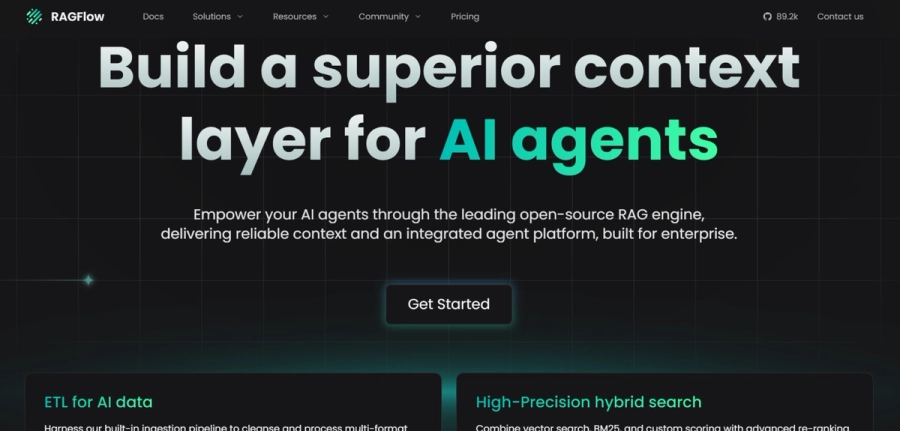
If your biggest AI problem is not conversation but retrieval, RAGFlow deserves attention.
RAGFlow is an open-source RAG engine built around document understanding and agent capabilities. Its focus is on turning complex information into grounded AI responses backed by citations.
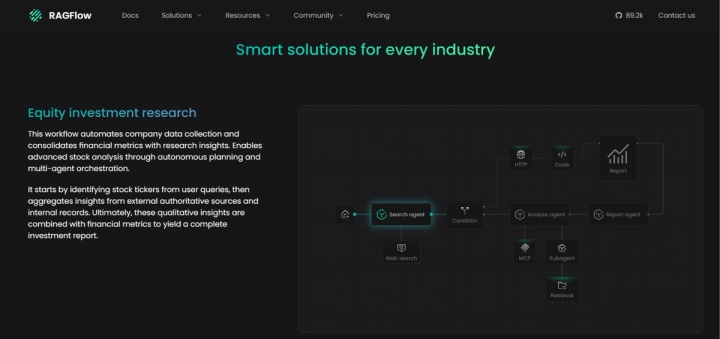 Enterprise documents are rarely clean. Real companies have scanned PDFs, old Word documents, spreadsheets, presentations, web pages, images, and files with formatting that somehow survived three reorganizations.
RAGFlow is designed for that mess.
-
What we like: Document understanding and grounded retrieval.
-
Where it falls short: It is closer to enterprise AI knowledge infrastructure than a casual chatbot.
-
Best for: Organizations building knowledge assistants, document Q&A systems, and RAG applications.
-
Our verdict: 9.0/10
10. Khoj — Best Personal AI “Second Brain”
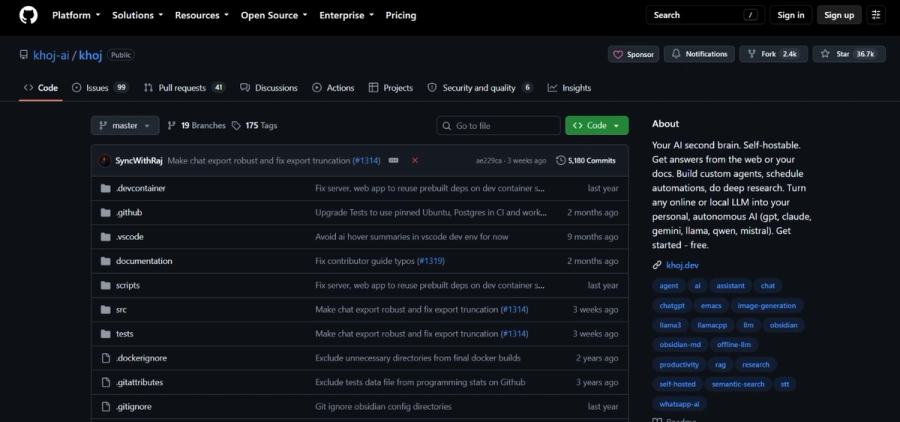
What if your AI assistant actually knew your notes?
That’s the idea behind Khoj.
Khoj is a self-hostable personal AI that can work with local or online models, search your documents and the web, create custom agents, automate research, and connect across platforms such as browsers, Obsidian, Emacs, desktop, mobile, and messaging.
A researcher could keep years of notes, PDFs, and references in a personal knowledge system and use Khoj to find connections through natural-language questions. Instead of remembering where something was saved, you can ask what you remember about it.
-
What we like: The personal knowledge angle.
-
Where it falls short: Its personal-assistant orientation makes it less obviously suited to large corporate deployments.
-
Best for: Researchers, writers, developers, knowledge workers, and serious note-takers.
-
Our verdict: 8.8/10
So, Which Open-Source AI Chat Platform Should You Choose?
There is no single winner for everyone. And that’s actually good news. The open-source AI ecosystem is becoming less about finding the one perfect chatbot and more about finding the right architecture for the job.
-
Choose Open WebUI if you want the best all-rounder with broad model compatibility, self-hosting, and room to grow.
-
Choose LibreChat if your organization uses multiple AI providers and wants them available through one interface.
-
Choose AnythingLLM if your priority is chatting with documents and internal knowledge.
-
Choose LobeHub if you’re interested in AI agents, MCP, and modern AI workflows.
-
Choose Jan if you want local AI on your desktop without turning your computer into a science project.
-
Choose GPT4All if you’re looking for a simple entry point into private local AI.
-
Choose LocalAI if you’re a developer building custom AI infrastructure.
-
Choose RAGFlow if your biggest problem is retrieving reliable answers from complex enterprise data.
-
Choose Khoj if you want an AI second brain around your personal knowledge.
-
Choose Perplexica if you want AI-powered web research with an open-source foundation.
The Bigger Story: Open Source Is Changing the AI Conversation
There is an interesting shift happening underneath all of this.
A few years ago, the dominant question was: “Which AI company has the best model?”
Then it became: “Which AI chatbot should we use?”
In 2026, increasingly, the question is: “Where should our AI live?”
That is a much bigger question.
Should it run on an employee’s laptop? Inside a company’s private cloud? Across a hybrid environment? Should sensitive documents ever leave the organization’s infrastructure? Should employees be able to switch between models? Should AI conversations become searchable company knowledge? Should an AI agent be allowed to access internal tools?
And perhaps most importantly: Who gets to decide?
Open-source platforms don’t automatically answer all of those questions. Self-hosting does not magically make an AI system secure. Running a model locally does not eliminate every privacy or governance risk.
But these platforms give organizations something increasingly valuable: choice.
You can inspect the software. You can modify it. You can run it yourself. You can connect different models. You can build around your existing systems. And you can decide how much control you want over the AI layer.
That is a meaningful advantage in a world where AI is becoming part of everyday business infrastructure.
Final Verdict
The best open-source AI chat platform in 2026 isn’t necessarily the one with the longest feature list. It is the one that fits the problem.
For broad, flexible AI access, Open WebUI is our strongest overall pick.
For multi-provider environments, LibreChat is difficult to ignore.
For document-heavy workflows, AnythingLLM and RAGFlow stand out.
For local desktop AI, Jan is one of the most compelling choices.
For personal knowledge, Khoj offers something genuinely different.
And for organizations experimenting with the next generation of agentic AI, LobeHub is worth watching closely.
The most important takeaway is this:
Open-source AI chat is no longer simply the cheaper alternative to ChatGPT.
It is becoming its own category of infrastructure.
And that may be the most interesting AI development of all.
Editorial Note
This article reflects the state of the projects and their publicly documented capabilities available in August 2026. Features, model compatibility, licenses, repositories, and deployment requirements can change quickly, so organizations should verify current documentation, security posture, and licensing terms before deploying any platform in production.