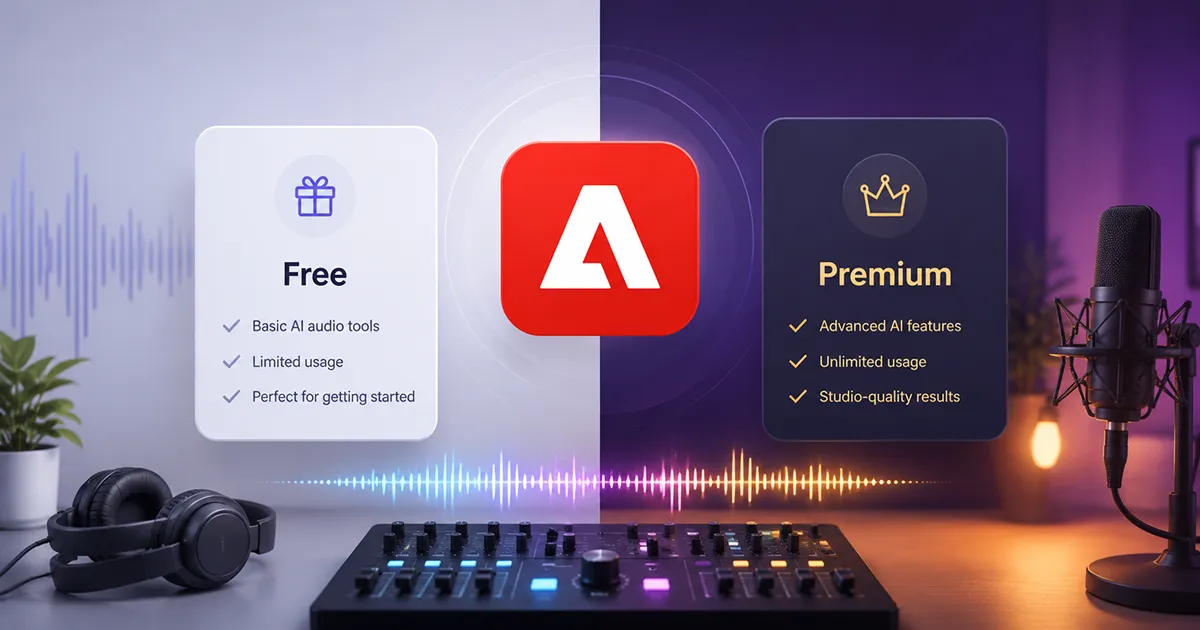
Two plans, one number that keeps getting reported wrong.
Google “Adobe Podcast pricing” and you’ll get a different answer depending on which site you land on:
- One says $9.99
- Another says $29 a month
- A few still call it a “free beta,” pricing “to be announced”
None of that is because Adobe keeps changing its price. It’s because most pricing round-up sites scraped a number once, a while back, and never went back to check.
Here’s the real, current answer — straight from Adobe’s own pricing page:
Two plans. Free and Premium. Premium is $9.99 a month, or $99.99 a year. That’s the whole structure — no hidden tiers, no per-minute billing, nothing you need a sales call to find out.
The number’s the boring part, though. What actually decides whether you should pay is what the free plan won’t let you do — and whether that’s going to bug you. That’s the real question this post answers.
(New here? Adobe Podcast is Adobe’s browser-based audio tool, built around Enhance Speech — an AI feature that cleans up noisy, echoey recordings so they sound closer to studio quality. Recording and text-based editing happen in a separate part of the tool called Studio.)
What the free plan actually includes
The free tier isn’t a crippled demo — it’s a genuinely usable version of the product, which is more generous than a lot of its competitors. You get:
- Enhance Speech, the core noise-and-reverb cleanup tool
- Mic Check, for testing your setup before you hit record
- Studio, for recording and text-based editing
The limits are where it gets specific:
- Enhance Speech tops out at 30-minute files, with a total of 1 hour of processing allowed per day
- Files can’t exceed 500MB
- Audio only — no video file support, so if your source is a screen recording or a video file, you’ll need to pull the audio out yourself first
- Studio caps you at 2 projects a day, with downloads limited to 30 minutes per project
- You can’t download your original, unprocessed recording — only the enhanced version
- No bulk uploads, no strength-adjustment slider, no separated audio stems
For casual use, most of that won’t matter. If you’re cleaning up a single voice memo or a short interview clip, an hour of processing a day and a 30-minute file cap barely register. Where it actually starts to pinch is the moment your episodes run longer than 30 minutes — which, let’s be honest, describes most podcasts — because then you physically can’t enhance the whole thing in one pass without splitting the file first.
What Premium unlocks
Premium runs $9.99/month, or $99.99 billed annually — which works out to about $8.33/month if you pay yearly, saving you roughly $20 over the year. Close enough to two free months to call it that. Adobe also offers a 30-day free trial on Premium, so you can test the higher limits before deciding whether it’s worth keeping.
Here’s what actually changes:
- Daily processing time goes from 1 hour to 4 hours
- Max file size goes from 500MB to 1GB
- Video files (MP4, MOV) are accepted directly — you’re no longer stuck manually extracting audio before you can clean it up
- A strength-adjustment slider, so enhancement isn’t all-or-nothing
- Bulk uploads, for anyone working through a backlog of episodes
- Unlimited Studio downloads — no more 2-projects-a-day ceiling
- Downloadable audio stems (speech, background noise, and music as separate tracks), which is genuinely useful if you want to keep editing in Audition, Premiere, or any other DAW
- Premium features on Adobe Express bundled in at no extra cost
One thing worth flagging: around March 2026, Adobe added independent control sliders for speech, noise, and music, instead of one blunt “enhance everything” toggle. Before that, a fair number of users were complaining that captioning or enhancing a video would gut the background music almost entirely, leaving what used to be a proper mix sounding like voiceover-only audio. The independent sliders were Adobe’s answer to that specific complaint — you can now turn down noise without dragging your music track down with it.
The AI features: free vs premium
“AI-powered” gets thrown around loosely in software marketing, so here’s specifically what’s AI-driven in Adobe Podcast, and which parts of it are actually locked behind Premium.
On both plans, you get:
- Enhance Speech — the core AI model that strips out background noise, reverb, and echo, and cleans up your voice. It’s the same underlying AI on both tiers; free just caps how much of it you can run per day (1 hour vs. 4)
- AI transcription — Studio auto-transcribes your recording so you can edit audio by editing text, using the same transcription engine Adobe built for Premiere Pro
Premium-only AI features:
- Strength-adjustable enhancement — a slider that controls how hard the AI processes your voice, instead of one fixed setting. This also happens to be the fix for the slightly over-processed, robotic sound some free-tier users have complained about
- Independent speech/noise/music separation — the March 2026 update mentioned above. Instead of one blended “enhance everything” pass, the AI treats voice, background noise, and music as separate layers, so cleaning up noise doesn’t wipe out your background music too
- Video-aware enhancement — the AI processes the audio track inside MP4 and MOV files directly, without you extracting it first
- Stem export — Premium hands back the isolated speech, noise, and music tracks separately. That’s the same AI source-separation working under the hood, just exposed as a download instead of baked into one final file
Here’s the honest takeaway: the AI itself isn’t smarter on Premium. You’re not paying for a better model — you’re paying for more control over the same one, plus the removal of caps that stop you running it on longer files or in bulk.
Free vs Premium, side by side
| Free | Premium | |
|---|---|---|
| Price | $0 | $9.99/mo or $99.99/yr |
| Daily processing time | 1 hour | 4 hours |
| Max file size | 500MB | 1GB |
| Video file support | No | Yes (MP4, MOV) |
| Strength adjustment | No | Yes |
| Bulk upload | No | Yes |
| Studio downloads | 2/day, 30-min cap each | Unlimited |
| Original recording download | No | Yes |
| Audio stem downloads | No | Yes |
| Adobe Express Premium included | No | Yes |
| Free trial | — | 30 days |
Is Premium actually worth it?
Depends entirely on how you use the tool, but here’s a rough way to think it through.
Stay on free if you’re an occasional user — the odd voice memo, a single short interview, nothing that regularly runs past 30 minutes. You’re unlikely to ever hit the daily cap, and the file-size limit covers most casual use on its own.
Premium starts earning its keep the moment any of these are true: your episodes routinely run over 30 minutes, you’re recording video podcasts and don’t want to manually pull audio out every time, you’re processing more than one file a day, or you actually need the raw, unprocessed file rather than just what Adobe hands back.
If you’re already an Adobe Creative Cloud subscriber, it’s worth checking your plan details before paying for Podcast Premium separately — depending on your tier, there may already be some overlap.
For context on where $9.99 sits in the market: Descript starts around $24/month, Alitu runs about $32/month, and Auphonic sits closer to $11/month with a limited free tier of its own. Adobe Podcast is genuinely one of the cheaper paid options in this category — the tradeoff is that it’s also narrower in scope. It’s not trying to be a full production suite. It’s trying to be really good at one job: making bad audio sound less bad.
Where it falls short either way
Even on Premium, this isn’t a replacement for a proper DAW. There’s no multitrack mixing, no EQ, no compression or mastering — if that’s what you need, you’re looking at Audition, Descript, or something in that category regardless of which Adobe Podcast plan you’re on. Some users have also noted that the current version of Enhance Speech can occasionally over-process a voice, making it sound a bit artificial — worth keeping in mind if your source recording is already decent, since AI cleanup tools generally do their best work on genuinely rough audio, not audio that didn’t need much help to begin with.
A few quick questions people ask
Is the free plan actually free, or just a trial?
- It’s free indefinitely, not a time-limited trial. The caps — 1 hour of processing a day, 30-minute file limit — don’t expire. You can stay on the free tier as long as you want.
Is there a free trial for Premium?
- Yes, 30 days, according to Adobe’s own plans page. Worth double-checking at signup whether a payment method is required upfront, since that can vary and isn’t always spelled out clearly.
Does paying annually actually save money?
- Yes. $99.99/year comes out to about $8.33/month, versus $9.99 if you’re billed monthly — roughly $20 back in your pocket over the year.
Bottom line
Free isn’t a taster — it’s a genuinely usable tool with real limits, and for a lot of casual use, those limits will never come up. Premium costs $9.99 a month (or $99.99 a year) and earns its price the moment file-length caps, video support, or daily processing limits start actually getting in your way. Compared to what similar tools charge for AI-driven audio cleanup, $9.99 is hard to call expensive. The real question isn’t whether Premium is worth ten dollars a month — it’s whether you’re using the tool enough to actually need what that ten dollars unlocks.