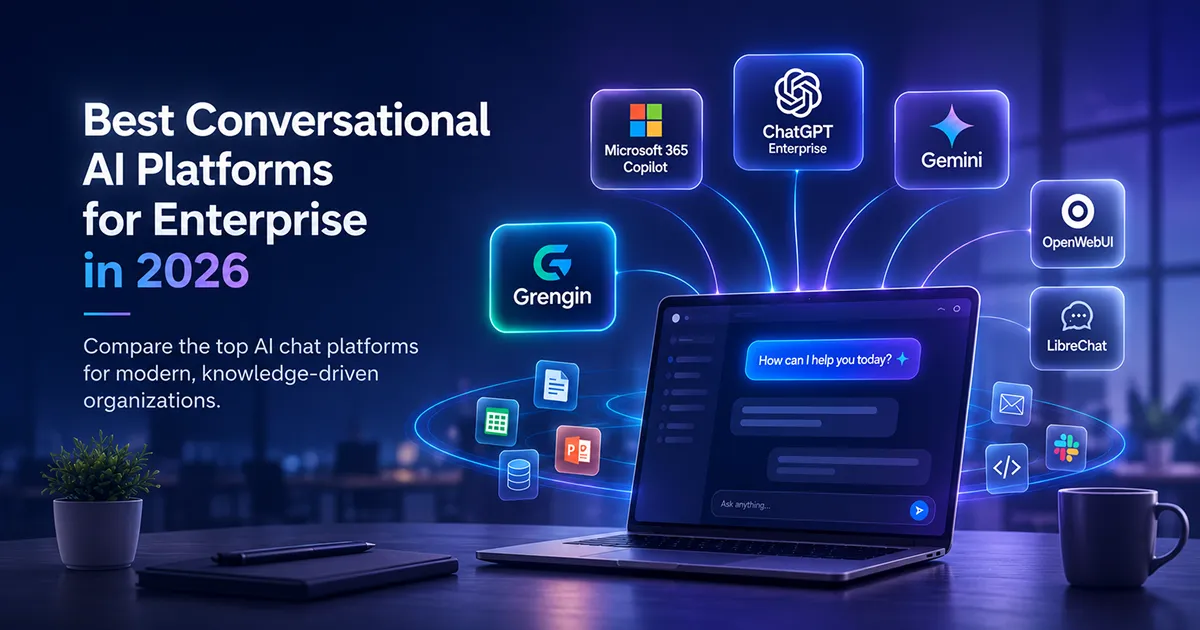
“Conversational AI platform” means two different things depending on who’s buying. Contact-center teams mean Rasa, Kore.ai, or Dialogflow CX for customer support automation. IT and knowledge-work teams mean the AI chat layer employees use every day — ChatGPT, Copilot, Gemini, or a self-hosted alternative like Grengin.
This guide covers the second category: enterprise AI chat platforms for internal knowledge work — the tools your employees actually open 20+ times a day to draft, summarize, analyze, and search. If you came here comparing customer-service bots, the short version is: Rasa and Kore.ai lead that category, and they’re a separate buying decision from what’s below.
The 2026 Landscape at a Glance
| Platform | Entry Price (per user/mo) | Deployment | Org Data Grounding | Governance Depth | Best For |
|---|---|---|---|---|---|
| ChatGPT Enterprise | ~$45–75 (150-seat minimum) | Vendor-hosted | Limited, manual connectors | SOC 2, HIPAA BAA, audit logs | Frontier model access, broad adoption |
| Microsoft 365 Copilot | $30 add-on + $36–57 base license | Vendor-hosted (Azure) | Deep, via Microsoft Graph | Strong within M365 boundary | Microsoft 365-native orgs |
| Google Gemini (Workspace) | Bundled into $7–26 Workspace plans | Vendor-hosted (Google Cloud) | Deep within Workspace apps | Strong within Workspace | Google Workspace-native orgs |
| OpenWebUI | Free (self-hosted); Enterprise tier custom-quoted | Self-hosted | Manual RAG setup required | Minimal on free tier; SSO/RBAC/audit logs on paid Enterprise tier | Technical teams, dev/test |
| LibreChat | Free (self-hosted) | Self-hosted | Manual RAG setup required | Built-in ACL/RBAC per resource; budgets and org-wide audit still DIY | Developers wanting flexibility |
| Grengin | Free (self-host); Grengin Cloud free up to 10 users, then $1.25/active user/month | Self-hosted (open source), AWS Marketplace image, or Grengin Cloud (managed) | Built-in semantic search over org knowledge | RBAC, department budgets, audit logs, PII detection | Governed multi-provider AI with real context |
(Pricing verified from vendor sources as of September 2026; enterprise quotes are negotiated and vary by seat count and term.)
1. ChatGPT Enterprise
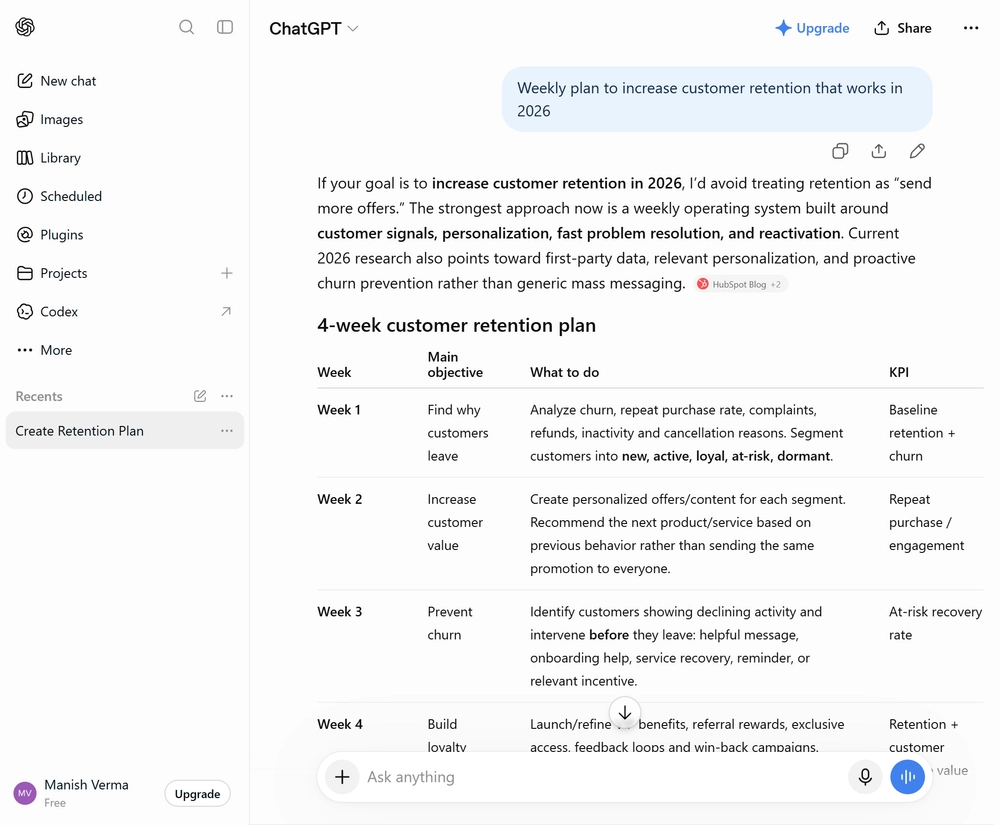
OpenAI’s top commercial tier is the default first stop for enterprises chasing frontier model performance. It now runs on GPT-5.5-era models as of September 2026, with roughly 10x the message limits of the free tier and effectively no rate-limit friction — a real distinction, since ChatGPT Plus has message rate limits and the Team plan has soft caps that can slow power users down. Enterprise removes those constraints entirely.
- Pricing: No public list price. Reported 2026 contracts run between $45 and $75 per user per month depending on scale and term, with larger, multi-year deployments landing at the lower end. The floor for any deployment sits near $108,000 per year once the 150-seat minimum and mandatory annual term are factored in — there is still no month-to-month option.
- Governance: Audit logs covering all user activity are included as a standard feature, and data residency options across US and EU are available on Enterprise contracts — a meaningful feature for regulated industries.
- Customization: Organizations can build tailored assistants for legal review, customer support, HR policy, or sales enablement and push them to all users through the admin console.
- Limitation: There is no self-serve trial or free evaluation path — a sales engagement is required to begin any Enterprise evaluation. The 150-seat floor and annual-only billing also shut out mid-sized teams that want to pilot before committing.
Why Grengin is the better fit: Grengin has no seat minimum and no mandatory annual lock-in — you can start with five users or five hundred. More importantly, ChatGPT Enterprise ties your organization to one model family (OpenAI’s), while Grengin routes across OpenAI, Anthropic, Mistral, and Gemini from the same interface, so a pricing change or model deprecation on one provider’s roadmap doesn’t force a company-wide migration.
2. Microsoft 365 Copilot
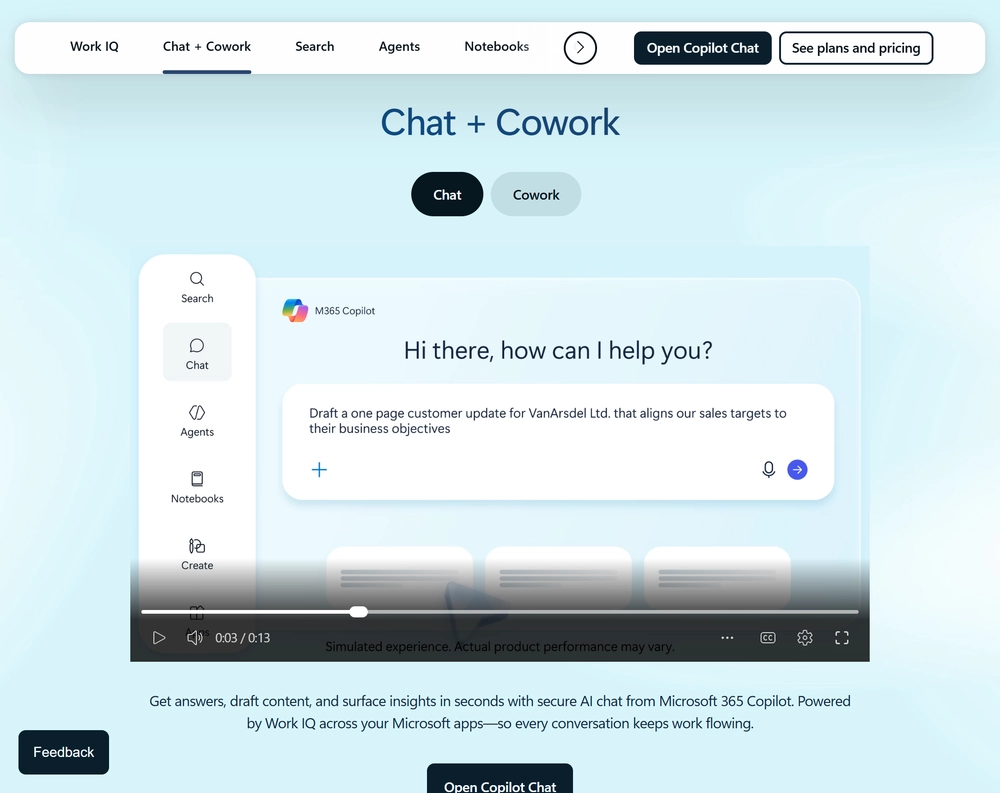
Copilot is the AI layer bolted directly onto the tools most enterprises already run their day inside — Word, Excel, PowerPoint, Outlook, and Teams. Its main advantage is context: Microsoft Graph Grounding and Copilot connectors pull in emails, chats, documents, and meetings so the assistant already knows what you’re working on.
- Pricing: The enterprise add-on is still $30/user/month — unchanged since its 2023 launch. Copilot Business is $21/user/month standard (promotional $18/user/month through December 31, 2026) for organizations under 300 users. Either add-on sits on top of a qualifying base license (Microsoft 365 E3 at $36/month or E5 at $57/month) — true all-in cost runs $66 to $87 per user per month depending on tier. Note that Microsoft’s enterprise volume discounts expired June 30, 2026, so larger deployments may see less negotiating room than in prior years.
- Features: Agentic multi-step editing is now generally available across Word, Excel, and PowerPoint as of 2026, and Work IQ — Microsoft’s intelligence layer — builds a semantic index from a user’s M365 content, connectors, and work patterns.
- Limitation: Copilot is fundamentally a personal productivity layer bounded by the Microsoft ecosystem. Independent analysis found that only about 6% of organizations that piloted Copilot moved to larger-scale deployment, and it does not index knowledge across a full enterprise or reason across tools outside Microsoft 365 — it can’t connect a sales rep’s question to a Slack thread or a ticket in a non-Microsoft system.
Why Grengin is the better fit: Copilot’s context stops at the edge of Microsoft 365. Grengin’s semantic search runs over your organization’s actual knowledge and conversation history regardless of which tools generated it, and it doesn’t require every employee to be on a $36–57/month base license just to unlock AI. For organizations with a mixed tool stack — not everyone lives in Outlook and SharePoint — that’s a real cost and coverage gap Copilot can’t close.
3. Google Gemini (Workspace)
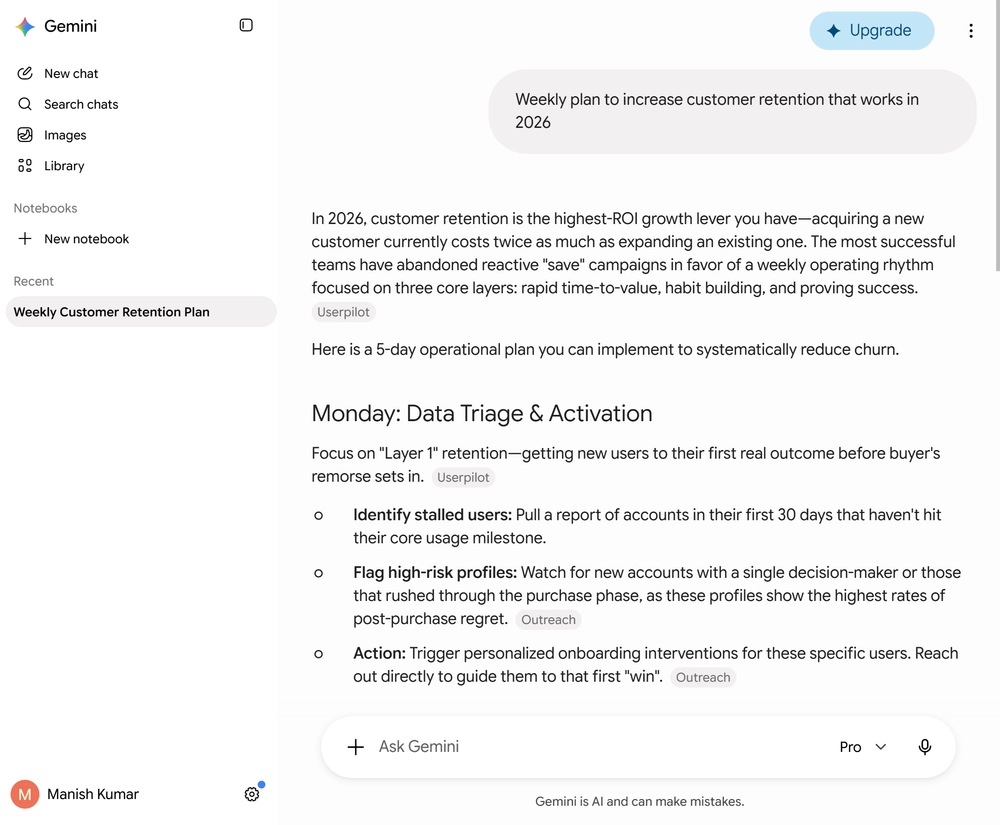
Google folded Gemini directly into Workspace rather than selling it as a separate line item. As of 2026, Gemini is included in Business Standard, Plus, and Enterprise plans, with a lighter version on Business Starter — and Google raised base Workspace prices 17 to 22 percent to absorb the cost, rather than charging per-seat on top.
- Pricing: No standalone AI surcharge. Workspace plans run roughly $7–8 (Starter), $14–17 (Standard), and $22–26 (Plus) per user per month with Gemini included; Enterprise is custom-quoted.
- Models: Business Standard and above now include Gemini 3 Pro, with Gemini 3.7 Flash (GA August 13, 2026) available via the API for lower-cost workloads at roughly $0.10–$4.00 per million tokens depending on model tier and context length. Gemini 3.5 Pro, teased at I/O in May 2026, has missed three release targets and remains unavailable as of September 2026 — worth watching if your roadmap assumed it would ship on schedule.
- Advantage: Because AI is bundled rather than metered per seat, a Google Workspace-native org avoids the “who gets the AI license” administrative overhead that comes with Copilot’s add-on model.
- Limitation: Full context grounding stays within Google Workspace apps — Docs, Sheets, Gmail, Meet, Drive. That’s the same ecosystem lock-in problem as Copilot, just on Google’s side of the fence instead of Microsoft’s, and teams needing higher usage limits still have to pay for a separate AI Expanded Access add-on.
Why Grengin is the better fit: Gemini’s bundled pricing looks attractive until you need it to reason about anything outside Workspace apps — a CRM, an internal wiki, a codebase. Grengin isn’t tied to a single vendor’s productivity suite, so the same governed chat interface can pull context from wherever your organization’s knowledge actually lives, not just from Docs and Sheets.
4. OpenWebUI
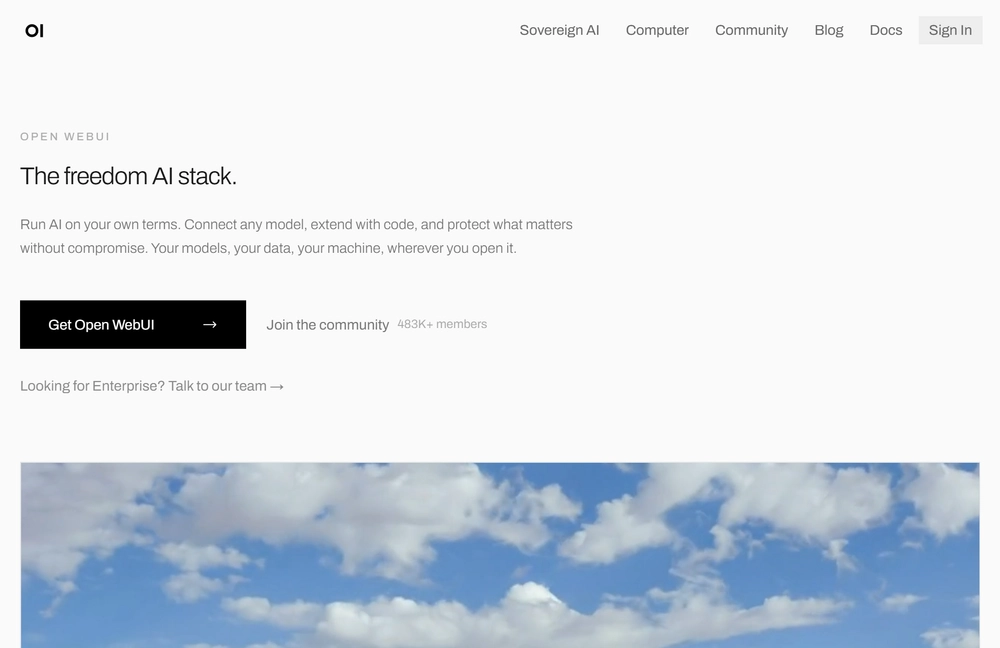
OpenWebUI is one of the most widely adopted open-source, self-hosted chat interfaces, popular with technical teams that want full control over their AI stack without paying a vendor per seat.
- Pricing: The core platform is free and open-source; costs come entirely from the infrastructure you run it on. A paid, contact-us-priced Enterprise tier now exists on top, adding SSO, RBAC, audit logs, and vendor support.
- Strength: Full data control since nothing leaves your own servers, a very active open-source community (over 140,000 GitHub stars and 290 million+ Docker pulls as of mid-2026), weekly feature releases, and support for connecting multiple LLM providers.
- Limitation: On the free tier, organizational knowledge grounding (RAG), role-based access control, department-level cost tracking, and audit logging are not built in — a team has to configure, integrate, and maintain each of these separately. The Enterprise tier closes some of that gap, but pricing is undisclosed and negotiated per deal rather than self-serve.
Why Grengin is the better fit: Grengin gives you the same self-hosted control as OpenWebUI’s free tier, but semantic search over organizational knowledge, granular RBAC, department budgets, and tamper-evident audit logs come working out of the box — without needing to negotiate a custom Enterprise contract to get them.
5. LibreChat
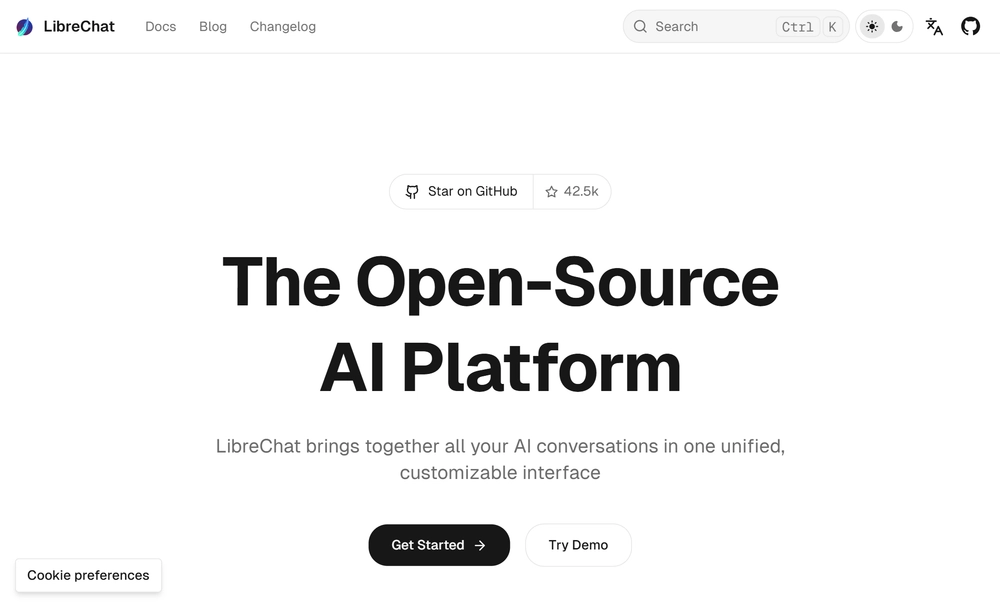
LibreChat is OpenWebUI’s closest open-source sibling — a flexible, developer-friendly, self-hosted chat interface with strong multi-provider support and an active contributor base.
- Pricing: Free and open-source, self-hosted.
- Strength: Highly customizable, plugin-friendly architecture that appeals to developer teams who want to shape the interface and integrations themselves. Recent 2026 releases (v0.8.7–v0.8.8) added a genuinely granular access-control system — permissions on agents, prompts, and MCP servers scoped to user, group, role, or instance level — plus meaningfully deeper MCP support, including OAuth-based on-behalf-of token exchange for delegated tool access. A GUI Admin Panel for managing users, groups, and roles is on the near-term roadmap.
- Limitation: Department-level budgeting and org-wide semantic search over company knowledge still aren’t built in — the new ACL system controls who can access what, but not spend or organizational RAG, so those still require custom development or third-party tooling.
Why Grengin is the better fit: LibreChat’s access-control system has closed a real gap, but Grengin still ships more of the governance stack out of the box: department-level budgets, PII detection and redaction, and built-in semantic search over organizational knowledge — the pieces LibreChat still leaves as separate projects for the deploying team.
6. Grengin
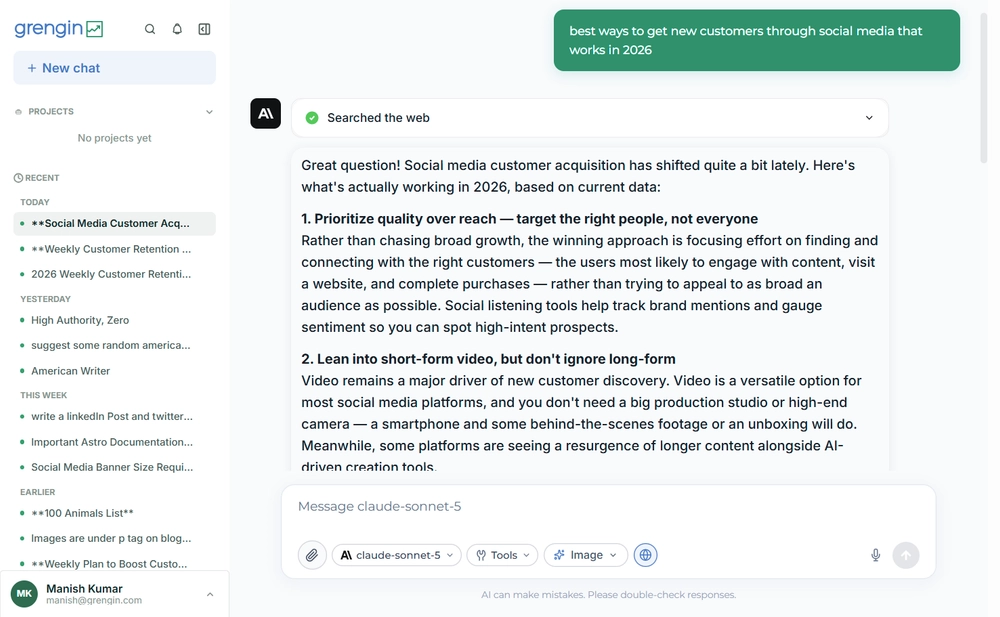
Grengin sits between the vendor-hosted platforms and the bare open-source options: the data control of self-hosting, without governance and organizational context left as a do-it-yourself project. It’s open-source (Apache 2.0) at its core, and offers three ways to run it — from fully DIY to fully managed.
- Deployment options: Grengin gives you three paths, all running the same software and schema. Build from source yourself for a fully self-managed, self-serve deployment that’s free forever — you own the infrastructure and the upgrade cycle. Deploy the AWS Marketplace image for the fastest self-hosted path: it launches in under 5 minutes with no DevOps required, runs entirely in your own AWS account (you pay only the EC2 infrastructure, metered hourly with no contract), and walks you through a one-time setup wizard for the database, domain/HTTPS, SSO, and AI provider keys. Teams that would rather not run any infrastructure at all can choose Grengin Cloud: free for up to 10 users on Starter, then $1.25 per active user per month on Pro, with no seat minimum and continuous patching handled by the Grengin team. Need a dedicated deployment instead? Enterprise starts at $500/month, billed quarterly.
- Governance: Granular RBAC with custom roles (e.g.,
analytics:view,ai-platform:manage) scoped at org or department level, SSO/OIDC with directory sync, PII detection and redaction with customizable rules, plus tamper-evident audit logs exportable for compliance. - Cost control: Department-level budgets and real-time spend reporting, so AI spend doesn’t become an invisible line item buried inside a single enterprise-wide invoice — self-hosting stays free regardless of headcount, and on Cloud Pro the only line that moves is $1.25 per active user — no separate per-seat software fee stacked on top.
- Context: Built-in semantic search (RAG) over organizational knowledge and conversation history — the layer that’s missing by default in OpenWebUI and LibreChat, and locked inside a single vendor’s ecosystem with Copilot and Gemini.
- Model flexibility: Multi-provider LLM routing across OpenAI, Anthropic, Google Gemini, Mistral, Groq, and Cerebras — swap or combine providers without changing the frontend, avoiding the vendor lock-in of Copilot, Gemini, or single-model ChatGPT deployments. You bring your own provider API keys either way, and Grengin doesn’t mark up tokens.
- Tooling: Native integrations with Jira, Confluence, and Google Drive, plus open MCP (Model Context Protocol) support with per-tool access policies for connecting additional systems — so employees get connected tools without improvising with public plugins or shadow AI workarounds. MCP coverage is still early-stage relative to native integrations, so check current tool support against your specific stack before committing.
Good fit if: you want the data control of self-hosting — whether that’s building from source yourself or a 5-minute AWS Marketplace deploy — or the hands-off simplicity of a managed cloud workspace, without rebuilding governance and organizational context from scratch.
How to Actually Choose
Don’t pick based on the demo. Test against your hardest real conversations, not your easiest FAQs. A practical evaluation checklist:
- Where does your team already work? Microsoft 365 → Copilot has the integration edge. Google Workspace → Gemini is effectively free. Neither, or a mixed stack → the field opens up, and vendor-agnostic platforms like Grengin start to matter more.
- Do you need to avoid vendor lock-in? ChatGPT Enterprise, Copilot, and Gemini each tie you to one model family. Grengin, OpenWebUI, and LibreChat let you route across providers.
- How much governance do you need out of the box? If you’re in a regulated industry, compare RBAC, audit logging, and data residency features — don’t assume “self-hosted” means “governed.” LibreChat now ships real per-resource ACLs, and OpenWebUI’s paid Enterprise tier adds SSO/RBAC/audit logs, but department budgets and PII detection are where Grengin still ships more built in by default.
- Does the platform know what your company knows? This is the gap most buyers miss. A platform that can’t ground answers in your own documents and past conversations will keep producing generic output regardless of how good the underlying model is.
- What’s the real per-seat cost at your scale? Add-on prices are rarely the full number — factor in base license requirements (Copilot, Gemini) or infrastructure and hosting costs (self-hosted or managed options).
FAQ
1. What’s the difference between a conversational AI platform for customer service and one for internal enterprise use? Customer-service platforms like Rasa or Kore.ai are built for external-facing dialogue — support tickets, IT helpdesk automation, voice IVR. Internal enterprise platforms like ChatGPT Enterprise, Copilot, Gemini, or Grengin are built for employees to draft, analyze, and search — a different buyer, budget, and requirement set entirely.
2. Is Microsoft 365 Copilot worth it if we don’t use much of the Microsoft ecosystem? Copilot’s main value comes from deep grounding in Microsoft Graph — emails, files, Teams, and calendar data. If your organization runs primarily on other tools, that grounding advantage shrinks significantly, and a model-agnostic platform may fit better.
3. Can open-source platforms like OpenWebUI or LibreChat replace ChatGPT Enterprise or Copilot? They can replace the chat interface itself, but not the governance and grounding features that come bundled with the paid enterprise tiers — those typically need to be added separately, which is the gap platforms like Grengin are built to close out of the box.
4. Does Grengin have to be self-hosted, or are there other deployment options? No — Grengin gives you three options. You can build it from source and run it entirely yourself for free, deploy the official AWS Marketplace image into your own AWS account (self-serve, live in under 5 minutes, pay only for the EC2 infrastructure), or choose Grengin Cloud — free for up to 10 users, then $1.25 per active user per month — if you’d rather not run any infrastructure. There is no Azure marketplace listing at this time — the managed and Marketplace paths are both AWS-based.
5. Is self-hosting an enterprise AI platform like Grengin harder to manage than a vendor-hosted option? Not necessarily for day-to-day operation — the AWS Marketplace image is designed to match vendor-hosted setup speed (under 5 minutes, no DevOps required) while staying fully self-serve and inside your own AWS account. Building from source gives you the most control for teams that want to manage every layer themselves. If you’d rather hand off infrastructure entirely, Grengin Cloud is the managed alternative: free up to 10 users, then $1.25 per active user per month.
Every platform on this list can hold a conversation. The question worth asking before you sign a contract is whether it can hold a conversation that actually knows your business — that’s where Grengin, flexible governed deployment, and real organizational context come in.