Both platforms will impress you in a demo. The differences only show up three months after deployment.
The appeal of self-hosted AI is straightforward. You don’t want your employees’ conversations passing through a vendor’s servers. You don’t want per-seat pricing that compounds uncomfortably as the team grows. And you’d like to use whatever model makes sense for each task — not whichever one a SaaS platform has decided to support this quarter.
OpenWebUI and LibreChat are the two most serious answers to that problem right now. Both are open-source, both run in Docker, both give you a web interface that your team can use without needing to touch a terminal. If you’ve been researching self-hosted AI for your team, you’ve almost certainly run into both of them.
This comparison is for the people who are past the GitHub star count and into the actual decision. Which one do you deploy? What are you getting and giving up with each? And where do both of them stop being the right answer?
What each platform actually is
Before getting into the comparison, it’s worth being precise about what each project is optimizing for — because they have meaningfully different origins and that shapes everything downstream.
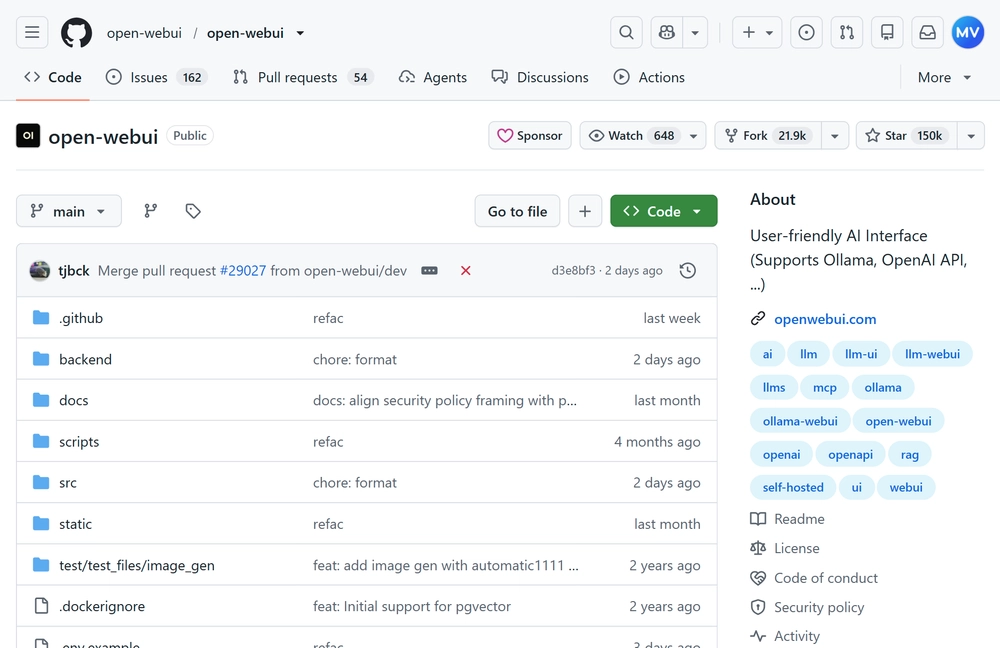
OpenWebUI started as a front-end for Ollama, the tool that lets you run large language models locally on your own hardware. Its original name was literally “Ollama WebUI.” It’s evolved significantly since then — it now supports OpenAI-compatible APIs and a range of cloud providers — but its DNA is local-first. The interface is polished, the Ollama integration is deep, and it shows.
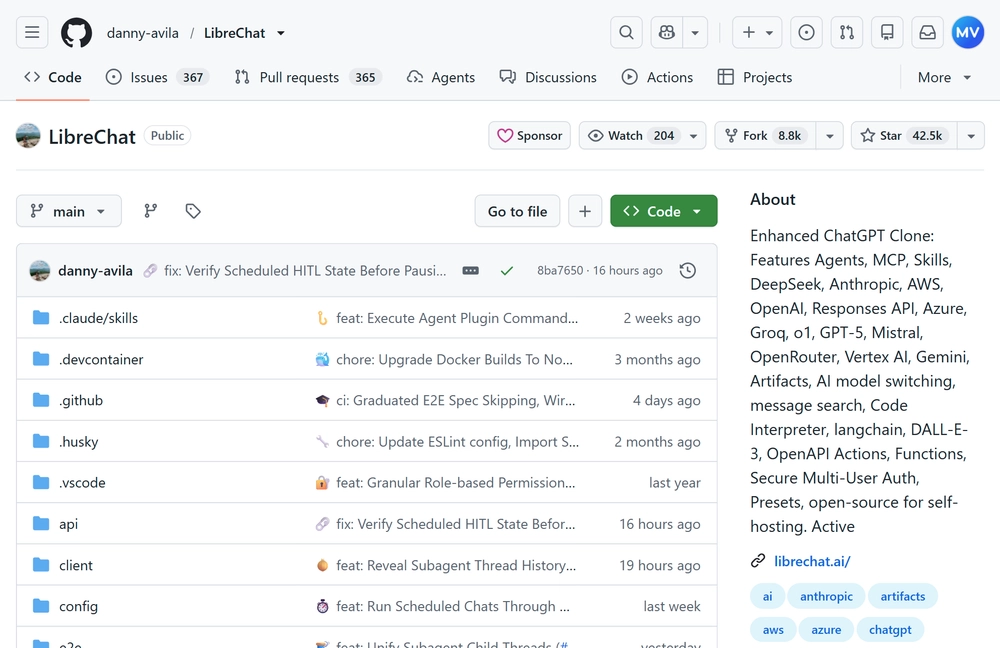
LibreChat started from a different premise: give people a ChatGPT-like experience that works across every major AI provider under one roof. It treats model providers as interchangeable — OpenAI, Anthropic, Google Gemini, Azure OpenAI, Mistral, and local models all coexist in the same interface. The priority was breadth of provider support first, local model experience second.
Neither framing is better. They’re just different, and which one is right depends on what your team actually needs.
Setup and first impressions
Both platforms run on Docker and both have reasonable documentation. That said, the out-of-the-box experience is different enough to mention.
OpenWebUI gets you running faster if your use case is straightforward. Pull the image, point it at an Ollama instance or your OpenAI API key, and you have something your team can use in under an hour. The admin panel is clean. Adding users, managing conversations, and configuring models feels intuitive — not like configuring infrastructure, which is what most of these tools feel like at first.
LibreChat requires more upfront configuration. The docker-compose.yml file for a full LibreChat deployment is longer and has more moving parts — a MongoDB instance, a Meilisearch instance for search, and the app itself at minimum. That’s not a dealbreaker for a team with DevOps support, but it’s a real difference in the first-day experience. LibreChat’s configuration is done mostly through environment variables and a librechat.yaml file, which is flexible but requires you to know what you’re setting up before you set it up.
If you gave both platforms to a generalist developer and told them to get something running by end of day, OpenWebUI wins on time to first working deployment. LibreChat wins once you need to configure multi-provider setups or advanced authentication.
Worth noting: Grengin also deploys with a single docker compose up and adds SSO, role-based access controls, and a full audit trail into that same first deployment — so if your evaluation includes enterprise requirements from day one, you’re not doing extra configuration work later to get there.
Interface and day-to-day usability
Both platforms look like ChatGPT. That’s intentional and not a criticism — ChatGPT has a good interface, and there’s no reason to reinvent it when the goal is team adoption.
OpenWebUI’s interface is particularly refined. The conversation management, the model selector, the settings panel — everything is where you expect it to be and responds the way you’d want. Image generation, document upload, and web search (with the right extensions) all work without feeling bolted on. For non-technical users who are already familiar with ChatGPT, OpenWebUI is the easier landing.
LibreChat’s interface is functional but slightly more utilitarian in places. The multi-provider setup means there’s more to configure visually — which model are you using, which endpoint, which preset. For technically fluent users who appreciate that control, it’s a feature. For a customer support team that just wants to paste a ticket and get a draft response, the extra choices can feel like friction.
One area where LibreChat pulls ahead: the ability to fork conversations. You can branch a conversation mid-thread and take it in a different direction without losing the original — a feature that’s genuinely useful for teams doing research, document comparison, or exploratory analysis. OpenWebUI doesn’t have this.
Model support: where the real difference lives
This is where the platforms diverge most meaningfully, and where your team’s actual setup should drive the decision.
None of these products ships models. They sit in front of provider APIs, so the current lineup is the same one you’d get from OpenAI, Anthropic, Google, Mistral, or a local runner — as long as the platform has wired that provider in. As of late August 2026, that lineup looks like this:
| Provider | Latest models |
|---|---|
| OpenAI | GPT-5.6 Sol (flagship), GPT-5.6 Terra (balanced), GPT-5.6 Luna (cost-efficient) |
| Anthropic | Claude Fable 5, Claude Opus 5, Claude Sonnet 5, Claude Haiku 4.5 |
| Google Gemini | Gemini 3.7 Flash, Gemini 3.6 Flash, Gemini 3.5 Flash, Gemini 3.1 Pro (preview) |
| Mistral | Mistral Large 3, Mistral Medium 3.5, Mistral Small 4, Codestral |
| Local (Ollama) | Qwen, Gemma, Llama, gpt-oss, Muse Glimmer, and other open-weight models |
How each platform exposes that list is the actual difference.
OpenWebUI treats Ollama as a first-class source: Qwen, Gemma, gpt-oss, and the rest of the local catalog show up as soon as you pull them. Cloud models come through Connections — OpenAI’s GPT-5.6 Sol / Terra / Luna family, Anthropic’s Claude Opus 5 / Sonnet 5 / Haiku 4.5, and any OpenAI-compatible endpoint (Azure, Groq, Mistral, OpenRouter, DeepSeek). Gemini and the rest of the cloud catalog work, but you add them as connections rather than native endpoints.
LibreChat ships first-class endpoints for the major cloud providers, and its defaults already include the current generation: GPT-5.6 Sol, Terra, and Luna; Claude Fable 5, Opus 5, and Sonnet 5; Gemini 3.7 Flash, 3.6 Flash, and 3.5 Flash. Azure OpenAI, AWS Bedrock, Mistral, Groq, OpenRouter, and Ollama sit alongside those. If your use case is switching between GPT-5.6 Sol and Claude Opus 5 on the same prompt, this is the architecture that was built for it.
If you’re running local models on your own hardware — Ollama, llama.cpp, or similar — OpenWebUI is still the better fit. The integration is native, model management is built into the UI, and pulling new models is as simple as typing the name into an interface rather than editing config files. For teams with a capable on-premise server and a reason to keep data entirely off the internet, this is a significant advantage.
If you’re using cloud API providers — OpenAI, Anthropic Claude, Google Gemini, or a mix — LibreChat handles multi-provider setups more gracefully. You can configure different models for different use cases, let team members switch between providers in a single conversation, and set different API keys for different teams or departments. The whole system was designed around this kind of flexibility.
Both platforms support a mixture of local and cloud models. OpenWebUI has added solid cloud provider support. LibreChat has added Ollama support. But the experience still reflects the original priorities of each project, and those priorities matter when you’re configuring for 40 people rather than yourself.
Grengin supports the same range of providers — OpenAI, Anthropic, Gemini, Mistral, Groq, Cerebras, Azure OpenAI, and local models via Ollama — and adds a layer neither of the other platforms has: per-department model restrictions. In Grengin’s AI Engines page you whitelist exactly which models your organization can use; then in each department’s Budget settings you restrict that further. The engineering team can have access to Claude Opus 5 and GPT-5.6 Sol; the support team sees only GPT-5.6 Luna; finance sees nothing but your private Azure deployment. That’s a settings change, not a redeployment or a custom plugin.
Enterprise features: where both platforms get honest
Here’s the section most reviews skip, because it requires saying something unflattering about projects people clearly like.
Neither OpenWebUI nor LibreChat was designed with enterprise IT requirements as the primary constraint. For most use cases, this doesn’t matter. For teams that need to satisfy a security or compliance checklist before IT approves deployment, it matters a lot.
SSO
OpenWebUI supports OAuth and LDAP for authentication. LibreChat supports OAuth through external providers. What neither platform provides out of the box: the ability to configure which specific email domains can sign in through each provider, a toggle for whether first-time logins automatically create accounts, or a UI for enabling/disabling providers without touching config files. If your organization uses Azure AD or Google Workspace and wants to gate access to specific domains while letting IT control the switch, you’re adding that on top of a base that wasn’t built for it.
Grengin’s SSO page — under Control Hub → Settings — manages Azure and Google providers through a table. You can enable or disable a provider with a single toggle. Allowed domains are configured as a list (add a domain, press Enter). Self-provisioning — whether a first login creates an account automatically — is a checkbox. No YAML, no environment variable restarts, no code. IT admins can update credentials, and Grengin validates them against the identity provider before saving so you don’t deploy a broken config.
Audit logs
Both platforms keep conversation history. Neither provides the kind of structured, exportable, per-user audit log that a compliance team needs — the type where you can show exactly who asked what, when, what the model returned, and whether anything was shared outside the organization. You can build something close to this with additional tooling, but it’s not built in.
Grengin’s audit log (Control Hub → Monitor → Audit Logs) records every action across the organization: who performed it, what they did, which resource was affected, the IP address, and the timestamp. Every row is expandable — click it to see the full event in a readable property-by-property view or as raw JSON. The log is filterable by user ID, action type, and date range. When you’ve narrowed it to what you need, you export it as CSV or JSON with a button click. That’s the format a compliance team or external auditor can actually work with, and it ships in the base deployment.
Role-based access control
Admin and user roles exist in both platforms. Fine-grained RBAC — where the legal team can access certain knowledge sources but not others, or where managers can see team usage without seeing individual conversations — requires custom configuration that goes beyond what either platform provides out of the box.
Grengin ships with seven predefined system roles that cover the standard organizational split:
| Role | What they can do |
|---|---|
| Super Admin | Full platform access across all domains |
| IT Admin | AI engines, connectors (MCP), SSO, system maintenance — no HR or budget access |
| Finance Admin | Budgets and analytics — no user management or platform config |
| HR Admin | Users, departments, role assignments — no budgets or platform config |
| Department Admin | Their department’s members, budgets, and connector delegation |
| Observer | Read-only visibility into users, departments, and analytics |
| User | Standard chat access — no Control Hub visibility at all |
Each of these maps to a real separation of concerns. Your IT team can manage AI infrastructure without being able to see or modify org structure. Finance sees spend without seeing conversations. HR manages who has access without being able to change model configuration. These aren’t arcane settings — they reflect how organizations actually divide responsibility.
Beyond system roles, you can create unlimited custom roles by selecting from a granular permission catalog. Each permission has a scope: global (applies across the whole organization) or department (can be restricted to specific departments per user). Assign someone as HR Admin globally and they manage everyone; assign the same role scoped to the Engineering department and they only manage engineers. The scoping is per-user-per-role, not per-role.
Budget controls
Neither OpenWebUI nor LibreChat has a concept of spend limits per team. If a department’s AI usage starts running up a significant API bill, you find out from your cloud invoice.
Grengin’s Organization area includes a Budget tab per department. You set a spend limit, a reset period (daily, weekly, monthly, quarterly, or yearly), and an action when the limit is exceeded — warn the team or block further requests until the period resets. The budget view shows current usage, percentage consumed, and how spend distributes across child departments. Finance Admins can see and adjust these without touching anything else in the platform.
Connector (MCP) access governance
This one doesn’t appear in either OpenWebUI or LibreChat at all. Grengin’s Connectors area (Control Hub → Manage → Connectors) lets you register MCP servers — external tools like Atlassian, GitHub, Slack, or internal databases — and then govern exactly who can use each one. Access rules target roles, departments, or individual users, with Full, Read-only, or Denied permissions. You can set rules at the server level, then override them for individual tools within that server. An intern in the support department can be denied access to the production database connector while having read-only access to the company’s Confluence MCP, and full access to the shared Slack connector — all from one page.
At a glance
| Capability | OpenWebUI | LibreChat | Grengin |
|---|---|---|---|
| Local model support (Ollama) | Native | Good | Good |
| Multi-cloud provider support | Good | Native | Native |
| SSO (Azure/Google) | OAuth/LDAP | OAuth | Azure + Google, UI-managed |
| Per-domain SSO control | No | No | Yes |
| Self-provisioning toggle | No | No | Yes |
| Structured audit log | No | No | Yes — filterable, exportable |
| Role-based access (granular) | Basic | Basic | 7 system roles + custom |
| Department-scoped permissions | No | No | Yes |
| Per-department model restrictions | No | No | Yes |
| Per-department spend limits | No | No | Yes (with warn/block) |
| MCP connector access governance | No | No | Per-role, per-dept, per-user |
| Usage analytics (cost/tokens/latency) | Basic | Basic | Per-user, per-dept breakdowns |
Maintenance: the cost nobody talks about in the README
Open-source software is free to use. It is not free to run.
Both OpenWebUI and LibreChat release updates regularly. Security patches need to be applied. Breaking changes in dependencies occasionally require manual intervention. New model providers need to be configured when they come out. And when something breaks — a model stops responding, authentication stops working, a Docker image has a conflict — the person who deployed it is the person who fixes it.
For a team with a dedicated DevOps engineer, this is background noise. It’s half a day every month, maybe more when there’s a significant release. For a team where the AI platform was deployed by the one person who knew what Docker was, it becomes a source of anxiety and eventual neglect. Platforms that aren’t actively maintained accumulate risk quietly until something breaks at the worst possible time.
This isn’t an argument against either platform. It’s an argument for being honest about the real cost of running them when you’re building the business case internally. The license is free. The server costs a few dollars a month. The maintenance is measured in engineering time, and engineering time is expensive.
Grengin is structured to reduce that ongoing overhead — updates are handled without breaking your existing configuration, and the deployment model (AWS Marketplace or self-hosted) means you’re not rebuilding your setup every time there’s a major release. For teams where the person who deployed the AI platform has ten other things to maintain, that difference compounds quickly over a year.
Who should use OpenWebUI
OpenWebUI is the right answer for teams that are running local models — either because data residency requirements make cloud APIs a non-starter, or because the economics of running inference locally make sense at your scale. It’s also the right answer if your team is primarily technical and the person managing the platform genuinely enjoys keeping it up to date. The interface is good enough that non-technical users adopt it well, as long as someone capable is handling the infrastructure behind it.
It’s particularly well-suited to research teams, security-sensitive environments with on-premise GPU servers, and development teams that want to experiment with different open-weight models quickly.
Who should use LibreChat
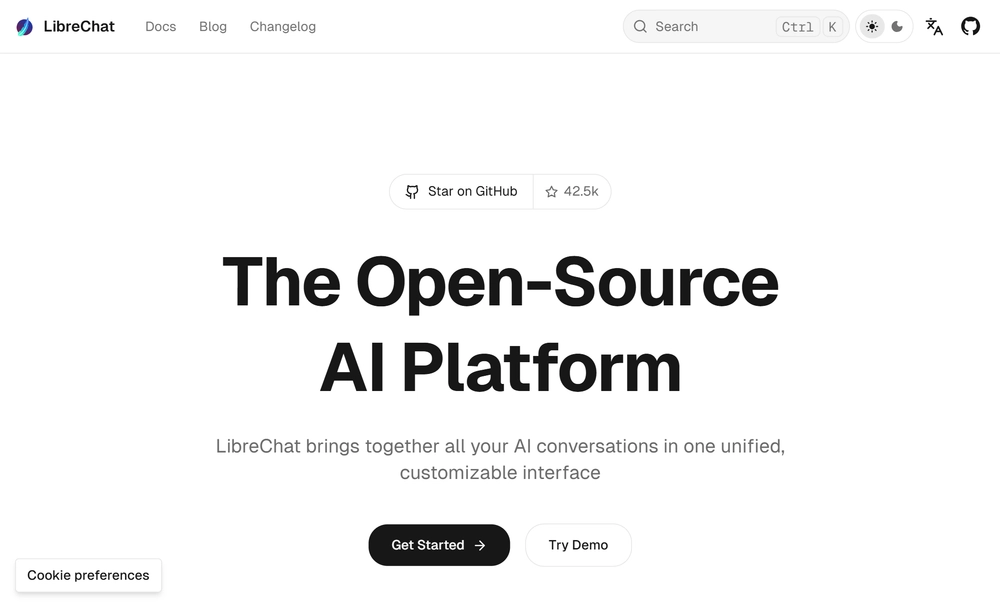
LibreChat is the right answer for teams that want to use multiple cloud AI providers under one roof and care about being able to switch between them without friction. If your use case involves comparing GPT-5.6 Sol output with Claude Opus 5 output on the same prompt, or routing different tasks to different models based on cost and capability, LibreChat’s architecture handles that more naturally.
It’s also a better fit for teams that need the conversation forking feature or that have strong opinions about managing complex prompt presets and workflows. The configuration overhead is real, but so is the flexibility on the other side of it.
Where both platforms stop being the right answer
The use case where neither OpenWebUI nor LibreChat is the obvious choice is when the team deploying it isn’t primarily technical, when the organization has compliance requirements that need to be met without custom configuration, or when the person who set it up is also responsible for a dozen other things and can’t guarantee it stays maintained properly.
In those situations, the self-hosted philosophy is still the right call — keeping data in your own environment matters, and per-seat SaaS pricing at scale is a real cost. What changes is whether the right tool for that philosophy is one you build and maintain yourself or one that comes with the enterprise requirements already handled.
Grengin sits in that second category — self-hosted, infrastructure-first, no vendor touching your data — but with SSO, audit logs, RBAC, department budgets, model governance, and MCP connector access controls shipping in the box rather than living on a configuration backlog. If your evaluation includes a compliance checklist from IT, it’s worth running the comparison directly rather than assuming you’ll bolt the enterprise layer onto OpenWebUI or LibreChat later.
That’s the actual fork in the road, and it’s worth making that decision deliberately rather than defaulting to whichever project has the most GitHub stars.
Grengin: the same principle, without the overhead
Grengin is built around the same conviction that makes OpenWebUI and LibreChat compelling — your infrastructure, your data, no external party in the loop. The difference is that it ships with the enterprise layer already in place: SSO with domain controls, structured audit logs with CSV/JSON export, seven purpose-built roles for the standard organizational split, department-level model restrictions and spend limits, and MCP connector governance down to the individual tool.
There are three ways to run it. Self-host from source for free — clone the repo, docker compose up, full product with no feature gates. Deploy via AWS Marketplace for free. Or Azure Marketplace, launching soon.
Same software, all three ways. You decide how involved we are — the default is not at all.
If you’re working through a self-hosted AI evaluation and want to see how Grengin answers the questions OpenWebUI and LibreChat leave open, view it on GitHub or launch it on AWS.